EasyManua.ls Logo

BraunAbility Entervan II - User Manual

BraunAbility Entervan II
65 pages
Print Icon
To Next Page IconTo Next Page
Loading...
Read manual
before operation.
Failure to do so
may result in
serious bodily
injury and/or
property damage.
Keep manual in
Entervan.
W
A
RNING
Owner's
Manual
ENTER
ENTER
TM
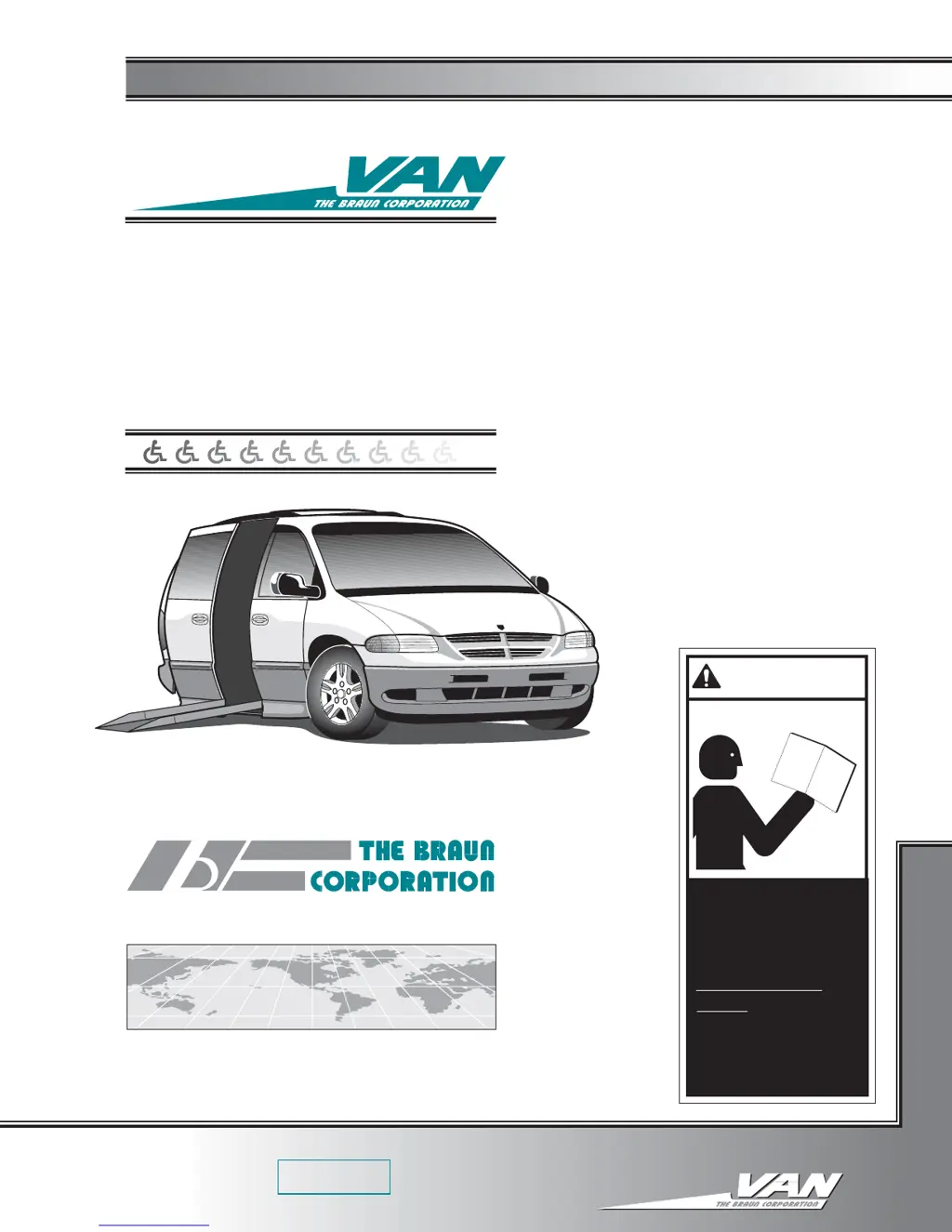
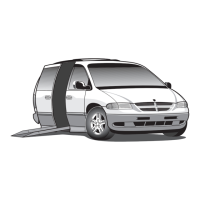
1996 and newer Chrysler Entervan II
®
®
Braun Series 03 and later
Note to Dealer:
Provide this manual
to the consumer
See inside cover for
warranty/registration
information
"Providing Access to the World"
International Corporate Hdqrs: P.O. Box 310 Winamac, IN 46996 USA
1-800-THE LIFT (219) 946-6153 FAX: (219) 946-4670
®
5230096-03
September 1996
August 1998
Revision
Braun
Series 03 and later 1996 and newer Chrysler
Entervan II
Braun
Series 03 and later 1996 and newer Chrysler
Entervan II
®
®
Owner's/Service Manual for
Series 03 and later
Fully-Automatic
1996 and newer Chrysler
Entervan
®
II
ENTER
TM

Table of Contents

Questions and Answers

  • P
    Patricia HowardJul 30, 2025
    How to troubleshoot no power to BraunAbility Entervan II Automobile Accessories Entervan systems?
    • W
      William HawkinsJul 30, 2025
      If your BraunAbility Entervan Automobile Accessories system has no power due to a circuit problem, begin by checking the ground connection and clean and tighten it if it’s poor. Next, inspect the battery terminals for dirt and clean and tighten them if necessary. If the battery is defective, replace it. If the battery is discharged, charge it. Check the 12-volt source for loose terminals or broken wires/cables. Lastly, if the circuit breaker is faulty, repair or replace it.
  • B
    bnicholsAug 14, 2025
    What to do if BraunAbility Entervan II Automobile Accessories have no LOWER operation?
    • B
      Benjamin PhelpsAug 15, 2025
      If your BraunAbility Automobile Accessories system experiences no LOWER operation, start by checking the Park Interlock harness for disconnections or defects; connect, repair, or replace as necessary. Ensure the KNEEL switch is in the YES position and the Kneel Actuator MANUAL/AUTO switch is in the AUTO position. Address any issues with the kneel actuator brake. Activate the OPEN control for at least two continuous seconds. If these steps don't resolve the issue, consider replacing the faulty fuse, checking the actuator harness, replacing the actuator, or addressing any issues with the roller chain.

Summary

Entervan II Features and Options

Electromechanical Power Kneeling

Details on the power kneeling suspension system with its features and controls.

Wheelchair Securement Systems

Overview of floor tracks and belt systems for securing wheelchairs and occupants.

Safety Precautions

Safety Symbols and Warnings

Explanation of safety symbols and general warnings for safe vehicle operation.

Pre-Operation Notes and Details

Control Switches

Explanation of color coding, functions, and operation of various control switches.

Kneeling Feature

Details on the electromechanical kneeling system, its operation, and overrides.

System Operation Procedures

Power Operating Instructions

Step-by-step instructions for operating the kneel, door, and ramp systems electrically.

Vehicle Components and Maintenance

Wheelchair and Occupant Restraint

Guidelines for safely securing wheelchairs and occupants using belt/track systems.

Troubleshooting and Technical Information

Troubleshooting Diagnosis Chart

A guide to identify and resolve common operational problems and symptoms.

BraunAbility Entervan II Specifications

General IconGeneral
BrandBraunAbility
ModelEntervan II
CategoryAutomobile Accessories
LanguageEnglish

Related product manuals