4
CHARGING YOUR BRAVEN
• Before using your BRAVEN speaker for the first
time, charge it until the Power/Sync Light turns off,
indicating a full charge (typically 2 to 4 hours).
• To charge your BRAVEN, plug the included USB-
to-Micro-USB cable into a wall power adapter
(not included) or into a powered USB port on a
computer. Plug the Micro-USB connector end of the
cable into the BRAVEN charging port.
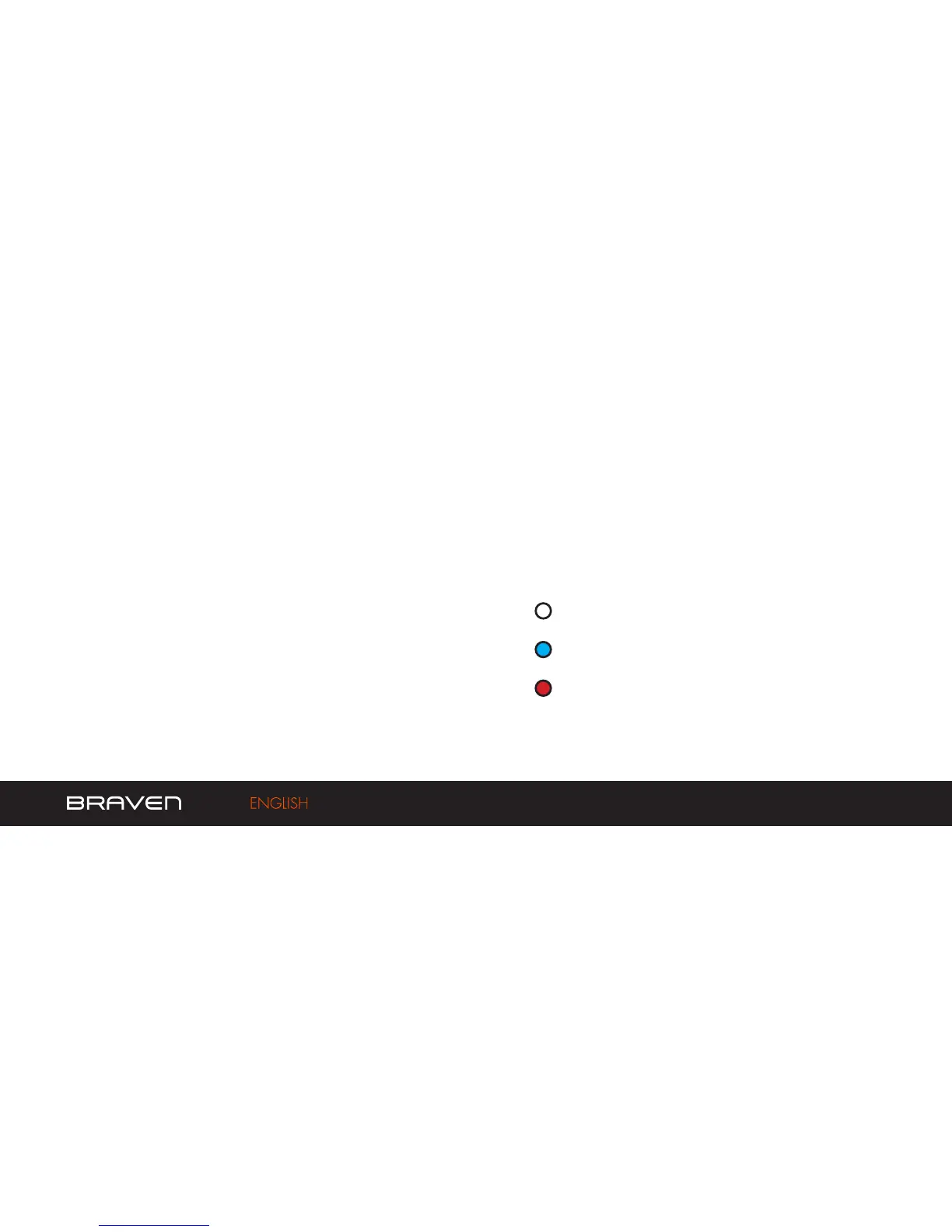
CHARGE INDICATOR LIGHTS:
White light = 50 - 100% charge
Blue light = 10 - 50%
Red light = 0 - 10%
To check your BRAVEN’s battery charge level
press the Battery Check Button located on the
left side of your speaker. The Battery Indicator
Light will illuminate indicating the current battery
charge level.


 To Next Page