GETTING STARTED
3
6881036b50a.fm Page 3 Friday, October 20, 2000 8:21 AM
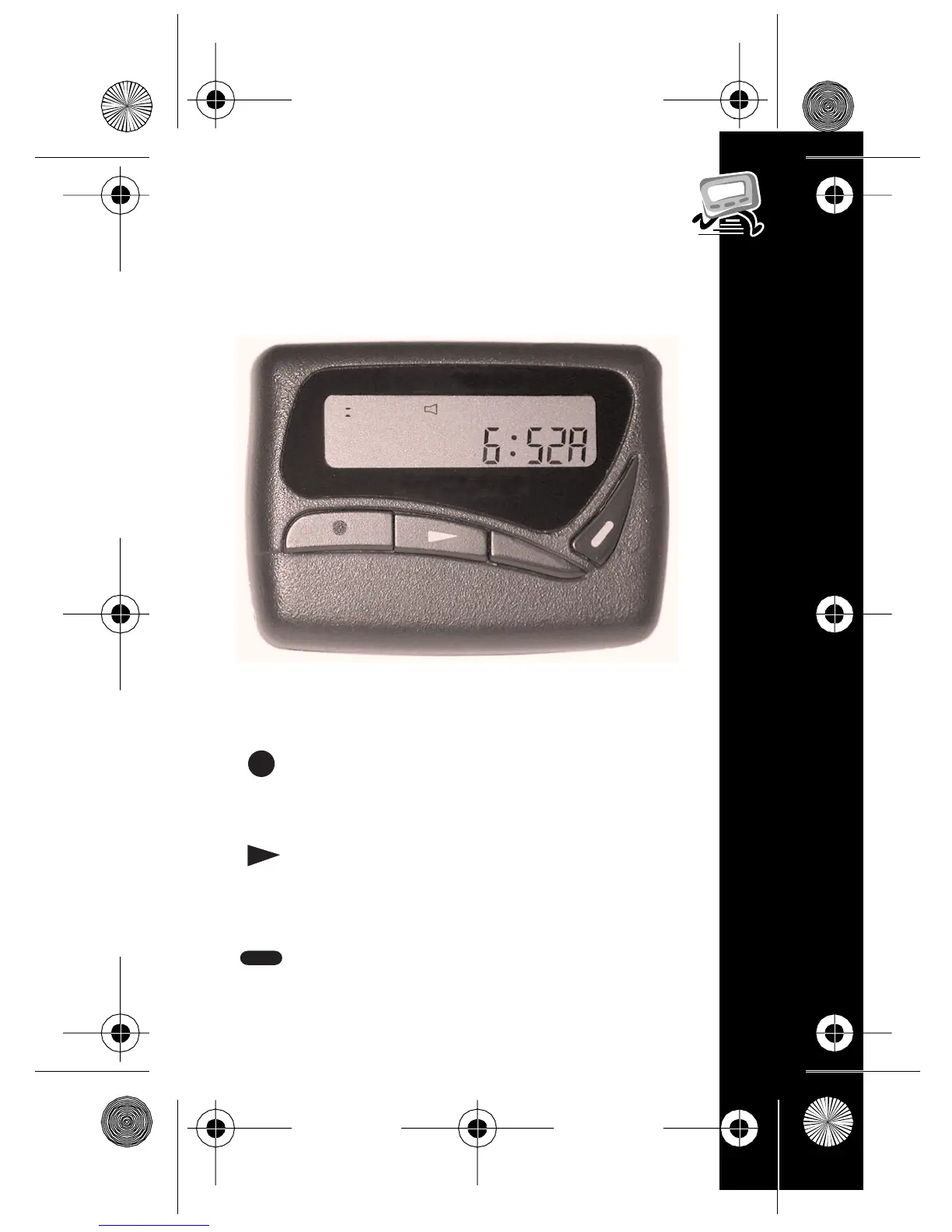
Function: Press to move between
features and change values.
Select/Backlight: Press to select
features and turn on/off the
backlight.
Read/Escape: Press to read
messages or return to the Status
screen.
#
$
(
*
Control Buttons (Bravo 500)


 To Next Page