GETTING STARTED
5
Turning Your Pager On
Ensure that a fresh battery is
properly installed as listed in
“Installing/Replacing the Battery” on
page 2.
Press and hold for 3 to 4 seconds to
turn your pager on. The Status screen
displays.
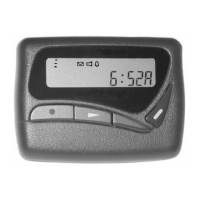
When the pager is on and no activity is
taking place, the Status screen displays.
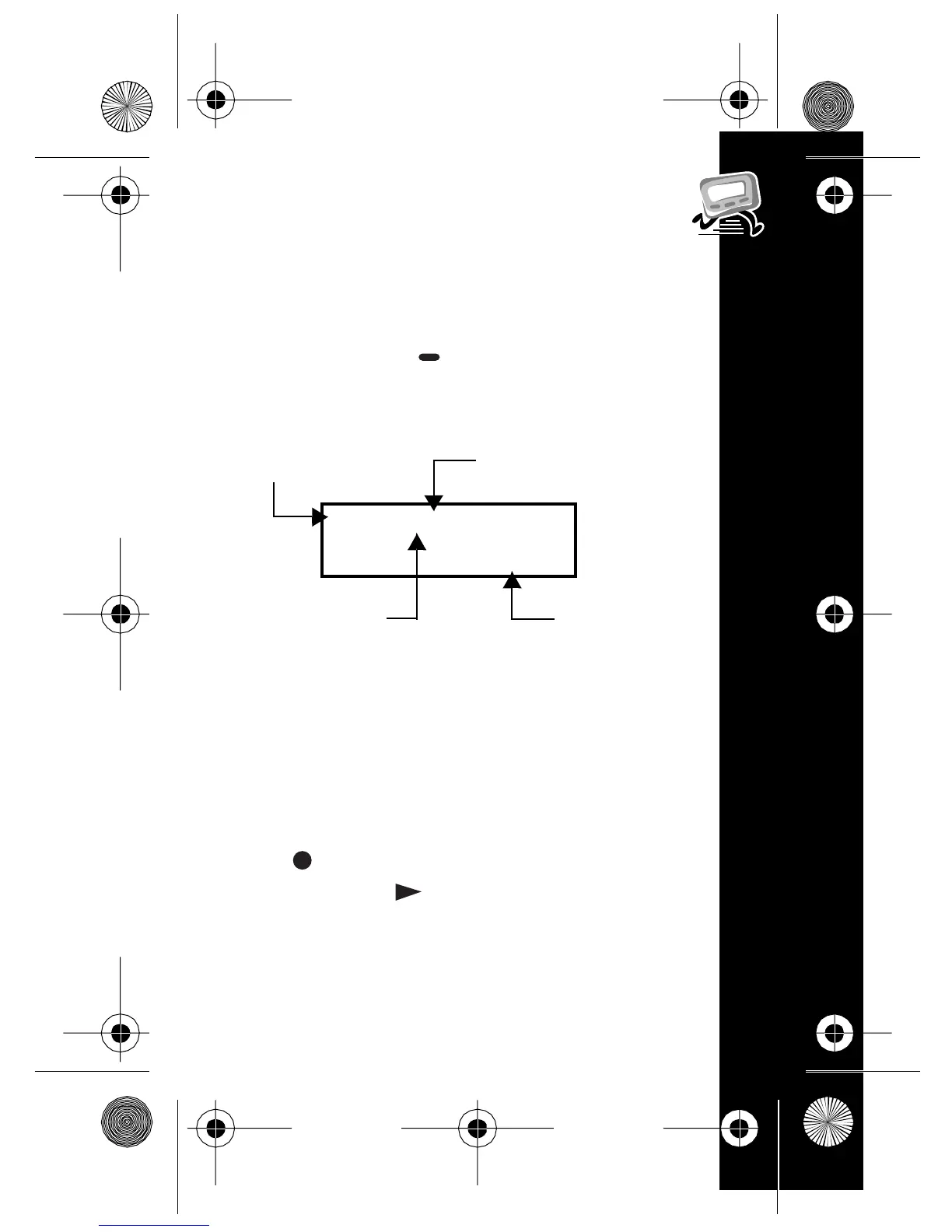
The Status screendisplays the power-on
indicator and may also display other
pager status indicators.
Turning Your Pager Off
Press until PAgEr OFF displays,
and then press .
* \ #
4:29p
Battery Gauge
Time Display
Alarm Indicator
Alert Indicator
6881036b50a.fm Page 5 Friday, October 20, 2000 8:21 AM


 To Next Page