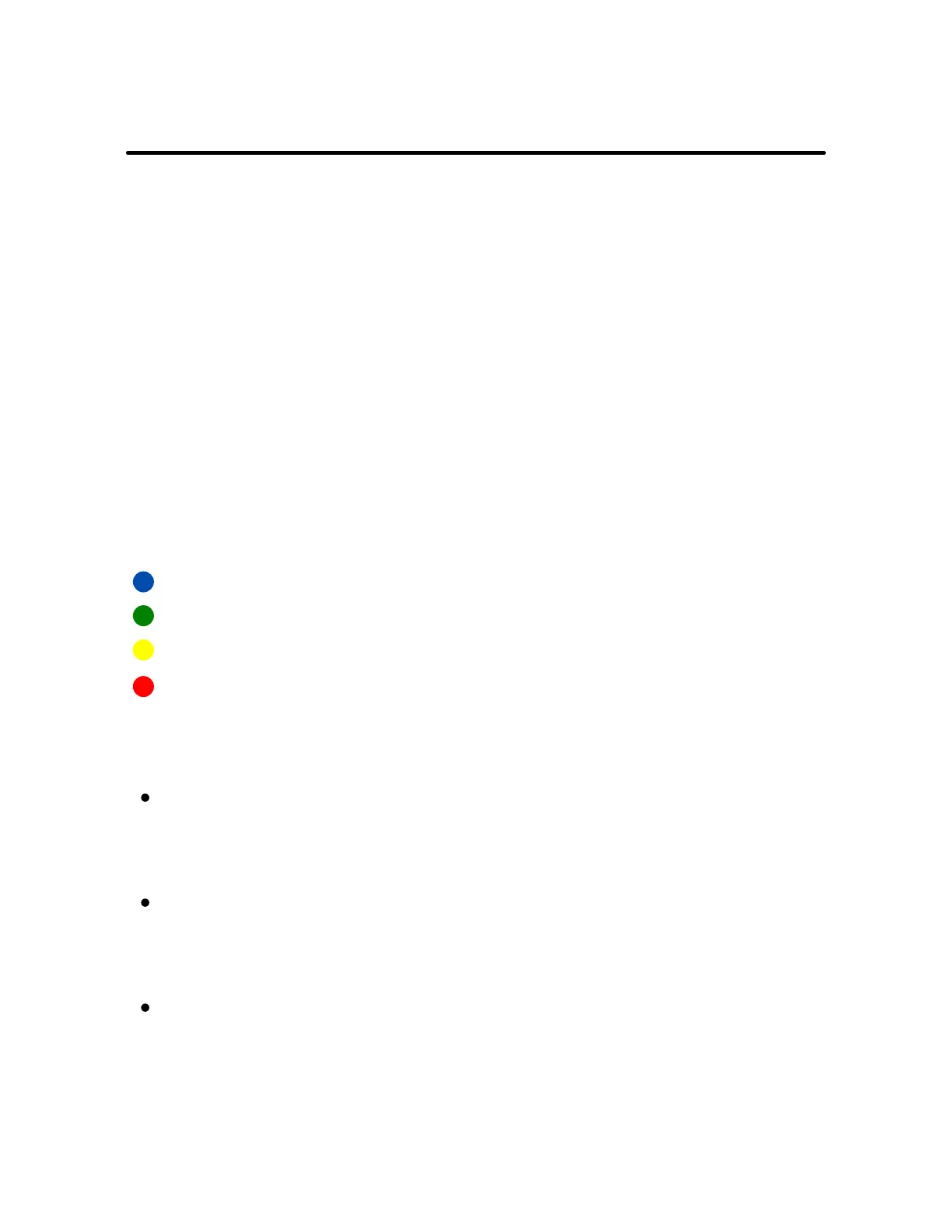
Press the button once to see the current level of
stimulation. To change the intensity level, hold down the
black button, and release it at the color that indicates the
desired level of stimulation.
All four colors provide the beep and vibrate as immediate
feedback when the pull's force exceeds the allowable
amount.
When feedback occurs, the light flashes green regardless
of the intensity level.
Blue indicates the TENS stimulation has been disabled.
Green is the lowest TENS stimulation level.
Yellow is the medium TENS stimulation.
Red is the highest TENS stimulation.
The green LED shows that the battery is fully charged. It
will change to red to indicate that it needs to be
charged. Flashing red indicates a dead battery.
To charge BravoWalk , take the included USB cable and
plug one end into your computer or power adapter and
the other end into BravoWalk.
When not in use, the BravoWalk battery can last up to 6
months. When using regularly you should recharge
about once a week.
BravoWalk Battery
4
OPERATING MODES



 To Next Page