2
Available documents
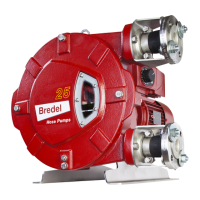
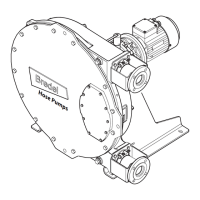
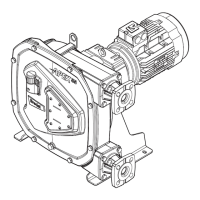
For the models APEX28 and APEX35, the following documents are available on disc
and website:
• User manual in multiple languages
• Quick reference instructions for the replacement of the pump hose
System requirements
How to use the disc
1 Put the disc in the disc drive.
The disc will start automatically.
2 Select the required language.
The PDF reader program shows the selected user manual.
How to use the website
1 Go to the website www.wmftg.com.
2 Select ‘Bredel’, ‘Manual’ and then the required language.
3 Open or save the user manual.
The PDF reader program shows the selected user manual.
How to use the QR code
1 Scan the QR code with your smartphone or tablet.
The app forwards you to the webpage that contains the required language.
2 Open or save the user manual.
The PDF reader program shows the selected user manual.
The replacement instructions are only for users that are familiar with the
replacement procedures in the user manual.
Source Hardware Software
Disc PC with CD drive - internet browser
- PDF reader
Website PC or tablet - internet browser
- PDF reader
QR code Smartphone or tablet with
camera
- internet browser
- PDF reader
- App that can scan QR codes


 To Next Page