EasyManua.ls Logo

Breezair TBQ - User Manual

Breezair TBQ
20 pages
Print Icon
To Next Page IconTo Next Page
Loading...
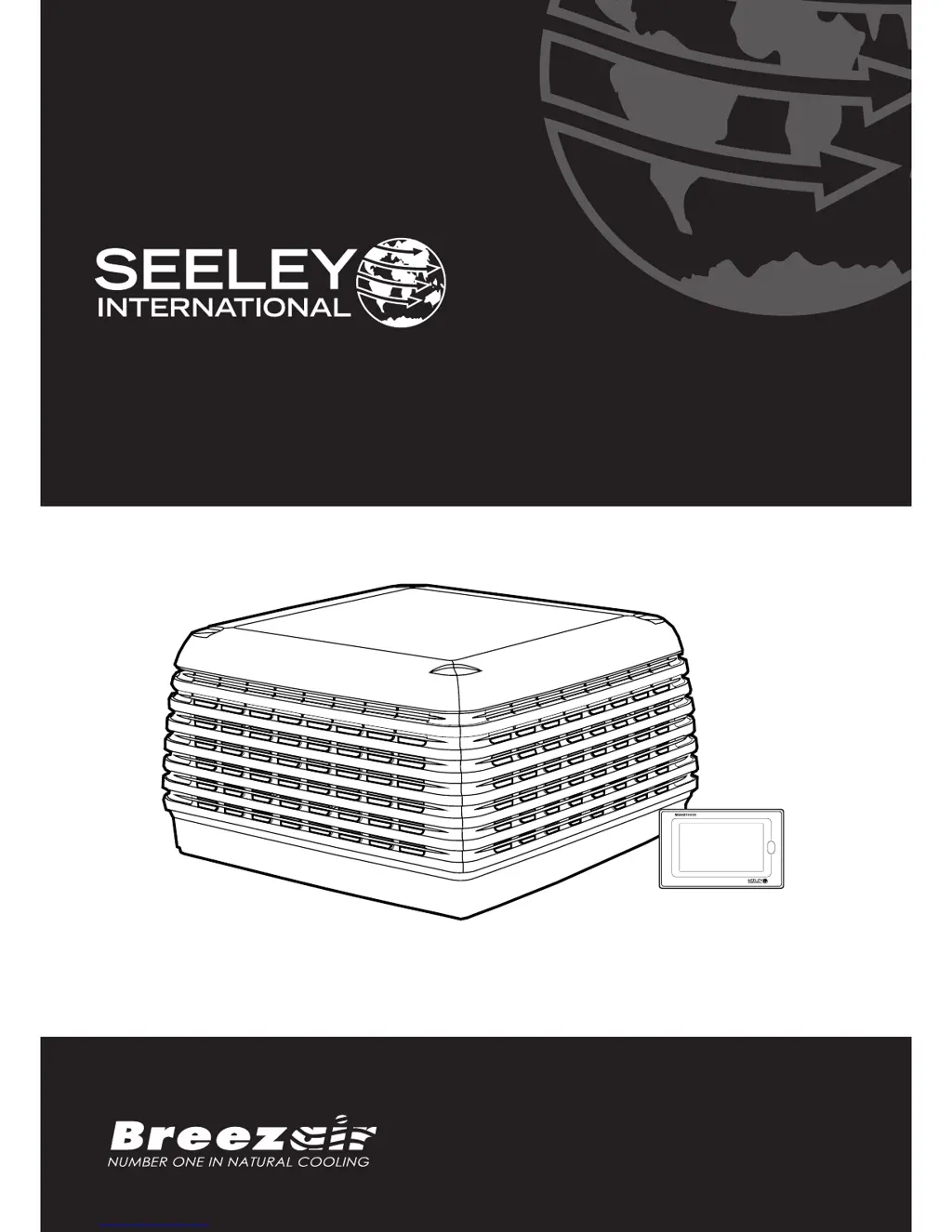
INSTALLATION MANUAL
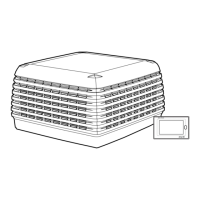
TBQ / TBS Evaporative Cooler
Original English Instructions

Questions and Answers

Summary

Safety Guidelines

General Safety Instructions

Essential safety instructions, responsibilities, and critical warnings for cooler installation.

Risk Assessment and Site Safety

Procedures for hazard identification, site checks, equipment, and environmental safety.

Cooler Location

Removing the Venturi

Removing the Transition

Preparing the Dropper

Mounting the Dropper

Securing the Dropper & Transition

Weather Damper

Conveying the Cooler to the Roof

Mounting the Cooler

Cable Installation

Electrical Requirements

Water Requirements

Water Management

Installing the Drain Valve

Procedure for assembling and fitting the drain valve to the cooler tank.

Installing the Water Sensor

Steps for attaching the water sensor to the tank and routing its cable.

Installing the Bleed Funnel Alternative

Guide for fitting the bleed funnel as an alternative to the drain valve.

Installing the Inlet Solenoid

Installing the Float Valve

Mains Water Connection

Installing the Venturi; Fan Assembly

Electrical Connection

Electrical Connection (Continued)

Connecting the Water Pump

MagIQtouch Controller Connection

MagIQtouch Controller Display Info

Setting the Water Level

Setup for Bleed Funnel

Fault Codes on Electronics Module

Commissioning the Cooler

Test Operation

Verifies power connection and checks the green light on the electronics module.

Refitting the Pad Frames

Instructions for correctly re-installing the cooler pad frames.

Testing the Pump

Checks pump operation and water distribution to pads via the MagIQtouch Controller.

Testing the Drain Valve (Where Fitted)

Guide to testing the drain valve functionality using controller settings.

Commissioning Completion Checklist

Final Test

Customer Handover

Clean-Up

Final Check

Adjusting Cooler Settings

Pre-Wet Function

Describes the initial pump run before fan activation in COOL mode.

Salinity Level Setting

Sets the salinity level for draining the tank in SALINITY MEASUREMENT mode.

Tank Drain Delay

Configures the time delay before the drain valve opens after pump stops.

Autostart Function

Enables automatic cooler restart after a power outage.

Drain and Dry Function

Sets daily cooler drain and fan run for pad drying.

Water Manager Settings

Options for managing water quality and drain cycles.

Weather Seal Open Speed

Sets initial fan speed for weather seal opening upon startup.

Troubleshooting

Inadequate Cooling Issues

Diagnosing and resolving problems related to insufficient cooling performance.

Noisy Cooler Causes

Identifying and addressing the causes of noise from the cooler unit.

Pump Operation Problems

Troubleshooting why the pump fails to operate or circulate water.

Fan Start Issues

Diagnosing why the fan fails to start or has motor issues.

Water Circulation Problems

Resolving issues where the pump runs but no water circulates.

Water Overflow Issues

Addressing causes of continuous water overflow from the cooler.

Water Entering Cooler Outlet

Troubleshooting water entering the cooler outlet unexpectedly.

Unpleasant Odour Causes

Identifying and resolving sources of unpleasant odors from the cooler.

Breezair TBQ Specifications

General IconGeneral
BrandBreezair
ModelTBQ
CategoryAir Conditioner
LanguageEnglish

Related product manuals