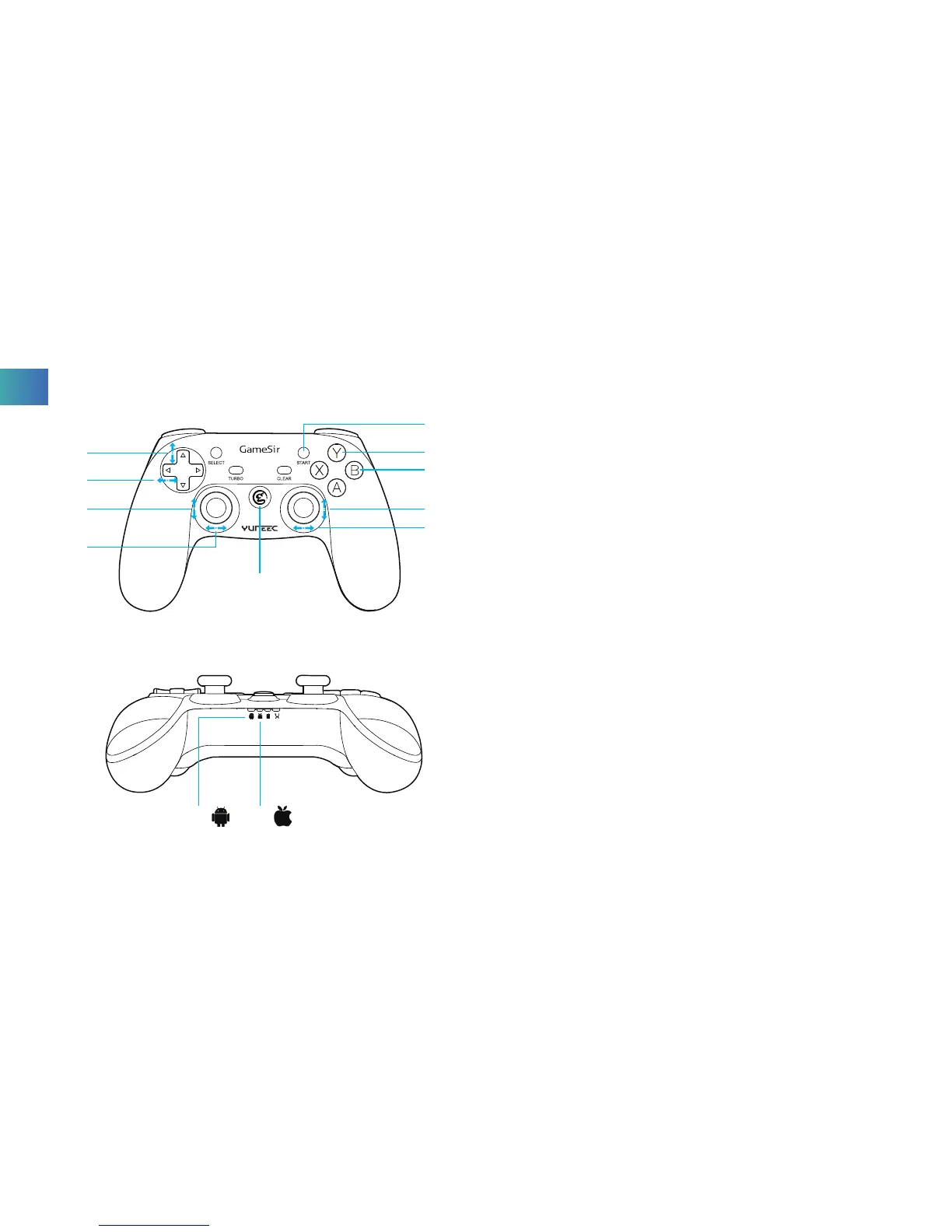
06 Gimbal Tilt Trim
07 Drone Yaw Trim
08 Altitude/Throttle Control
09 Yaw/Rudder Control
10 Power Button
11 Roll/Aileron Control
12 Pitch/Elevator Control
13 B: Parameters Hidden
14 Y: GO HOME
15 Start Button:
Press the Start Button for 3 seconds to take off
Press the Start Button to land/cancel landing during flight
16 Android Mode indicator light
17 Apple Mode indicator light
06
11
12
13
14
15
07
08
09
10
16 17
EN



 To Next Page