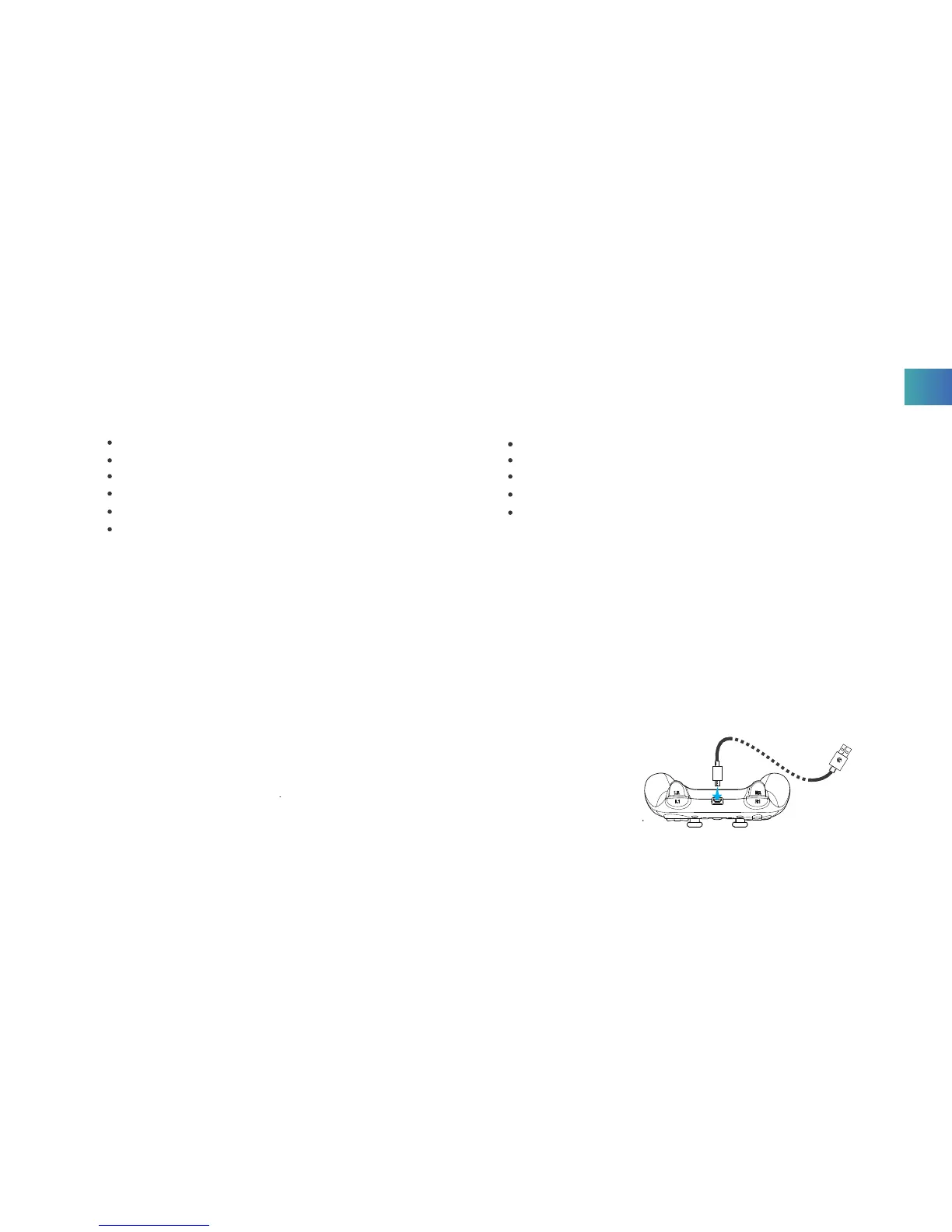
1. CHARGING THE BATTERY
1. Charge under connection state
After connecting the charging cable, Power button and ABXY lights flash once/2 seconds, and the lights keep on when
fully charged.
2. Charge under sleeping state
After connecting the charging cable, the Game Controller turns on and enters current mode, no signal receiving after 1
minute, mode lights turn off. Power button and ABXY lights start flashing, and the lights keep on when fully charged.
3. Low Battery Indication
Power button and ABXY lights flash once/second.
NOTICE: The Game Controller enters sleep state after 1-minute disconnection.
NOTICE: The Game Controller enters sleep state after 5-minute no action.
GameSir
GameSir
USB
SPECIFICATIONS
PREPARATIONS
Working Platforms: iOS/Android
Working Temperatures: -20~65
Working Humidity: 20~80%
Connection Types: Bluetooth
Charging Voltage: 3.7~5.2V
Charging Time: 2-3H
Charging Current: 1A-2A
Working Distance: Approx.7M
Battery Capacity: 600mA
Product Size: 160 x 104 x59mm
Net Weight: 189g
EN



 To Next Page