EasyManua.ls Logo

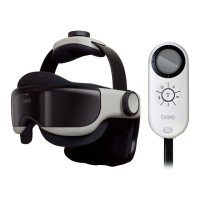
Breo iDream1260 - User Manual

Breo iDream1260
10 pages
Print Icon
To Next Page IconTo Next Page
Loading...
USER
MANUAL
iDream1260
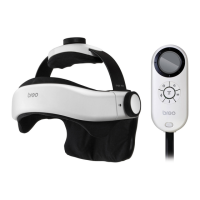
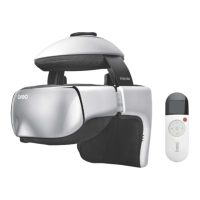
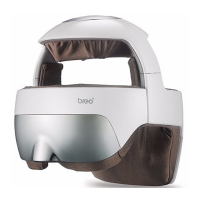
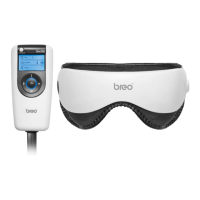
EYE & HEAD MASSAGER
OBM Distribution / Breo-USA
5678 East Concours Avenue
Ontario, California 91764
http://www.breo-usa.com
info@breo-usa.com

Questions and Answers

  • M
    Melinda PadillaJul 29, 2025
    What to do if my Breo Massager does not turn on?
    • M
      Mike SchmidtJul 29, 2025
      If your Breo Massager fails to power on, start by inspecting the cable for any signs of damage. If the cable seems fine, the issue might be with the batteries. Ensure they are not depleted and replace them if necessary. Also, verify that the batteries are correctly installed, paying close attention to the positive and negative pole alignment, and that they fit snugly. Finally, if you're using an AC adapter, double-check its connection to the power socket to ensure it's properly connected.

Summary

Introduction

Inside the Package

Lists the main unit, controller, AC adapter, batteries, manual, and earphones included.

Function Deployment

Main Unit Components

Details the parts of the main massager unit, including adjustment knobs and visor.

Controller Functions

Explains the buttons, LCD screen, and ports on the device controller.

Preparation

Power Options

Guides on preparing the device using batteries or the AC adapter for power.

Wearing the Device

Instructions on adjusting the massager for a comfortable and safe fit.

Operation

Precautions

Troubleshooting & Technical Parameters

Technical Parameters

Lists specifications like temperature, humidity, dimensions, and power requirements.

Breo iDream1260 Specifications

General IconGeneral
BrandBreo
ModeliDream1260
CategoryMassager
LanguageEnglish

Related product manuals