Troubleshooting &
Technical Parameters
When operational problems occur, please refer to the chart below.
Do not disassemble the machine or try to repair it by yourself.
Technical Parameters
Problem
Possible Reason
Possible Solution
Power-ON failure
Cable is broken / in bad
condition
Check the condition of the cable
Batteries are low / out
Change batteries
Batteries are not installed
correctly
Check if positive/negative poles of batteries
are positioned right
Make sure the batteries are snug in place
AC adapter is not connected
properly
Check the connection of the AC adapter to
the power socket .
Weak heat or air
pressure
Batteries are low / out Change batteries
Make sure the batteries are installed
correctly and snug in place
9
Ideal environment
Temperature: 5°C-40°C
Relative Humidity:≤80%
Atmospheric Pressure: 860hpa~1060hpa
Dimension
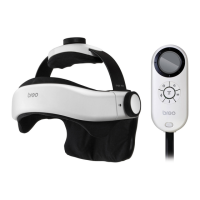
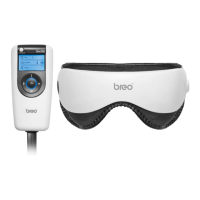
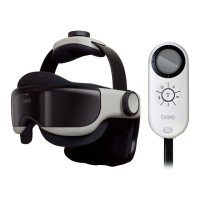
Main Unit:232mm × 278mm × 243mm
Controller:141 mm × 68mm × 44mm
Net Weight: 880g
Power: 6W, DC 6V


 To Previous Page