EasyManua.ls Logo

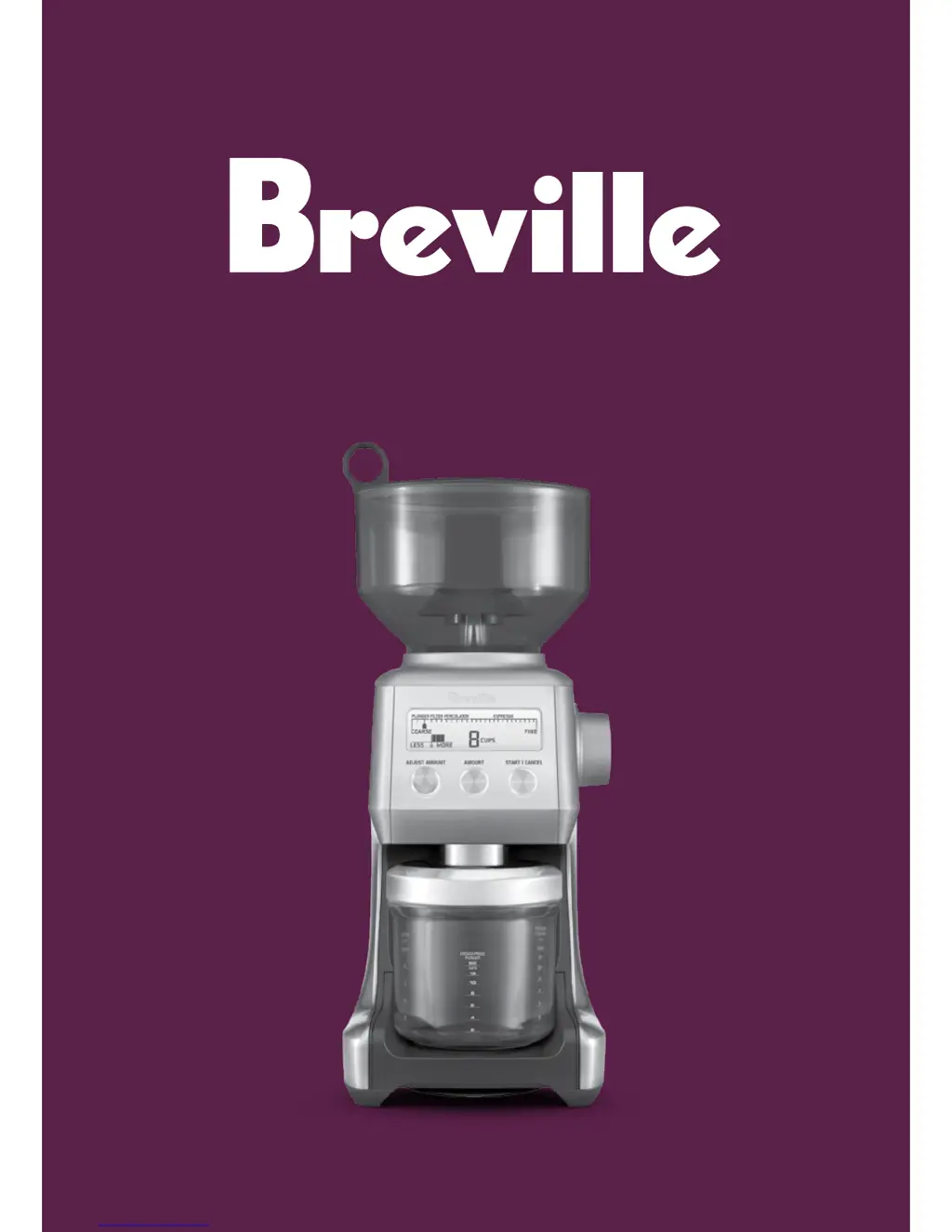
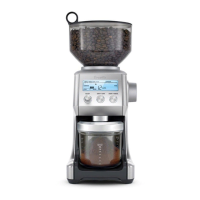
Breville Smart Grinder BCG800 - User Manual

Breville Smart Grinder BCG800
24 pages
Print Icon
To Next Page IconTo Next Page
Loading...
BCG800
the Smart Grinder™
Instruction Booklet

Questions and Answers

  • M
    michelletapiaJul 26, 2025
    Why my Breville Smart Grinder BCG800 Coffee Grinder does not start?
    • P
      pfryJul 26, 2025
      If your Breville Coffee Grinder doesn't start when you press the START/CANCEL button, try these steps: First, make sure the power cord is properly plugged into a working power outlet. If it's plugged in, unplug it and let the grinder cool down for 20 minutes before trying again. Finally, ensure that the bean hopper is correctly locked into its position.
  • H
    Hayden OdonnellAug 1, 2025
    What to do if Breville Smart Grinder BCG800 Coffee Grinder motor starts but no ground coffee comes out?
    • J
      Jennifer WellsAug 1, 2025
      If your Breville Coffee Grinder motor is running but no ground coffee is coming out, try the following: First, ensure you have activated the grinder by pressing the START/CANCEL button or the PORTAFILTER SWITCH. Next, check if the bean hopper is filled with fresh coffee beans. If it is, remove the bean hopper and inspect it and the grind heads for any blockages. Clear any obstructions, replace the parts, and try again.
  • C
    Cynthia MayAug 8, 2025
    How to fix a loud noise in Breville Smart Grinder BCG800 Coffee Grinder?
    • S
      Scott WoodsAug 8, 2025
      If your Breville Coffee Grinder motor starts but operates with a loud racket noise, you can try the following: First, remove the bean hopper and inspect the burrs for any foreign objects and remove them. Then, clean the burr heads and chute. Allow the burrs to dry thoroughly before re-assembling. You can also use a hair dryer to blow air into the grinder inlet to help with drying.
  • K
    Kaitlyn BarnettAug 13, 2025
    How to adjust coffee grind amount on Breville Coffee Grinder?
    • D
      dennis65Aug 13, 2025
      If you are getting not enough or too much coffee grind from your Breville Coffee Grinder, it may be that the grind amount requires adjustment. Press the AMOUNT button to change the grind amount. You can also use the ADJUST AMOUNT dial to fine-tune the amount, selecting ‘More or Less’ as needed.
  • K
    Kathryn IngramAug 19, 2025
    Why I am unable to lock bean hopper into position of Breville Coffee Grinder?
    • S
      Sandra ShawSep 12, 2025
      If you are unable to lock the bean hopper into position on your Breville Coffee Grinder, it may be due to coffee beans obstructing the locking device. Remove the bean hopper and clear any coffee beans from the top of the burrs. Then, try re-locking the bean hopper into position.

Summary

Breville Safety First

Important Safeguards

Key safety instructions and precautions for using the appliance.

Electrical Appliance Safety

General safety guidelines for all electrical appliances, including power cords and maintenance.

Breville Assist Plug

Details about the unique Breville Assist™ Plug for safe removal and dedicated circuit use.

Know Your Breville Smart Grinder

Grinder Components Overview

Identifies and describes the main components of the Breville Smart Grinder through diagrams and labels.

Accessories and Additional Features

Lists and describes included accessories and features not visually depicted.

Assembling Your Breville Smart Grinder

Preparation Before First Use

Instructions for initial cleaning and preparation before the first use of the grinder.

Bean Hopper Assembly and Locking

Step-by-step guide on how to correctly attach, lock, and remove the bean hopper.

Operating Your Breville Smart Grinder

Selecting Grind Size and Amount

How to select the desired grind size and the amount of coffee grounds needed for brewing.

Grinding for Coffee Types and Espresso

Guidance on grind settings for different coffee types and espresso filters, plus a coffee chart.

Grinding Methods and Container Options

Instructions for using auto/manual modes and grinding into portafilters, containers, or drip filter baskets.

Customising Amount and Energy Saving

Adjusting grind quantity using the dial and understanding the energy saving/sleep mode.

Breville Smart Grinder Care and Cleaning

General Cleaning Procedures

Steps for cleaning the grinder's exterior, bean hopper, lid, and grind container.

Detailed Conical Burr Cleaning

Guide on how to unlock, remove, clean, and reassemble the conical burrs for optimal performance.

Breville Smart Grinder Hints and Tips

Coffee Grinding Best Practices

Tips for achieving the best flavour and aroma, including bean storage and grinding just before brewing.

Breville Smart Grinder Troubleshooting

Common Grinder Operational Issues

Solutions for common problems like the grinder not starting, motor noise, or bean hopper not locking.

Grind Amount and Portafilter Troubleshooting

Tips for incorrect grind amounts, portafilter overfilling, and using the emergency stop.

Breville Smart Grinder BCG800 Specifications

General IconGeneral
ModelBCG800
CategoryCoffee Grinder
Grind Settings60
Dosing IQYes
MaterialStainless Steel
Burr TypeConical
Power165 watts
Voltage110-120V
TypeBurr
Bean Hopper Capacity450g
ColorStainless Steel

Related product manuals