EasyManua.ls Logo

Brewmatic DIPLOMAT II - User Manual

Brewmatic DIPLOMAT II
20 pages
Print Icon
To Next Page IconTo Next Page
Loading...
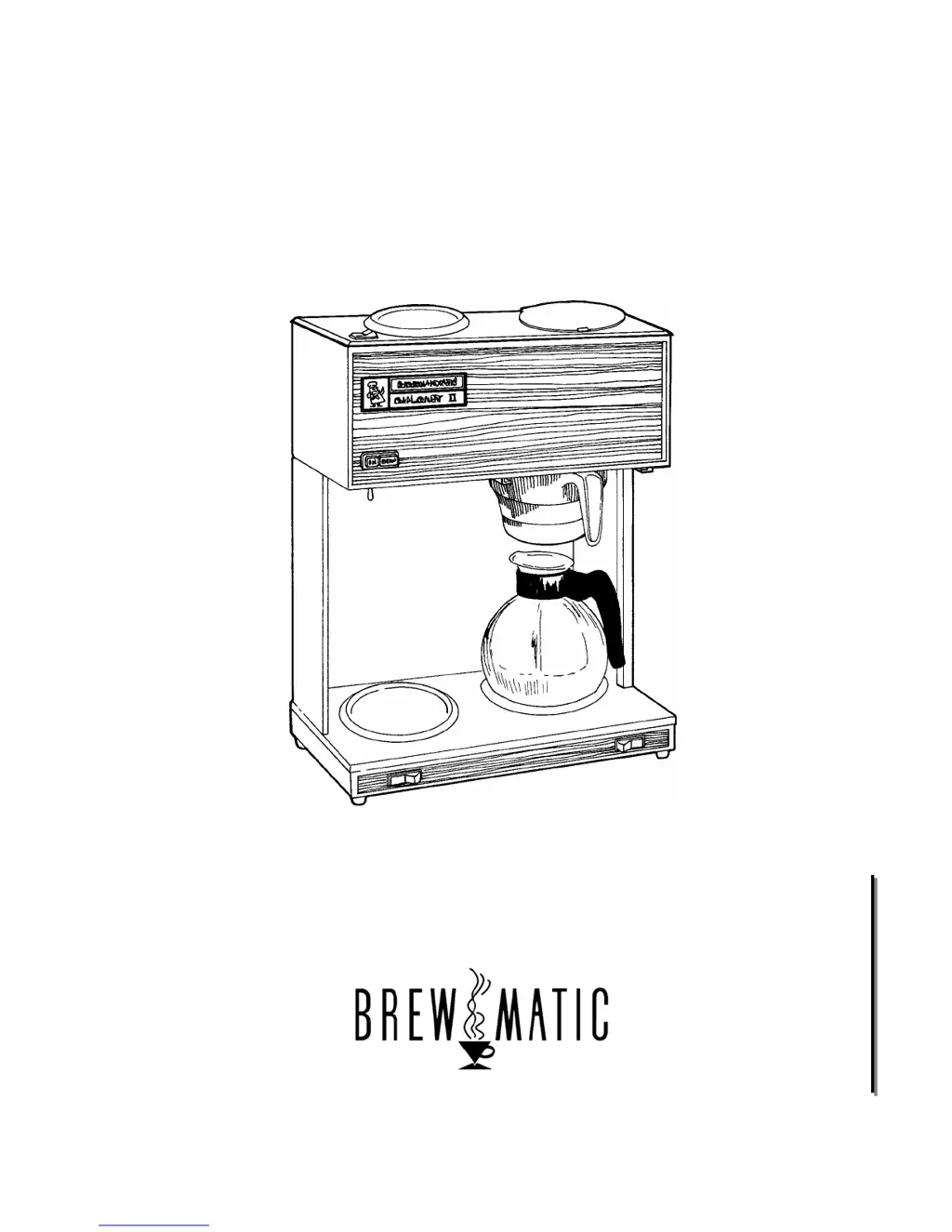
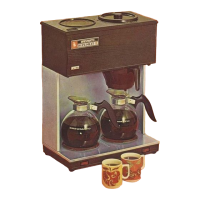
DIPLOMAT II
Pour-Over Coffee Brewer
Model Numbers
1030581 & 1030583
20333 S. Normandie Ave., Torrance, CA 90502
800-421-6860 310-787-5444 Fax 310-787-5412
E-mail: brew@brewmaticusa.com
FM CS120 A 5-03-04
P
P
a
a
r
r
t
t
s
s
A
A
n
n
d
d
S
S
e
e
r
r
v
v
i
i
c
c
e
e

Questions and Answers

  • B
    Brandon WilliamsAug 19, 2025
    What to do if my Brewmatic DIPLOMAT II will not operate?
    • W
      williammcdonaldAug 19, 2025
      If your Brewmatic Coffee Maker won't operate, and the lights and warmers aren't working, ensure the power cord is connected to a working wall receptacle and the power switch is on. Check the building's main circuit breaker. You may need to reset or replace the hi-limit thermostat. Test and replace the power switch or power cord if necessary. Also, inspect the internal wiring for any loose, damaged, or overheating wires or terminals, and repair or replace as needed.
  • A
    Alexander GarzaAug 21, 2025
    Why does my Brewmatic DIPLOMAT II Coffee Maker trip the circuit breaker?
    • K
      Kevin HallAug 21, 2025
      Your Brewmatic Coffee Maker might be tripping the circuit breaker because too many appliances are connected to one electrical circuit, or the circuit's amperage rating is too low. Try using a correctly rated circuit, or have an electrician install one. The coffee brewer may need its own dedicated circuit. Inspect the internal wiring for issues and the immersion element for damage, repairing or replacing parts as necessary.
  • A
    ashleyrussellAug 25, 2025
    What to do if my Brewmatic DIPLOMAT II Coffee Maker takes too long to heat?
    • J
      Jennifer SmithAug 25, 2025
      If your Brewmatic Coffee Maker is taking much longer than normal to heat, even though the lights and warmers work, you should test the thermostat and replace it if needed. Ensure the voltage supply matches the requirement on the electrical nameplate. Also, test the immersion element and check the internal wiring for any loose, damaged, or overheating wires, repairing or replacing as necessary.
  • L
    lruizAug 26, 2025
    How to fix inconsistent beverage levels in my Brewmatic DIPLOMAT II Coffee Maker?
    • H
      Heather JonesAug 26, 2025
      To fix inconsistent beverage levels in your Brewmatic Coffee Maker, start by inspecting and cleaning the spray head, siphon tube, and reservoir down-tube. Ensure the pour-through lid is closed when not in use, and that the top cover and element gaskets are correctly placed and in good condition. You may also need to adjust or replace the thermostat.
  • B
    Bailey BaileyAug 28, 2025
    Why does my Brewmatic DIPLOMAT II Coffee Maker keep activating the hi-limit thermostats?
    • K
      Kevin FosterAug 28, 2025
      The primary or secondary hi-limit thermostats in your Brewmatic Coffee Maker might be activating because the machine was left on for a long time without being used. Refill the tank with water and wait for the machine to reach operating temperature. It's recommended to turn the machine off when not in use. Test and replace the hi-limit thermostat or the thermostat if necessary. Inspect the wiring on the hi-limit thermostat for any issues, repairing or replacing as needed.
  • A
    Angela JohnsonAug 30, 2025
    What to do if my Brewmatic DIPLOMAT II Coffee Maker is not brewing coffee?
    • C
      cynthiavelazquezAug 30, 2025
      If your Brewmatic Coffee Maker is heating up but not brewing coffee, make sure you're adding water to initiate the brew cycle, about 60 oz. for each cycle. Also, inspect and clean the spray head, siphon tube, and reservoir down-tube.
  • K
    Karen BakerSep 1, 2025
    How to adjust brewing temperature on Brewmatic Coffee Maker?
    • S
      Stephen KirbySep 1, 2025
      If the brewing temperature of your Brewmatic Coffee Maker is too hot or too cold, inspect the thermostat bulb for lime buildup and clean if necessary. Adjust or replace the thermostat. Turn the adjustment screw counter-clockwise to increase the temperature, and clockwise to decrease, making adjustments of 1/8 turn at a time. The recommended temperature is approximately 190°F, tested below the brew cone with water only.
  • A
    Alejandro HolderSep 3, 2025
    Why does water drip from the spray head of my Brewmatic DIPLOMAT II Coffee Maker after brewing?
    • A
      Austin ZimmermanSep 3, 2025
      If water drips from the spray head of your Brewmatic Coffee Maker for a long time after the brew cycle, inspect and clean the spray head, siphon tube, and reservoir down-tube. Also, check the o-ring on the siphon tube for leaks, and adjust or replace the thermostat if needed.
  • M
    moonjamieSep 5, 2025
    Why does my Brewmatic DIPLOMAT II brew so slowly?
    • S
      Scott WolfSep 5, 2025
      To address a brewing cycle that is too slow on your Brewmatic Coffee Maker, you should inspect and clean the spray head, siphon tube, and reservoir down-tube.
  • J
    Jordan JordanSep 7, 2025
    What causes coffee grounds in my Brewmatic brewed coffee?
    • P
      phillipjohnsonSep 7, 2025
      If you find coffee grounds in your brewed coffee from your Brewmatic Coffee Maker, inspect the brew cone for wear or damage and replace it if necessary. Adjust the amount or grind of the coffee used. Make sure the correct paper filter is being used, and only use one filter per brew cycle. Be aware that fine grind coffees and water softening systems may also contribute to this issue.

Summary

Important Information and Safety

Service and Repair

Service must be performed by qualified personnel using authorized replacement parts to ensure safe operation.

Safety Mechanisms and Covers

Do not bypass safety mechanisms or operate without covers. This prevents fire hazards and personal injury.

Electrical and Plumbing Connections

All electrical and plumbing connections must comply with applicable codes and be performed by licensed professionals.

Coffee Brewer Specifications

Appliance Information

Details model numbers, descriptions, and electrical ratings (volts, watts, amps) for the brewer.

Power Supply Required and Listings

Specifies power cord, receptacle requirements, and safety/approval listings (UL, NSF).

Additional Information

Covers brewing capacity, temperature, adjustment capabilities, and hi-limit thermostat settings.

Wiring Diagrams

Models with 9920450 S Thermostat

Wiring schematic for Diplomat II models featuring the 9920450S thermostat.

Models with 9920332 Thermostat

Wiring schematic for Diplomat II models using the 9920332 thermostat.

Additional Wiring Diagram

Models with 9920434 Thermostat

Wiring diagram for Diplomat II models equipped with the 9920434 thermostat.

Troubleshooting Guide

Appliance Not Operating

Troubleshooting steps for when the coffee brewer does not operate and lights/warmers are off.

Heating and Overheating Issues

Solutions for slow heating, overheating, and hi-limit thermostat activation.

Brewing and Water Flow Problems

Addresses issues like not brewing, slow cycles, inconsistent levels, leaks, and dripping.

Taste, Grounds, and Part Failure

Fixes for taste issues, grounds in coffee, frequent part failures, and leaks.

Thermostat Replacement Procedure

Thermostat Replacement Procedure (9920434)

Step-by-step instructions for replacing older thermostats with the 9920434 model.

Thermostat Bulb Positioning

Thermostat Bulb Positioning Diagram

Illustrates the correct positioning of thermostat and high-limit thermostat bulbs on the immersion element.

Final Assembly Parts Diagram

Final Assembly Exploded View

Diagram showing the final assembly of the coffee brewer with numbered parts.

Final Assembly Parts List

Final Assembly Parts List

Detailed list of part numbers, descriptions, and associated item numbers for the final assembly.

Housing Assembly Parts Diagram

Housing Assembly Exploded View

Diagram illustrating the components of the coffee brewer's housing assembly.

Housing Assembly Parts List

Housing Assembly Parts List

List of part numbers and descriptions for the housing assembly components.

Element Pan Assembly Parts List

Element Pan Assy. Parts List

List of part numbers and descriptions for the element pan assembly.

3 Station Top Cover Parts List

3 Station Top Cover Parts List

List of part numbers and descriptions for the 3 station top cover assembly.

3 Station Top Cover Installation

3 Station Top Cover Installation Steps

Instructions for installing the 3 station top cover, including wiring guidance.

Housing Attachment and Switch Wiring

Switch Replacement Wiring

Diagrams and instructions for wiring new switch kits, replacing older models.

Brewmatic DIPLOMAT II Specifications

General IconGeneral
BrandBrewmatic
ModelDIPLOMAT II
CategoryCoffee Maker
LanguageEnglish

Related product manuals