7
“▲”“▼”button
TSET setting and Lock/Unlock the screen
TSET setting: Press “▲”/“▼”button, raise or reduce the TSET 1℃ by 1℃.
Lock/Unlock the screen:Press “▲”and“▼”button 3 seconds, to set keylock; Press “▲”
and“▼”button 3 seconds again to release keylock.
“TIME”button
Press “TIME” button for 3s to enter clock setting. With the function of “▲”“▼”buttons, you
can set hour first. Then press “TIME” button again, minute setting will be available。
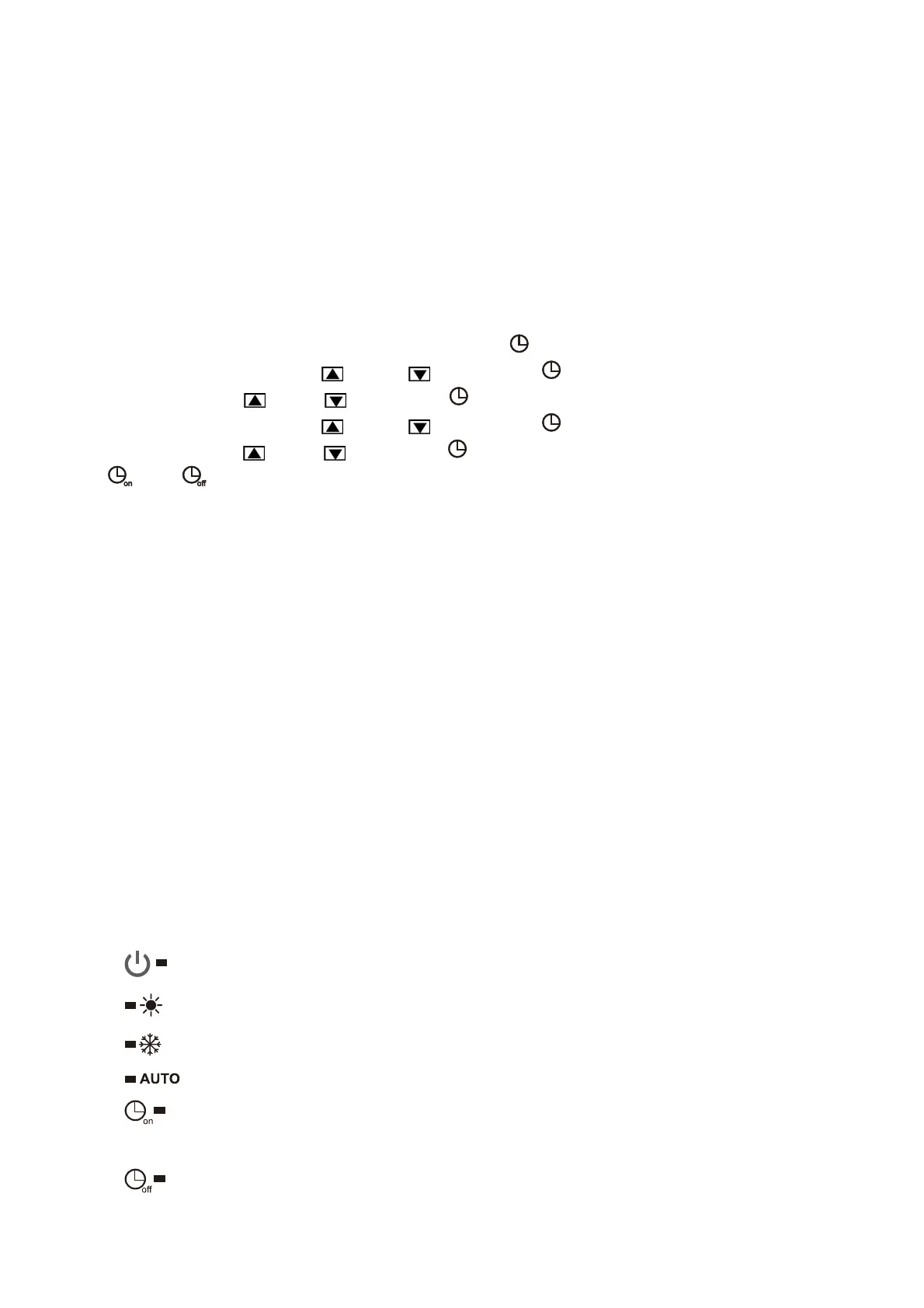
Press “TIME” button to enter the timer setting. Press “
” button to set the Timer Switch ON,
Change the hour using the “
” and “ ” key. Press “ ” button again to change the
minutes using the “
” and “ ” key; Press “ ” button again to set the Timer Switch OFF,
Change the hour using the “
” and “ ” key. Press “ ” button again to change the
minutes using the “
” and “ ” key, Press “ ” button again the display returns to normal.
“
” and “ ” light up.
The timer setting is from 0 to 24 hours to recycle.
When the setting timer for on and off is the same,the setting timer is not available.
When the setting timer(displayed blinks), Press “MODE” to deactivate TIMER.
“SMART”Mode
Press "Smart" button to enter smart mode, the machine runs in smart mode.
“POWER”Mode
In heating mode, press "Power" button to enter power mode, the machine runs in power mode.
“SILENT”Mode
Press "Silent" button to enter silent mode, the machine runs in silent mode.
Coercive Defrosting
Press “MODE” and“▼”button 5S when unit is heat mode, the unit go to defrost state,
When fulfilled defrost stop conditions, defrost is stopped.
Symbol explanation
Run light : light on during running
Heating light: light on during heating mode. Heating light flash means defrosting.
Cooling light: light on during cooling mode
AUTO light: light on during auto mode
Timing boot light: light on if timing boot function is enabled.
Timing boot light flash means timing boot checking or setting.
Timing shutdown light: light on if timing shutdown function is enabled.
Timing shutdown light flash means timing shutdown checking or setting.



 To Next Page