After exiting the OSD menu the previous view will be displayed. To
ensure the changes made have been saved cycle the vehicle
power to restart the system. The system will then show the new
default view.
Configuring the Triggered View Settings
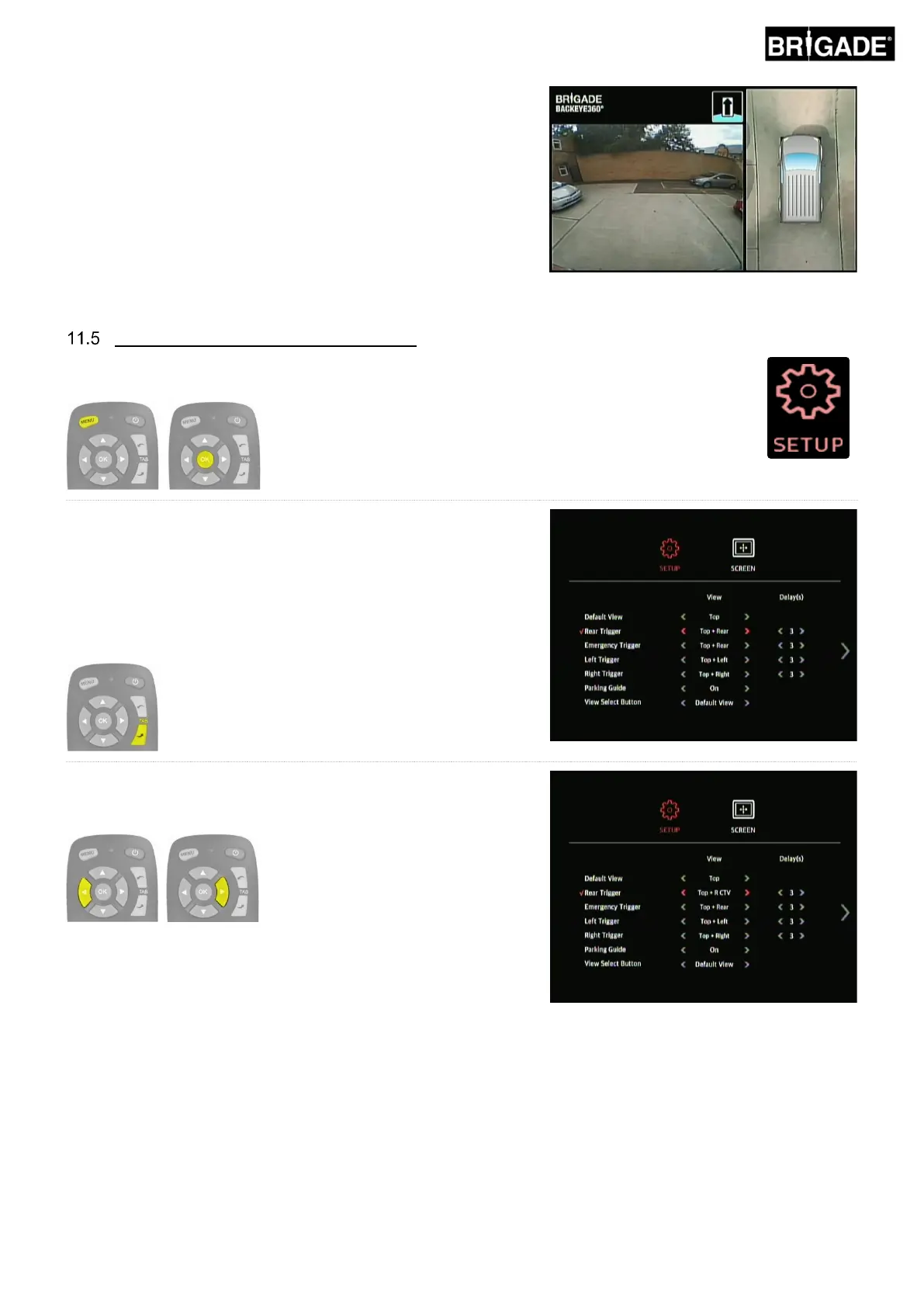
To change which view is triggered for a given trigger, enter the OSD SETUP menu by pressing
the MENU button and pressing OK on the SETUP icon.
Use the TAB buttons on the remote control to select the desired
trigger. The triggers are:
Rear Trigger – e.g. reverse gear
Emergency Trigger – when both Left and Right triggers are active
Left trigger – e.g. left indicator
Right trigger – e.g. right indicator
With the desire trigger selected, use the arrow buttons on the remote
to choose the desired view for each trigger. A “✓” to the left of the
option indicates the current selection.
Note: the views listed here will depend on the configuration loaded
to the ECU, for more information on view configurations refer to
section 2.4).



 To Next Page