EasyManua.ls Logo

Brigade MDR-641-1-CMR - User Manual

Default Icon
42 pages
Print Icon
To Next Page IconTo Next Page
Loading...
Short Installation Guide 7046B
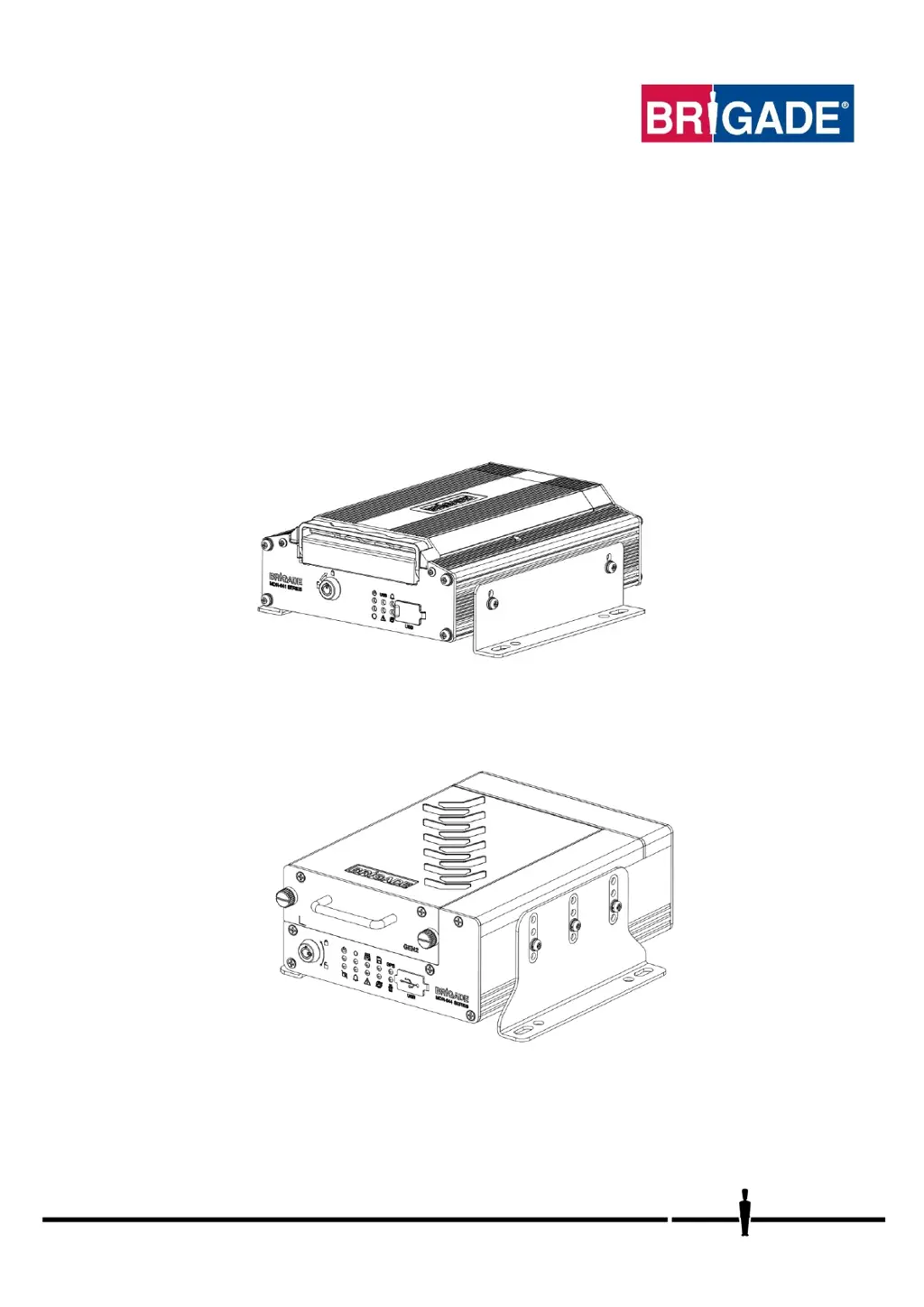
Mobile Digital Recorder
MDR 600 Series
MDR-641XX-X-XXX(XX)
MDR-644XX-X-XXX(XX)
Short Installation and Operation Guide
Please refer to www.brigade-electronics.com for the latest version of this manual

Questions and Answers

  • M
    Melissa TaylorAug 10, 2025
    What to do if my Brigade Measuring Instruments experience system power loss?
    • R
      roger54Aug 10, 2025
      If your Brigade Measuring Instruments are experiencing system power loss, consider the following: The vehicle battery should be replaced if it is suspected of malfunctioning. Ensure the low voltage protection feature is turned on. Check if any fuses are blown and replace them if necessary.
  • L
    Lisa NguyenAug 15, 2025
    Why am I experiencing video loss with my Brigade Measuring Instruments?
    • K
      kimberlyhughesAug 15, 2025
      If you're experiencing video loss with your Brigade Measuring Instruments, make sure cables are not installed in areas where they can be tampered with. Also, ensure cable connectors are secure before driving.
  • C
    Corey WrightAug 22, 2025
    How to fix no recording on SD or HDD/SSD issue with Brigade MDR-641-1-CMR Measuring Instruments?
    • R
      Roy SummersAug 22, 2025
      To fix a 'no recording' issue on your Brigade Measuring Instruments, ensure that the overwrite feature is turned on. Additionally, consider installing a larger capacity HDD/SSD or a 256GB SD card.
  • J
    Juan MartinAug 28, 2025
    How to troubleshoot docking station failure in Brigade MDR-641-1-CMR Measuring Instruments?
    • D
      Derrick LewisAug 28, 2025
      To troubleshoot docking station failure in your Brigade Measuring Instruments, ensure the MCU key is locked and that wires being used are protected by heat shrink.
  • W
    wballSep 3, 2025
    What to do if Brigade Measuring Instruments fail due to environmental conditions?
    • E
      Edwin OchoaSep 3, 2025
      If your Brigade Measuring Instruments fail due to environmental conditions, the driver should wait a few minutes for the internal heater to heat the HDD to above 10°C. The device will then start to record.

Summary

Hardware Installation

MDR On-Screen Display (OSD)

Login Process

Details the default user accounts, login procedure, and OSD menu structure.

Setup

Surveillance

Live View

Describes live audio, image setup, margins, autoscan, and live OSD configurations.

Record Settings

Covers video format, overwrite settings, alarm pre-recording, and SD/HDD recording modes.

Events I;O

Alarms

General Alarm Configuration

Details alarm link setup, audio, post-record, lock settings, and buzzer configurations.

Maintenance

Upgrade Procedures

Guides on firmware, MCU, IPC, and R-Watch upgrades using USB drives.

Storage Management

Explains how to format and manage different storage types (HDD, SD, USB).

Record Search

System Information

MDR-Dashboard 6.0

PC System Requirements & Installation

Lists PC requirements and guides for installing MDR-Dashboard 6.0 software.

Connecting MCU & Loading Data

Covers connecting the MCU to PC and loading data from HDD/SD.

Local Mode Interface & Video Export

Explains the MDR-Dashboard 6.0 local mode interface and exporting video clips.

MDR-Player 6.0

Advanced Configurations

Testing and Maintenance

Troubleshooting

MDR Unit Issues

Common scenarios, detections, and resolutions for MDR unit problems.

Brigade MDR-641-1-CMR Specifications

General IconGeneral
BrandBrigade
ModelMDR-641-1-CMR
CategoryMeasuring Instruments
LanguageEnglish

Related product manuals