BrightSign HD222, HD1022
3
All information provided in this reference manual applies to products under development. The characteristics and specifications of these products are subject to
change without notice. BrightSign assumes no obligation regarding future manufacturing unless otherwise agreed to in writing. © BrightSign LLC, 2015
HD222
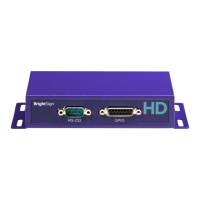
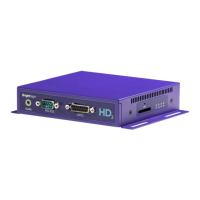
Front
• 3.5mm audio out
• DA15 GPIO
Left
• GPIO service button
Right
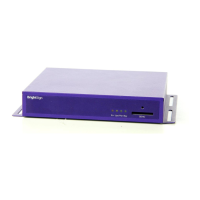
• SDHC/SDXC flash card slot
• Status/error LED (red)
• Update LED (yellow)
• Power LED (green)
• SD activity LED (green)
Back
• 3.5mm audio out
• GPIO reset button
• VGA out
• HDMI out
• RJ45 Ethernet
• 5V@3A barrel power connector



 To Next Page