15
•
•
•
•
•
•
Auto-playing a script upon power-up
Creating a BrightScript script gives you the most control over your interactive presentation. To
autorun a script, do the following:
1 Create a script using a text editor and name the file AUTORUN.BRS (see Working with
Scripts for details).
2 Copy the script into the root directory of your SD card.
3 Insert the SD card into your BrightSign.
4 Turn on your BrightSign. After a few moments, BrightSign runs the script and plays the
media referenced in the script.
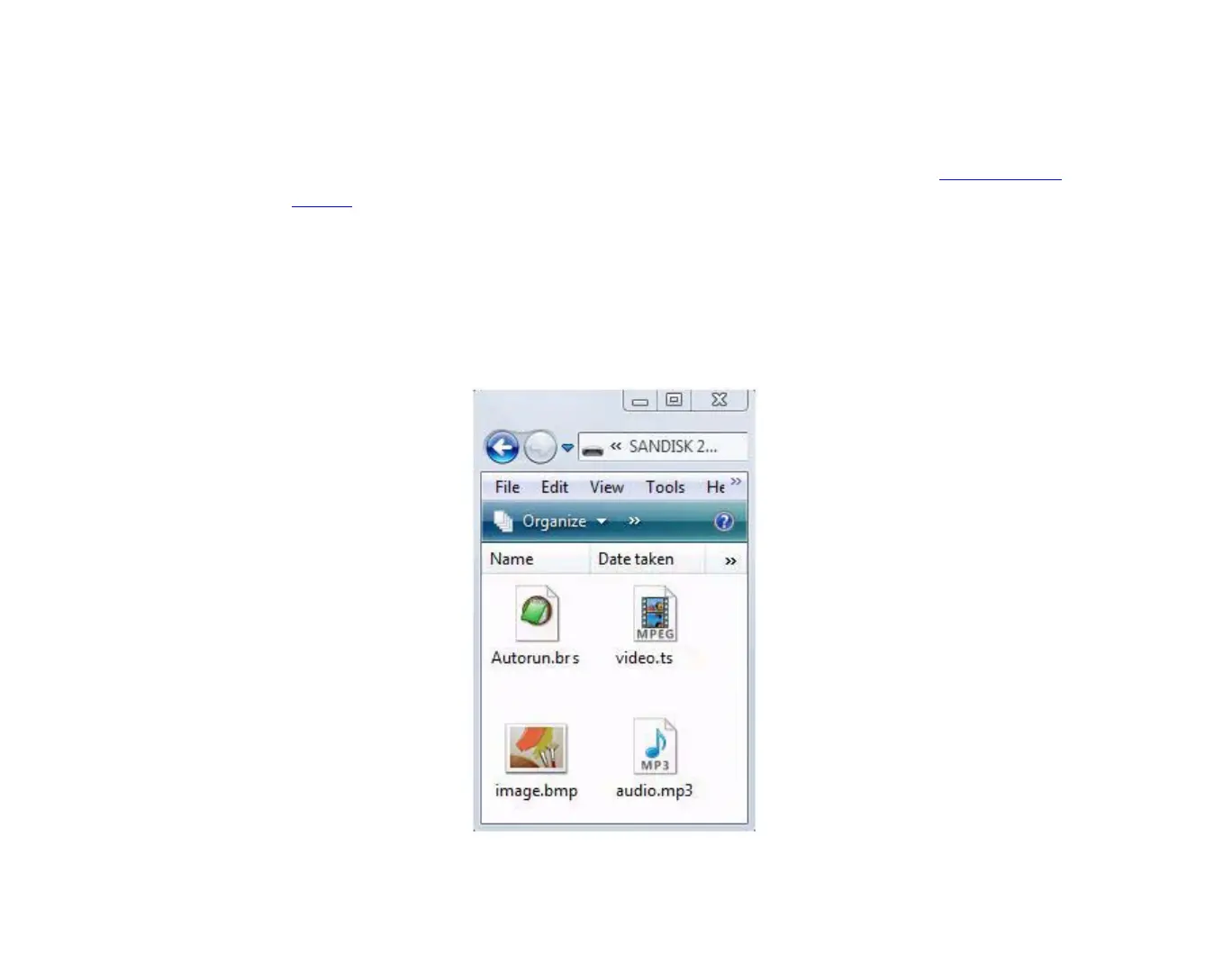
EXAMPLE 4:
SD card with script files



 To Next Page