16
•
•
•
•
•
•
Auto-playing content at a scheduled time (HD210, HD810, HD1010, and HD2000 only)
To play videos, still images, playlists, or interactive playlists at scheduled times, do the following:
1 Create a scheduling file using a text editor
and name the file AUTOSCHEDULE.TXT
(see Scheduling playback (HD210, HD810,
HD1010, and HD2000 only) for details).
2 Copy AUTOSCHEDULE.TXT into the
root directory of your SD card.
3 Copy all video, still image, playlist,
and interactive playlist files listed in
AUTOSCHEDULE.TXT into the root
directory of the SD card.
4 Insert the SD card into your BrightSign.
5 Turn on your BrightSign. After a few
moments, BrightSign plays the
appropriate content.
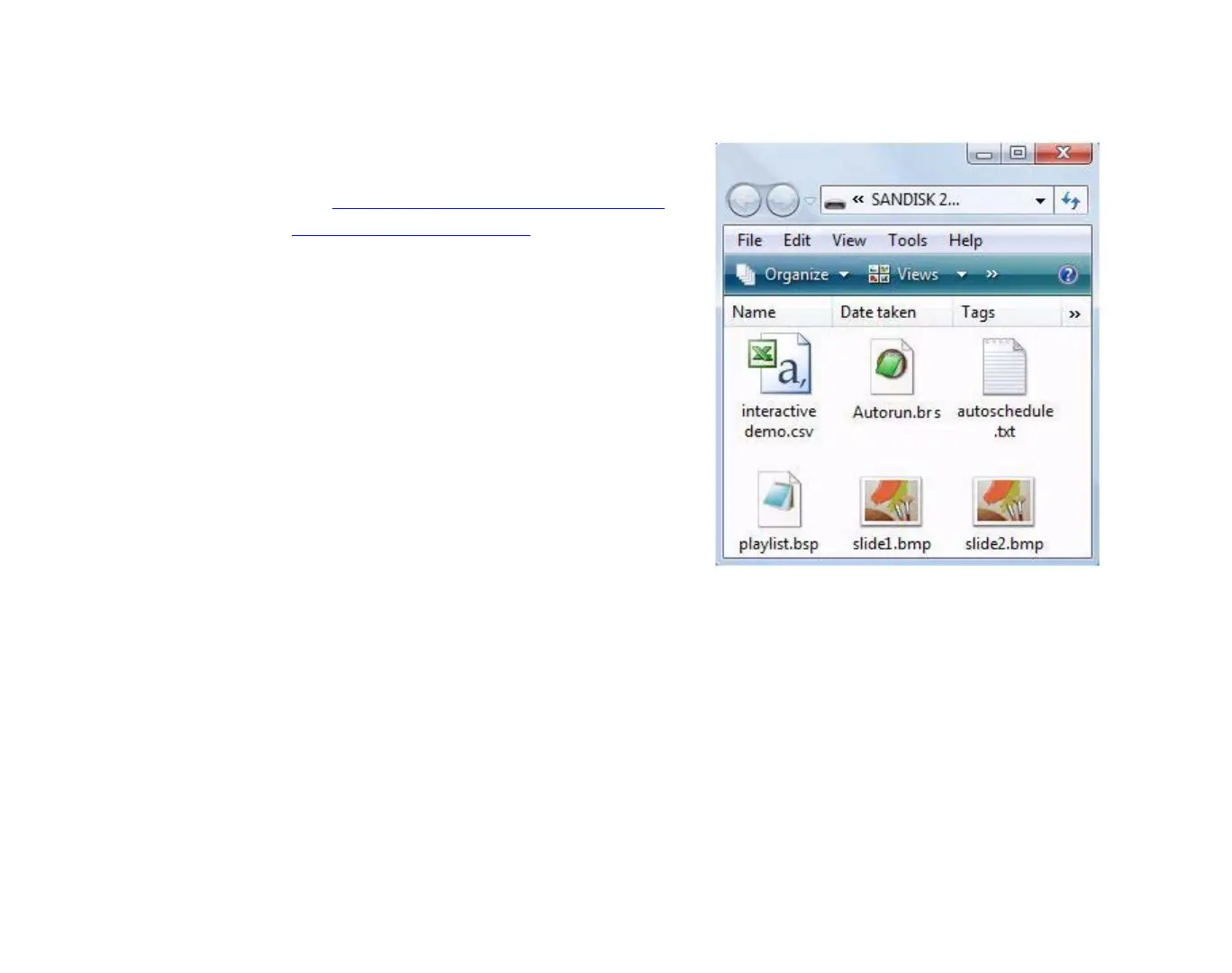
EXAMPLE 5:
SD card with interactive playlist files



 To Next Page