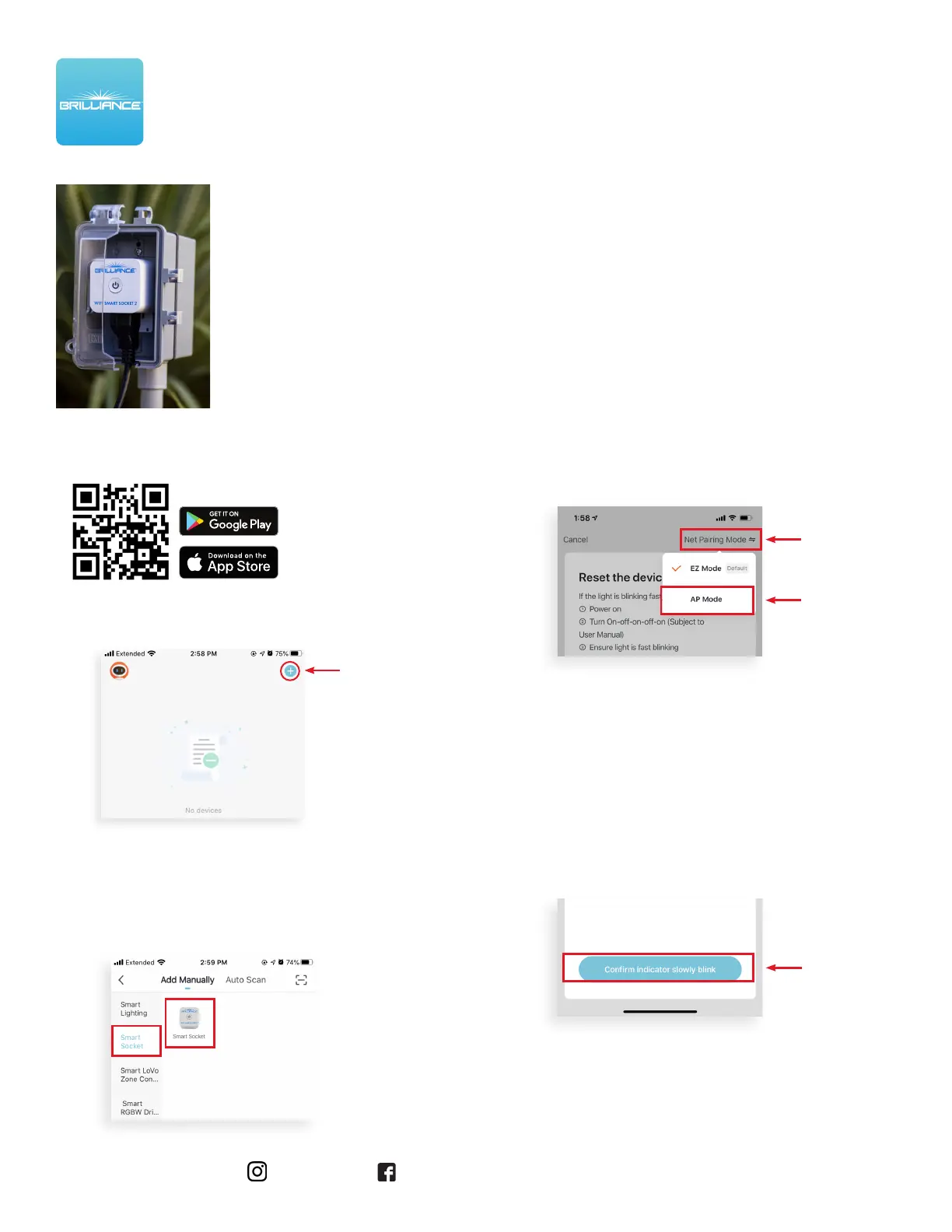
3. On the Reset screen, tap Net Pairing Mode in
the upper-right corner and then tap AP Mode.
4. Now you can reset the device. Turn it on, o,
on, o, and on.
The lights in the power button of the Smart
Socket will begin to flash slowly
to indicate the device is in AP Mode.
To continue, tap Confirm indicator slowly blink.
Brilliance | brillianceled.com | 800.867.2108
Follow us on social media: brilliance.led Brilliance LED, LLC
AP Mode Set Up continues on the next page
AP Mode Set Up - When There Is Only WiFi Network
Open the General Settings on your handheld device.
Connect your device to the 2.4GHZ Wi-Fi network.
Use this method when you can identify a 2.4GHZ
Wi-Fi network.
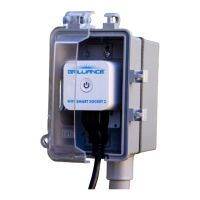
WI-FI SMART SOCKET 2
SET UP INSTRUCTIONS
2. On the Add Manually screen, tap Smart
Socket on the left menu and then tap
Smart Socket in the main window.
1. Download/open the Brilliance Smart app.
On the home screen, tap the Plus (+) button
at the upper-right corner.


 To Next Page