EasyManua.ls Logo

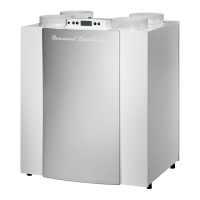
Brink Renovent Excellent300 - User Manual

Brink Renovent Excellent300
44 pages
Print Icon
To Next Page IconTo Next Page
Loading...
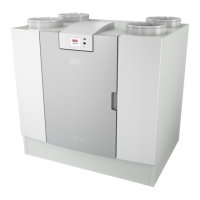
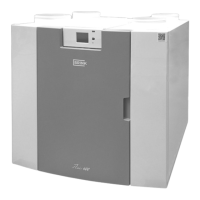
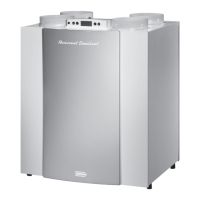
Heat recovery appliance
Renovent Excellent 300/400 (Plus)
STORE NEAR THE APPLIANCE
Installation instructions
Use of this appliance is not permitted for persons, including children, with limited intellectual abilities, serious physical limitations or
lack of experience and knowledge, unless they are supervised by, or have received instructions of how to use the appliance from,
a person who is responsible for their safety.
Children must be supervised to ensure that they do not play with the appliance.

Table of Contents

Questions and Answers

  • J
    Jennifer HartmanAug 10, 2025
    What to do if Brink Temperature Controller shows Fault E999?
    • D
      David Rogers Jr.Aug 11, 2025
      If the Brink Temperature Controller displays fault code E999, first verify that the dip switches on the control board match the settings shown in the provided drawing. If the dip switches are correctly set and the error persists, the control board should be replaced with a new one of the correct type.
  • S
    smithsabrinaAug 27, 2025
    What to do if fault E999 appears on Brink Air Conditioner?
    • K
      kduncanAug 27, 2025
      If fault code E999 appears on the display of your Brink Air Conditioner when you power it on, it indicates that the mounted control board isn't right for your appliance or the dip switches are not correctly set. First, check the dip switch settings on the control board against the provided diagram. If the settings match the diagram and the error persists, you will need to replace the control board with the correct type.

Brink Renovent Excellent300 Specifications

General IconGeneral
BrandBrink
ModelRenovent Excellent300
CategoryFan
LanguageEnglish

Related product manuals