MAC200 DN
26
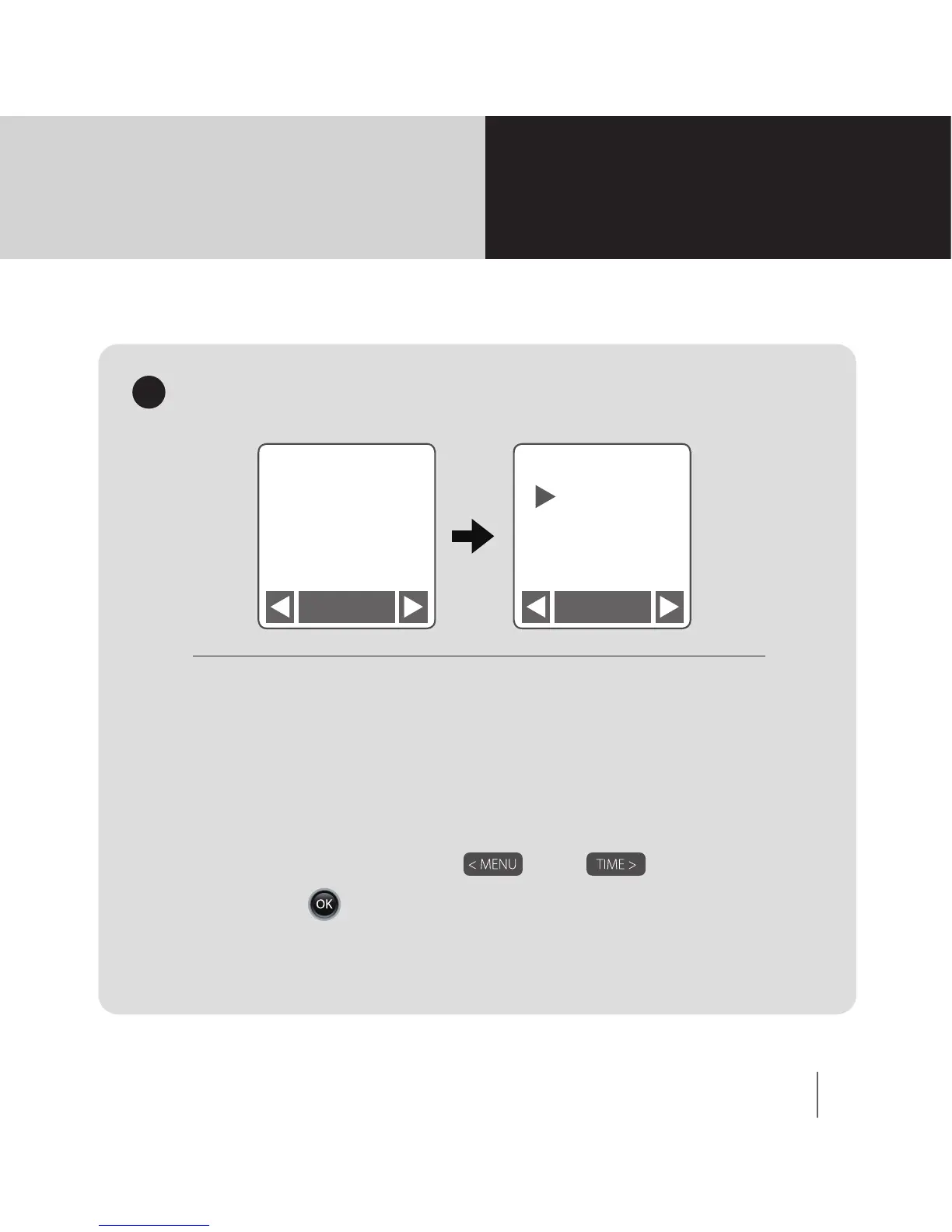
When the SD card free space is less than 1%,
the Overwrite function will remove old les to
ensure SD card has more than 1% free space.
If you do not want the SD Card to be over
written, and les deleted, select O.
1. Select On or O by and .
2. Press to conrm.
Overwrite
3
Menu
Overwrite
3/14
Overwrite
On
O
OK OK
Overwrite
MENU Setting
Mode



 To Next Page