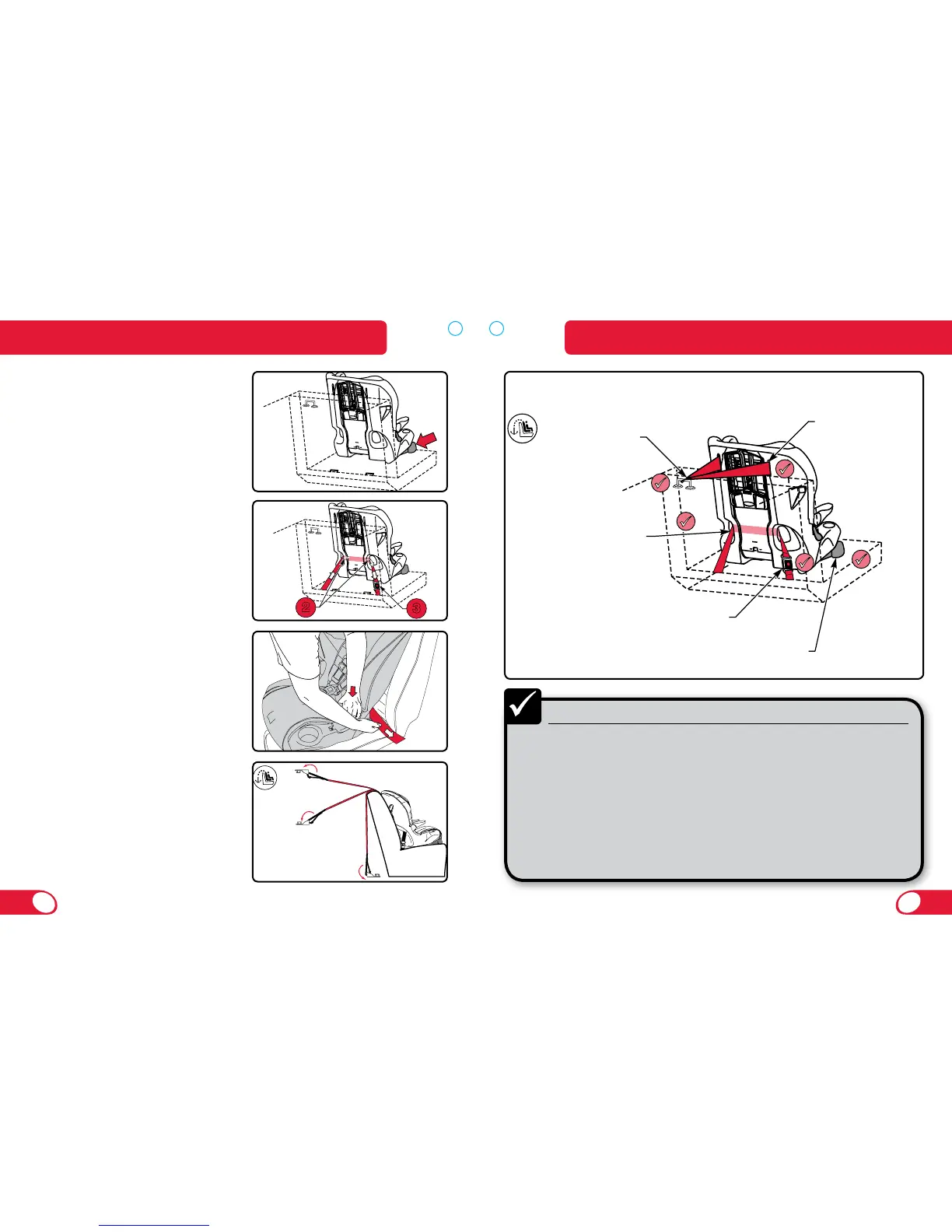
Rotate the recline block to the 1
front and place the child seat
on the vehicle seat.
Ensure harness height is *
adjusted to fit your child.
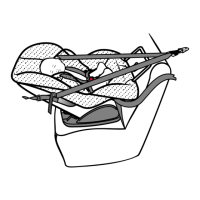
Pull the vehicle belt out and 2
route the belt through the first
belt slot, under the cover and
through the second belt slot.
Verify that the belt is not
3
twisted, then buckle.
Push the child seat firmly
4
into the vehicle seat while
removing all slack from the
vehicle belt.
Ensure that the vehicle belt *
is locked as directed by your
vehicle owner’s manual.
The child seat is secure when it *
cannot be moved front-to-back
or side-to-side more than 1 in.
(2.5 cm) at the belt path. If the
child seat is not secure, repeat
the installation procedure or
use a different seating location.
Firmly press the Versa-Tether 5
hook to the vehicle tether
anchor to attach. Remove all
slack from the tether webbing.
Use the elastic strap to contain
6
extra webbing.
Checklist
Check that positioning block is rotated to the front. 9
Check all connections and verify that child seat is secure. 9
The child seat is secure when it cannot be moved front-to-*
back or side-to-side more than 1 in. (2.5 cm) at the belt path.
If the child seat is not secure, repeat the installation procedure
or use a different seating location.
Ensure any excess Versa-Tether 9
®
webbing is stored in elastic
band. Always ensure any excess webbing is contained within
your vehicle.


 To Next Page