EasyManua.ls Logo

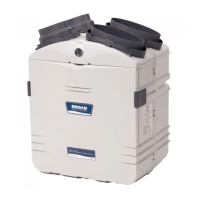
Broan GSVH1K - User Manual

Broan GSVH1K
36 pages
Print Icon
To Next Page IconTo Next Page
Loading...
VB0061
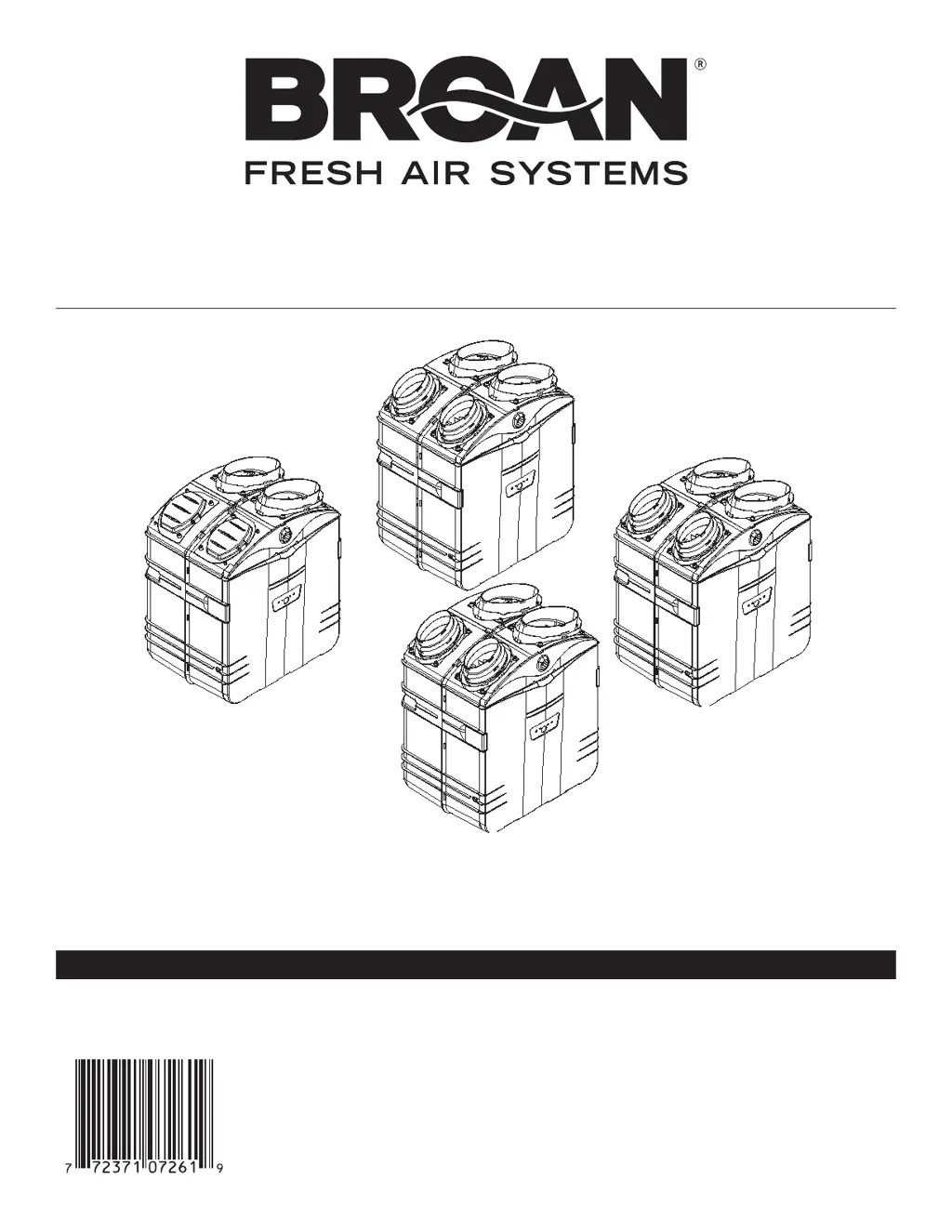
HEPA Filtration
and Fresh Air
Ventilation*
GSVH1K
INSTALLATION INSTRUCTIONS MANUAL
RESIDENTIAL USE ONLY.
INSTALLER: LEAVE THIS MANUAL WITH CONSUMER.
*Patents pending
HEPA Filtration,
Fresh Air and
Heat Recovery
Ventilation*
GSHH3K
HEPA Filtration,
Fresh Air and
Energy Recovery
Ventilation*
GSEH3K
HEPA
Filtration*
GSFH1K
READ AND SAVE THESE INSTRUCTIONS
Broan-NuTone LLC; Hartford, Wisconsin www.broan.com 800-558-1711
REGISTER YOUR PRODUCT ON LINE AT: www.broan.com/register
For additional information - visit www.Broan.com
04326 rev. 7
99043105

Other manuals for Broan GSVH1K

Questions and Answers

  • R
    Richard MillsAug 11, 2025
    Why is my Broan Fan not operating as per the selected mode?
    • D
      David SmithAug 11, 2025
      If your Broan Fan unit isn't operating as expected, ensure the main switch is set to the “Normal/Remote” position. Also, verify the wall control wiring is correctly connected.
  • V
    Victoria JacksonAug 17, 2025
    What to do if Broan GSVH1K does not start at Low or High position?
    • G
      Gregory HollowayAug 17, 2025
      If your Broan Fan isn't starting at either the Low or High position, take these steps: * Check the breaker or fuse in the main distribution panel or GFI outlet. * Confirm there is 120V at the electrical outlet. * Ensure the unit's main switch is correctly set to the Normal or Boost position. * If a wall control (ACCGSC1 or 40425) is connected, disconnect the control wire from the unit, then ensure the unit's main switch is properly set to the Normal/Remote or Boost position. * Inspect the fuse on the electronic board; if it's blown, replace it with the same type.
  • K
    Kevin FlemingAug 23, 2025
    Why Broan GSVH1K does not run at Low speed, but runs at High?
    • K
      kevin63Aug 25, 2025
      If your Broan Fan only runs at High speed and not Low speed, and if you're using a wall control (ACCGSC1 or 40425), disconnect the control wire from the unit. If the unit then runs at Normal speed, inspect the control wiring and wall control connections.
  • G
    glasskennethAug 30, 2025
    Why are 1 or 2 light indicators flashing on Broan GSVH1K Fan 40425 wall controller?
    • R
      Rebecca RamosAug 30, 2025
      If you observe 1 or 2 light indicators flashing every second on your Broan Fan's 40425 wall controller, ensure the unit's main switch is in the “Normal/Remote” position and check the wall control wiring.
  • D
    Daniel KnoxSep 4, 2025
    What does E2 mean on Broan GSVH1K Fan 40425 wall controller?
    • P
      Patricia Johnson DVMSep 4, 2025
      If the screen on your Broan Fan's 40425 wall controller displays 'E2', it indicates that the temperature sensor is defective. The unit will automatically switch to OFF mode.

Broan GSVH1K Specifications

General IconGeneral
BrandBroan
ModelGSVH1K
CategoryFan
LanguageEnglish

Related product manuals