15
5. MODELLING LIGHT
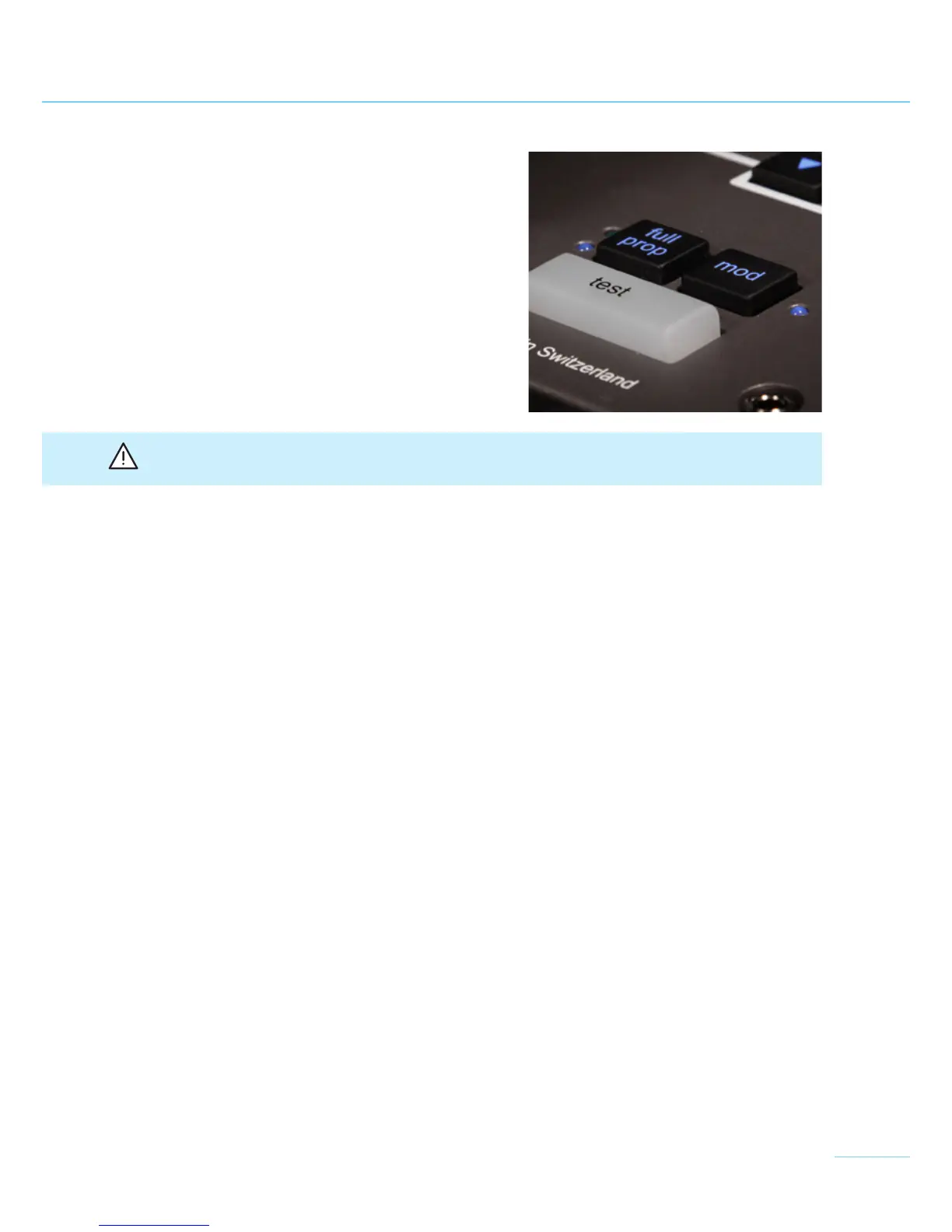
The "mod" key (7) switches on the modelling light
for all connected lamps. When switched on, the
blue LED on the right, next to the “mod” key, will
light up. All broncolor lamps have also an additional
modelling lamp switch. Furthermore, it is possible
to operate the modelling light proportionally to the
flash light output.
Attention: Please ensure that the modelling lamp voltage corresponds with the local mains
(AC-line) voltage (100-120 V / 200-240 V)!
Operating modes
The following operating modes are possible:
"full" All lamps with full modelling light, independent of flash output, type of power
pack and power distribution.
"prop" Brightness of the modelling light is automatically proportional to intensity of flash.


 To Next Page