11
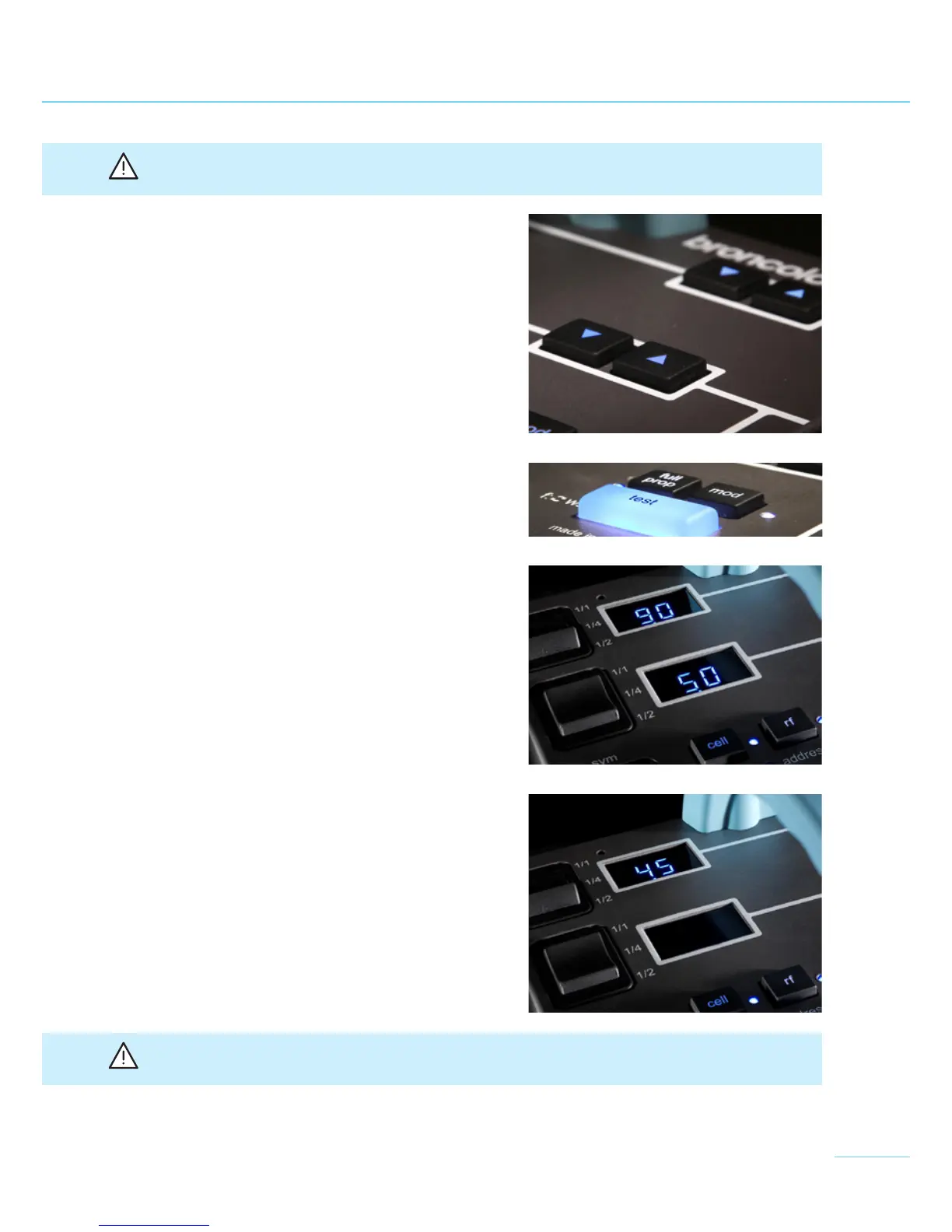
Attention: When regulating the energy control by means of the rocker switches (1 and 2), the
colour temperature remains constant.
Silicone keys "q/p" (16 and 18) are used for fine
adjustment of the energy. Pressing and holding the
keys will adjust the settings in full f-stops while
short actuations effect changes in 1/10 f-stop inter-
vals. Until the newly selected energy level is attai-
ned by further charging or discharging, the corres-
ponding digital displays (15 and/or 17) will blink
and the "test" key (13) extinguishes. The availability
of the new energy level is annunciated by a beep
(if the buzzer function is enabled) and by the "test"
key (13), which lights up.
4.2 Switchover power display
The output level can be displayed either in f-stops
or energy (joules/watt-seconds). To change the dis-
play mode, press the "test" key (13) for 2 seconds.
4.3 Energy distribution
The Senso distributes power as follows:
Symmetric:
>
see 4.4
The lamps can be connected to any outlet, power
distribution is symmetric.
Asymmetric:
>
see 4.5
Lamp outlets 14.1, 14.2, and 14.3 can be used sepa-
rately.
4.4 Examples power distribution in the symmetric
mode
To select the symmetric mode, set the rocker
switch (3) to "sym". The total flash energy is indica-
ted only by the upper display (15); the lower display
(17) is automatically deactivated.
When several lamps are connected, the maximum
total energy is symmetrically distributed to all con-
nected lamps. This means that when two (three)
lamps are connected, half (one third) of the displa-
yed energy is distributed to each lamp.
Attention: In the symmetry mode, power selection is also defined with the two rocker switches
(1) and (2)!


 To Next Page