16
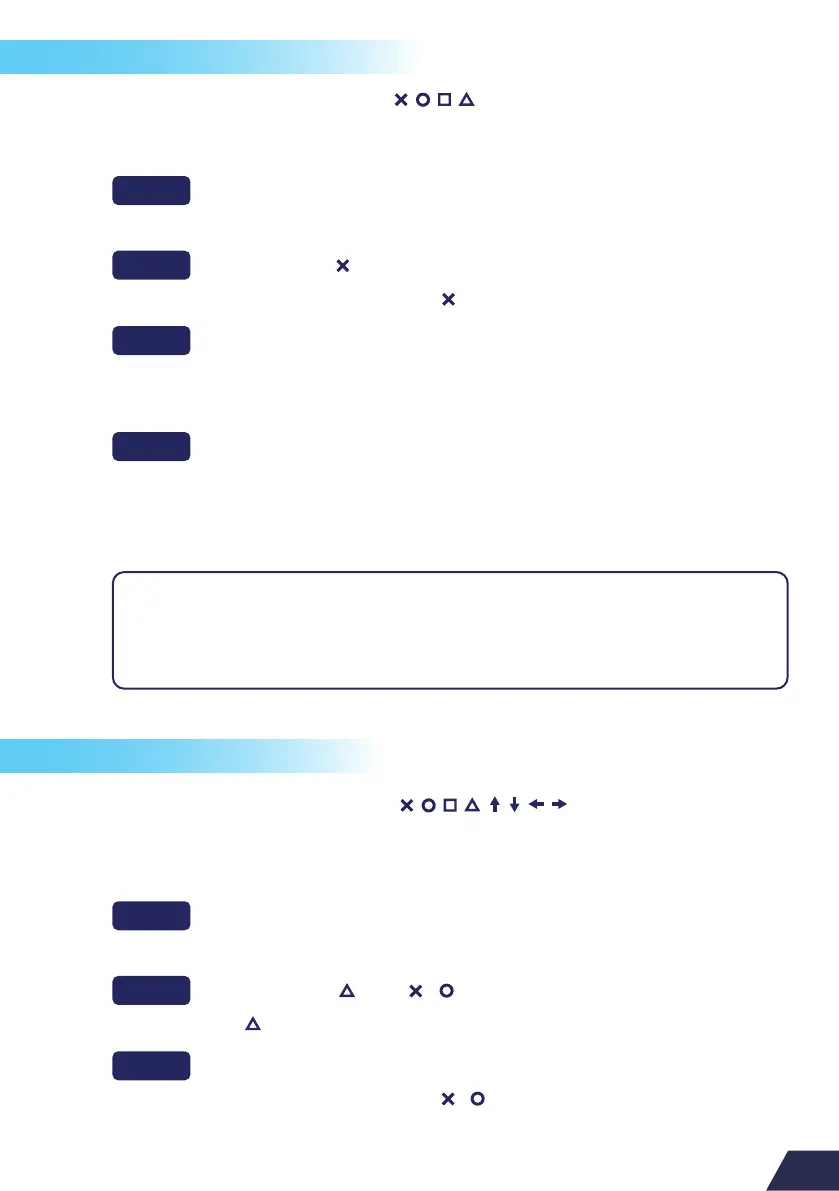
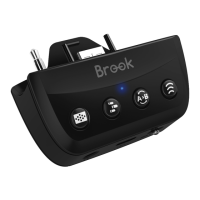
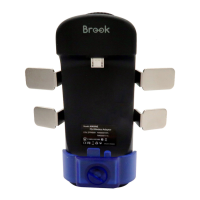
Turbo function available buttons: and the 4 paddles
on MARINE. In the following description, these buttons are referred as FB, the
controller will vibrate when setting:
Press Share & PS Key, MARINE’s LED will dim.
Hold down Share, then press .
STEP 1 Enter the Turbo Setting Mode:
STEP 2 Choose FB:(EX: to set turbo function)
TURBO Setting
L 1、R 1、L 2、R 2、L 3、R 3
Release all buttons then press Option.The controller will
vibrate once strongly.To set another button, repeat STEP 2.
STEP 3 Complete the Turbo Setting Mode:
Press PS Key to save the settings and exit setting mode.
If it’s not set successfully, please check STEP 3.
After entering the turbo setting mode by pressing the Share & PS key, press
and hold Share + Option, then press the PS Key to clear all settings. This will
clear all turbo settings, but will not affect the remap settings.
When all settings are canceled, the controller will vibrate three times strongly.
STEP 4 Exit the Turbo Setting Mode:
Cancel all turbo settings:
Remap function available buttons:
and the 4 paddles on MARINE. In the following description, these buttons are
referred as FB, the controller will vibrate when setting:
REMAP Setting
L 1、R 1、L 2、R 2、L 3、R 3
Press Option & PS Key, MARINE’s LED will dim.
Press 。
STEP 1 Enter the Remap Setting Mode:
STEP 2 Choose FB: (EX: to do + function)
Hold down Share, then press + .
STEP 3 Choose Remap button:


 To Next Page