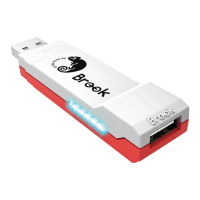
1. Connects to Console
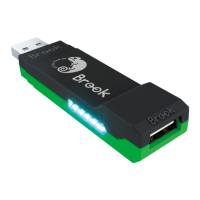
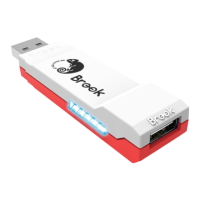
Insert Wingman XE 2 into the PS4 console USB port. Slow blinking of
the Blue LED indicates that the connection to the console is
successful.
2. Connects to Wired Controller
Connect the wired controller or game pad to Wingman XE 2 through
the USB port.
3. Connects to Wireless Controller
(1) PS5 / PS4 / PS3 :
Connecting the controller and the Wingman XE 2, using a USB cable for
the rst time. Remove the USB cable after the Blue indicator is on.
(2) Xbox 360
Simply connect the X360 wireless receiver to the Wingman XE 2
through the USB port. The Blue indicator means they are connected.
(3) Xbox Elite 2∕Xbox One∕XSX|S/ Switch Pro
Connect the Xbox One wireless controller (Bluetooth model) or the
Xbox One Elite Series 2 to the Wingman XE 2 and the controller will be
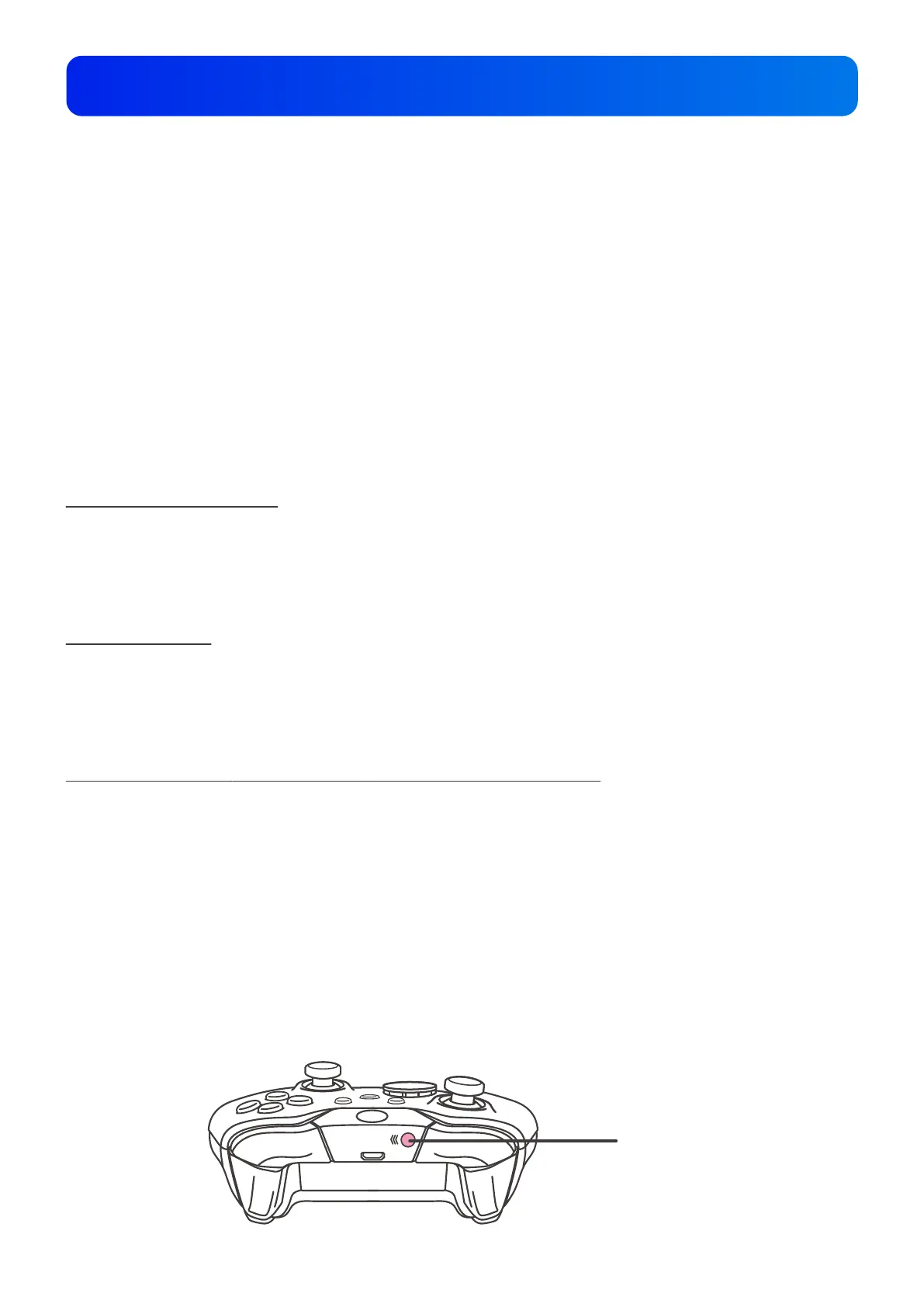
ready for use. When connecting, hold the LED buttons at the two sides
of the Wingman XE 2 for 1 second to enter wireless connection mode.
Then press the Pair button on the wireless controller to begin pairing.
Fast blinking of Blue LED indicates that pairing is in progress.
LT
LB
RT
RB
Pair button
Connecting to the Device
5


 To Next Page