Need help?
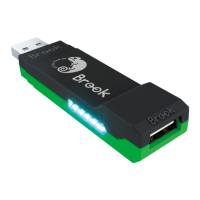
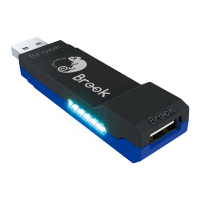
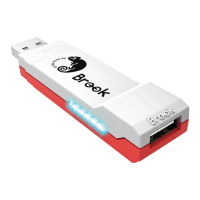
Do you have a question about the Brook WINGMAN and is the answer not in the manual?
Detailed steps for enabling and configuring Turbo function on supported buttons.
Procedure to disable and clear all previously set Turbo functions.
 General
| Connectivity | USB |
|---|---|
| Firmware Update | Yes |
| Supported Controllers | Various gaming controllers |
| Plug and Play | Yes |
| Compatibility | PC |

 To Next Page