Need help?
Do you have a question about the Brook WINGMAN XB2 and is the answer not in the manual?
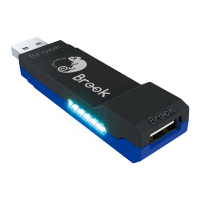
Explains the meaning of different blue LED blinking patterns for connection status.
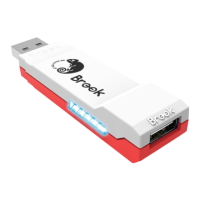
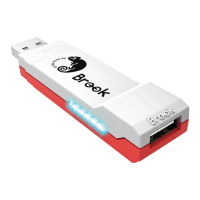
Details the red LED blinking and solid states for turbo and remapping functions.
Instructions for connecting wired controllers to the Wingman XB 2.
Guides on connecting X360, Xbox One, and PS3/PS4 wireless controllers.
How to enter pairing mode and when it will end.
Information on how using wired connections affects wireless pairing records.
Advice on disabling controller profile settings for compatibility.
Step-by-step guide to assign turbo functionality to buttons.
Instructions on how to disable or remove turbo function from buttons.
Procedures for accessing and leaving the turbo frequency adjustment mode.
How to increase or decrease turbo speed and save the settings.
Guide on reassigning one button's function to another button.
Steps to revert remapped buttons to their default functions.
 General
| Connectivity | USB |
|---|---|
| Turbo Function | Yes |
| Button Remapping | Yes |
| Firmware Update | Yes |
| LED Indicators | Yes |
| Input Ports | USB Type-A |
| Output Ports | USB Type-A |
| Power Supply | USB powered |
| Compatibility | Xbox Series X|S, Xbox One, PC |
| Controller Compatibility | Xbox Series X/S, Xbox One, Xbox 360, PS4, PS5, PS3, Switch Pro |

 To Next Page