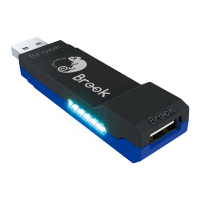
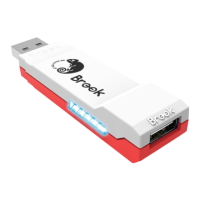
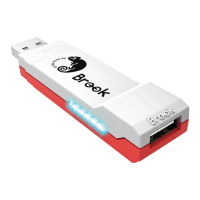
The following instructions are based on the Xbox One controller.
For those using other controllers, please refer to the Corresponding
Buttons List.
Step 1. Enter the setup mode
Press VIEW + Xbox Guide, the RED LED of the Wingman XB 2
will be permanently on.
Step 2. Turbo Frequency Setting
The Up button increases frequency while the Down button
decreases it.
To increase frequency: press both VIEW and the Up buttons,
and the indicator will ash faster.
To decrease frequency: press both VIEW and Down buttons,
then the indicator will ash slower.
Step 3. Save
Press MENU to save your settings.
Step 4. Exit
Press the Xbox Guide button to leave Turbo setup mode. The
RED LED indicator will then turned o.
Turbo Frequency Setting
9


 To Next Page