The following instructions are based on the Xbox One controller. For
those using other controllers, please refer to the Corresponding
Buttons List.
Buttons that can be set as Turbo function buttons include: A, B, X, Y,
LB, RB, LT, RT, LSB, RSB 10 (hereinafter referred to as FK)
Step 1. Enter setting mode:
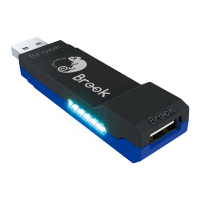
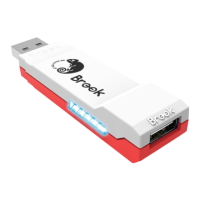
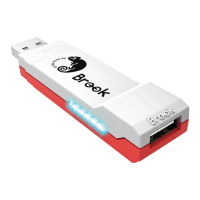
Press VIEW + Xbox Guide, the RED LED of the Wingman XB will
be permanently on.
Step 2. Choosing a FK button: (e.g. Setting A as turbo function)
Hold VIEW, then press A
Step 3. Completing Setting Mode:
Release all buttons, then press MENU to save settings.
Step 4. Exit setting mode:
Press Xbox Guide, the BLUE LED of the Wingman XB will be
permanently on.
Turbo Function Settings
Step 1. Enter setting mode:
Press VIEW + Xbox Guide, the RED LED of the Wingman XB 2
will be permanently on.
Step 2. Erasing all Turbo function buttons
Press VIEW + MENU
Step 3. Exit setting mode:
Press Xbox Guide, the BLUE LED of the Wingman XB 2 will be
permanently on.
Cancelling Turbo Function
Turbo Function Settings
8


 To Next Page