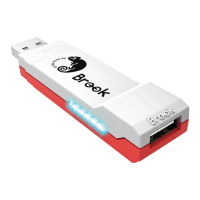
1. Connects to Console
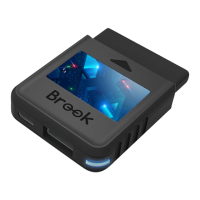
Insert Wingman FGC into the PS5 console USB port. Slow
blinking of the Blue LED indicates that the connection to the
console is successful.
2. Connects to Wired Controller
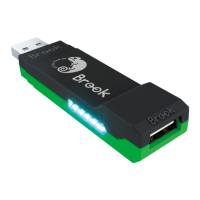
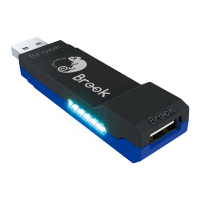
Connect the Wired Fighting Stick to Wingman FGC through the
USB port.
Lighting
Blue LED
Permanently on
Blue LED
Slow blinking
(Once every two seconds)
Status
The converter and the Wired
Fighting Stick are currently
connected.
Wired Fighting Stick is not
connected.
LED Display
Connecting to the Device
Red LED
Blinking
Red LED
Permanently on
Turbo-Remap button is being
pressed
Entering Turbo-Remap
Settings
4


 To Next Page