OWS Standalone Manual
MA380 - Rev. 2.4
1 INTRODUCTION
1.1 Overview
The Brooks Occupant Warning System (OWS) is capable of providing reliable audio and visual warnings
to building occupants. The system is designed to alert occupants to an emergency situation and
evacuate the building in emergency conditions. The standard system is available in 3 different
configurations depending on the amplifier fitted, 20W amplifier “BOWS020”, 60W amplifier “BOWS060”
or 120W amplifier “BOWS120W”. The OWS with 250W amplifier fitted is also available on request, it
requires larger enclosure, PSU and batteries.
This document provides the technical information required to configure, install, maintain and operate a
Brooks OWS and its related components. This document should be read prior installation. Should you
have any queries, please contact Brooks for technical support.
.
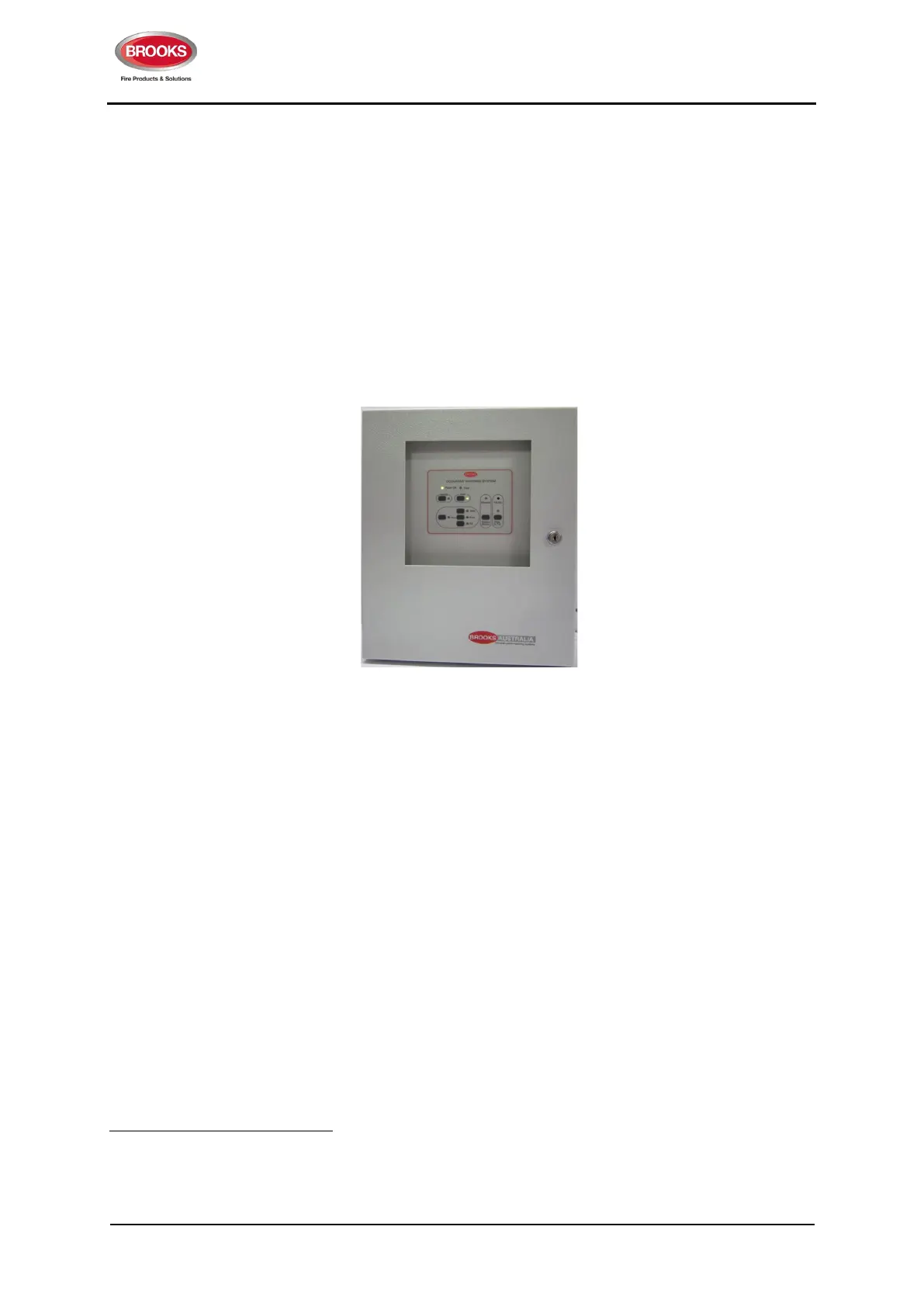
Figure 1 Brooks Standalone OWS Control Panel
1.2 Features
A Brooks standalone OWS comprises a main control board, a main display board, an audio amplifier, a
power supply supervision module, an AC/DC power supply and backup batteries within a metal
enclosure. Optional 4 Zone Splitter Board can be added (if the space is available). An optional Brooks
series of remote paging desk microphones can also be added
1
.
The Brooks series of OWS systems have the following features.
1. Automatically switch from alert to evacuation tone in emergency conditions. Time is configurable
via a DIP switch setting; 0, 1, 3 or 5 minutes. Refer to Table 15 page 21.
2. Configurable audio warnings with pre-recorded digital voice messages.
For Australian convention, it meets the requirements of ISO7731, ISO8201, clause 3.22 of
AS1670.1 and relevant clauses of AS1670.4
For New Zealand convention, it meets the requirements of AS2220.1 as required in
NZS4512 standard.
For non-regulatory applications, the tones and voice message can be customised
2
.
Local PA facility via a built-in electret microphone.
1
Only PA-1 remote desk top microphone can be connected to the standard series of Brooks OWS, PA-8 requires the addition of 4 zone
splitter boards.
2
Contact Brooks for customised tones and/or voice messages.



 To Next Page