EasyManua.ls Logo

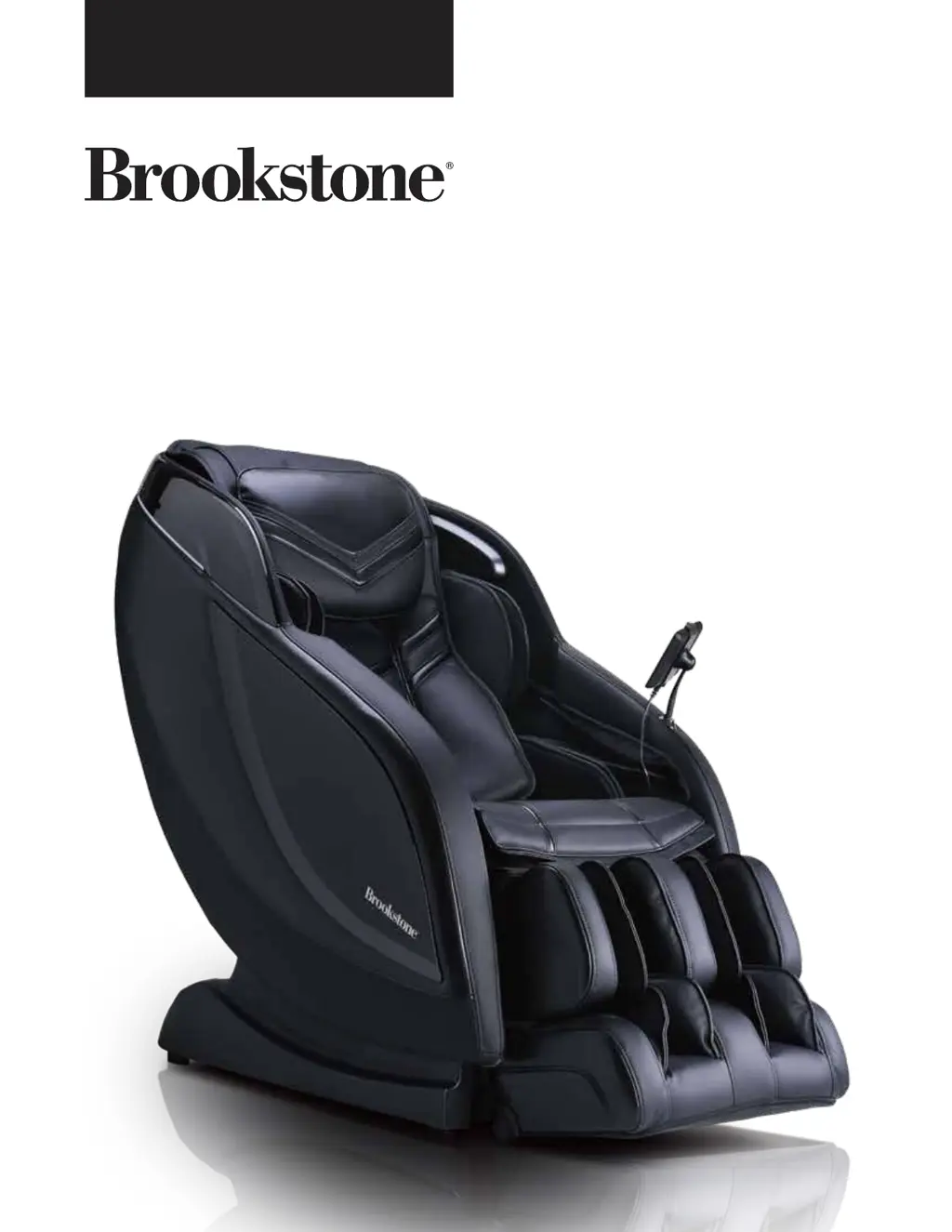
Brookstone BK-650 - User Manual

Brookstone BK-650
48 pages
Print Icon
To Next Page IconTo Next Page
Loading...
User Manual
BK-650/EC-7505B

Other manuals for Brookstone BK-650

Questions and Answers

  • S
    Sharon WilliamsAug 6, 2025
    What to do if my Brookstone BK-650 remote control and the massage chair are not functioning?
    • X
      xcarterAug 6, 2025
      If both your Brookstone Massager remote control and the massage chair aren't working, ensure the chair is properly plugged into a working outlet. Also, try turning the power OFF and then ON again to see if that resolves the issue.
  • M
    murphywilliamAug 15, 2025
    What to do if my Brookstone Massager remote control works but the massage chair is not functioning?
    • M
      matthew11Aug 15, 2025
      If your Brookstone Massager remote control is working, but the massage chair itself isn't functioning, it could be due to overheating from prolonged use. Turn off the power to the chair and allow it to rest for at least 30 to 50 minutes before trying again.
  • J
    Jill NelsonAug 26, 2025
    How to fix a Brookstone BK-650 that is connected to power but not working?
    • R
      Raymond GarciaAug 26, 2025
      If your Brookstone Massager is connected to the power supply but isn't functioning, first check that the plug is properly connected and working. Then, make sure the massage chair switch is in the ‘I’ position.

Summary

Welcome and Support

We Can Help

Contact support for quick assistance and issue resolution.

Safety Precautions

Important Safety Instructions

Critical safety guidelines to reduce risks of shock, burns, fire, or injury.

Usage Environment and Personal Safety

Guidelines for proper operating environment and user safety to prevent harm.

Dimensions and Clearance

Chair Dimensions

Detailed measurements of the massage chair and its packaging.

Move and Clearance Requirements

Steps for moving the chair and necessary clearance for operation.

Chair Components and Massage Points

Component Identification

Identification of the main parts and features of the massage chair.

Massage Point Details

Diagram and details of massage areas, air bags, and rollers.

Chair Specifications

Wired Touch-Pad Interface

Home Screen Navigation

Overview of the main screen and primary massage program selection.

Massage Controls

Interface for adjusting massage intensity, speed, and chair functions.

Pre-Programed Massage Interface

Interface for selecting and adjusting pre-programmed massage options.

Adjust Chair Angle Interface

Interface for reclining and adjusting the chair's seating positions.

Chromotherapy Interface

Controls for selecting LED light patterns and colors.

Demo Mode

Demo Interface

Interface screen displayed during the chair's demonstration mode.

Custom Massage Creation

Select Massage Area and Actions

Choosing body parts and massage techniques for custom programs.

Custom Massage Interface

Interface for managing and editing custom massage programs.

Spot Massage Function

Spot Massage Control Interfaces

Interfaces for selecting massage actions and areas in spot mode.

Settings

Settings Interface

Options for timer, brightness, language, and touch sound.

Troubleshooting Guide

Instructions for using the chair's self-detection feature for issues.

Voice Control System

Voice Control Setup and Interfaces

Screens for model selection, sign-in, and connection instructions.

Bluetooth and Wi-Fi Connection

Steps for pairing the chair via Bluetooth and connecting to Wi-Fi.

Voice Command List

List of commands for controlling the chair using voice assistants.

Product Care and Warranty

Product Care and Storage

Guidelines for proper storage and cleaning to maintain chair condition.

Limited Warranty Information

Details of the two-year limited warranty and service support.

Brookstone BK-650 Specifications

General IconGeneral
Heat FunctionYes
Power SourceAC Adapter
Wattage24W
Massage AreaNeck & Shoulders
Cord Length6 ft

Related product manuals