EasyManua.ls Logo

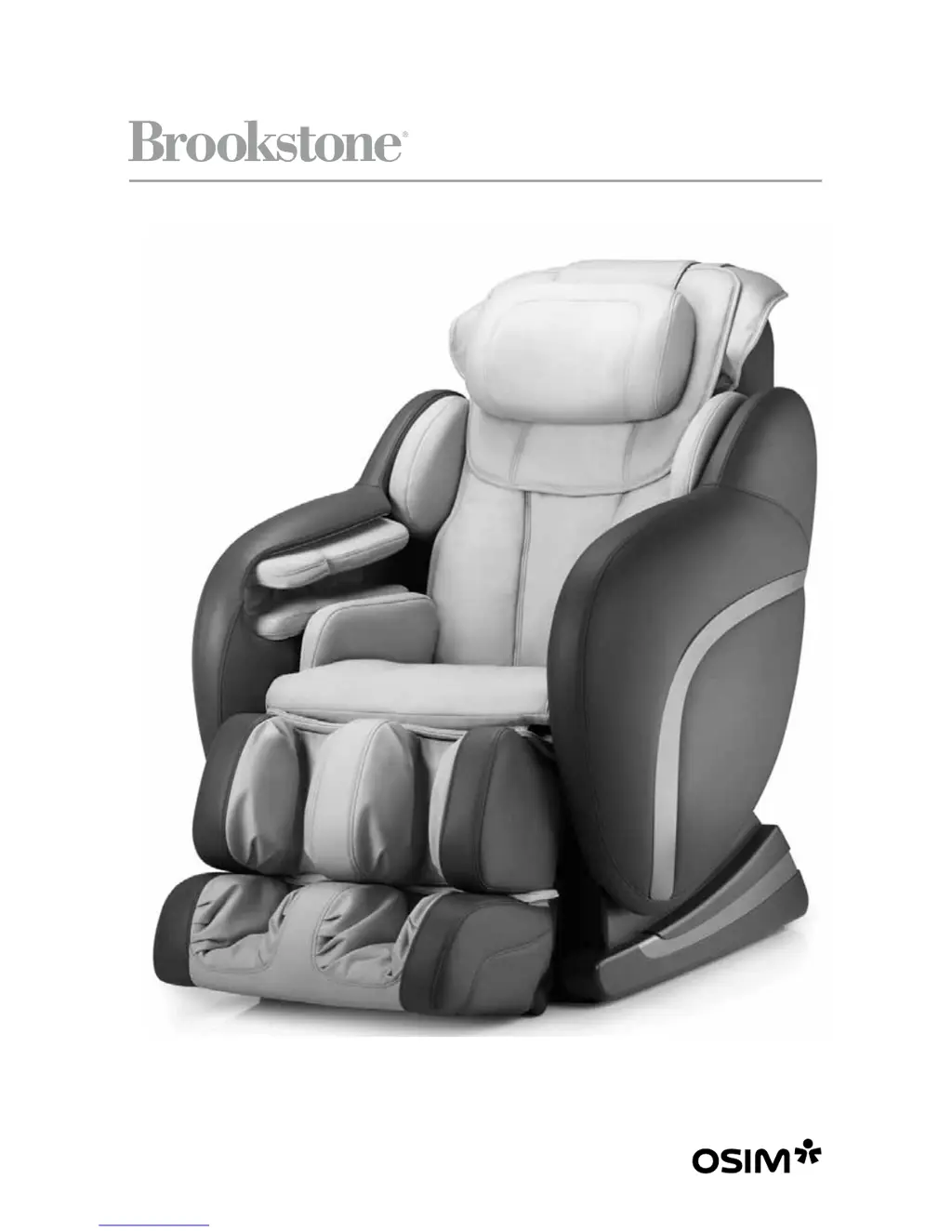
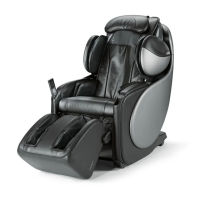
Brookstone OSIM uAstro - User Manual

Brookstone OSIM uAstro
32 pages
Print Icon
To Next Page IconTo Next Page
Loading...
647180_INS0510_uAstro Massage Chair_Size:148mm Wx210mm H_Output:100%;Prints:1/0 Blk
OSIM
®
uAstro
Exclusively for Brookstone
®
Designed and Developed by OSIM International Ltd.

Questions and Answers

  • C
    carolyngonzalezAug 17, 2025
    What to do if my Brookstone OSIM uAstro Massager uAstro does not start?
    • H
      Howard RomeroAug 17, 2025
      If your Brookstone Massager uAstro isn't starting, first, make sure the main power switch and the switch on the electrical outlet are in the ON position. Then, check that the power plug is firmly connected to the electrical outlet. Finally, verify that the voltage at the electrical outlet is adequate.
  • A
    Audrey AdamsAug 19, 2025
    Why is my Brookstone Massager controller not working?
    • J
      James HudsonAug 19, 2025
      If the controller on your Brookstone Massager isn't working correctly, check that the power plug is securely connected to the electrical outlet. Also, check the connection at the back of the uAstro. Finally, ensure that the main power switch is turned ON.
  • A
    Aaron SaundersAug 22, 2025
    What to do if my Brookstone OSIM uAstro stopped and rollers moved to the original position?
    • J
      Jennifer McdonaldAug 22, 2025
      Your Brookstone Massager uAstro may have stopped because the 15-minute Auto-Timer has ended; press any program button to restart the massage. The uAstro also has a thermal resetting protection device to prevent overheating. If it stops and won't restart, turn off the main power switch on the electrical outlet and turn it on again after 30 minutes. Failure to do so may result in the chair resuming operation unexpectedly when the device is cooled.
  • J
    Jeremiah FoxAug 26, 2025
    How to fix unsuccessful back auto-detection on Brookstone OSIM uAstro Massager?
    • W
      William MackAug 26, 2025
      If the Back Auto-Detection is unsuccessful on your Brookstone Massager, keep your body at the deepest position in the chair and your head on the pillow when body scanning begins. Also, the automatic massage points detection system will not function when Manual or Localized Area Massage mode is selected.
  • C
    crystal61Aug 28, 2025
    Why do the massage rollers stop on my Brookstone OSIM uAstro Massager?
    • J
      Julia BarnettAug 28, 2025
      The massage rollers on your Brookstone Massager may stop during a session if excessive force is applied. Avoid applying excessive force on the rollers.
  • C
    Christine WardAug 30, 2025
    What to do if the backrest and leg rest of my Brookstone OSIM uAstro Massager do not recline?
    • P
      Patricia RobinsonAug 31, 2025
      Ensure that no objects are caught behind the backrest or leg rest of your Brookstone Massager, as this can cause the safety reclining sensors to activate.
  • G
    Glenn PhillipsSep 2, 2025
    Why is my Brookstone OSIM uAstro controller beeping and blinking?
    • N
      Natalie JamesSep 2, 2025
      If you hear a beeping sound and see LED indicators blinking on the controller of your Brookstone Massager, remove and reconnect the AC plug to the electrical outlet.
  • C
    Carl AtkinsSep 5, 2025
    Why did the massage rollers move to the upper position on my Brookstone Massager?
    • E
      Eddie HansenSep 5, 2025
      When the massage program finishes on your Brookstone Massager, the rollers will automatically return to the storage position (upper position of the backrest). To continue with the massage, press the power button on the controller again.
  • E
    Erin MartinSep 7, 2025
    Why does the air massage stop when the chair is reclined on Brookstone OSIM uAstro?
    • K
      Kaylee RuizSep 8, 2025
      For safety reasons, the air massage on your Brookstone Massager will stop when adjustments are made to the backrest recline angle. This is not a defect.
  • J
    James SmithSep 12, 2025
    Why are the right and left rollers not positioned horizontally on my Brookstone OSIM uAstro Massager?
    • C
      carolynwilliamsSep 12, 2025
      The rollers on your Brookstone Massager may not be positioned horizontally due to alternate tapping by the right and left rollers, which is normal.

Summary

Important Safety Instructions

Electric Shock Hazard Precautions

Critical safety measures to prevent electric shock during operation and maintenance.

Burn, Fire, and Shock Risk Warnings

Essential warnings regarding potential risks of burns, fire, and electric shock.

Usage Environment Guidelines

Recommendations for operating the chair in suitable environments and avoiding hazards.

General Safety Precautions

Key safety measures and precautions to follow during use.

Medical Condition Advisories

Guidance for users with specific health conditions before operating the chair.

Operational Restrictions

Situations and conditions where the massage chair should not be used.

Assembly and Repair Safety

Safety considerations for assembling and repairing the massage chair.

Power Plug and Cord Safety

Safe handling and use of the power plug and cord.

Grounding Instructions

Essential steps for proper electrical grounding of the appliance.

Names of Parts and Functions

Chair Component Identification

Labeled diagram identifying all major parts of the OSIM uAstro chair.

Controller Operation Guide

Explanation of the primary controller buttons and their functions.

Controller Inner Panel Functions

Details on settings and functions accessed through the controller's inner panel.

Features and Benefits

Key Features Overview

A comprehensive list of the massage chair's advanced features.

Health Benefits of Massage

The positive effects and therapeutic outcomes of using the chair.

Preparation and Setup

Setting Up the uAstro

Initial steps for unpacking and setting up the uAstro.

Cushion Pad Adjustment

Guidance on using the cushion pad to customize massage intensity.

Chair Placement and Positioning

Instructions for correctly placing the chair in the room.

Powering the Chair On and Off

Safe procedures for connecting and disconnecting power.

Backrest Pad Inspection

How to check the backrest pad for damage before use.

Moving the Massage Chair

Methods and safety tips for relocating the chair.

Proper Sitting Posture

Guidelines for safely sitting on the chair and its components.

Backrest Reclining System

How to operate the backrest's reclining and inclining functions.

Leg Rest Extension and Retraction

How to extend and retract the leg rest to the desired position.

Using the Heater Function

Instructions for activating and utilizing the chair's heating feature.

Massage Programs and Selections

Automatic Programs Overview

Details the 8 automatic massage programs for relaxation and rejuvenation.

Program Selection and Control

How to change, stop, or pause massage programs.

Localized Area Programs

Guide to selecting targeted massage areas for specific body parts.

Manual Massage Customization

Instructions for creating personalized massages using manual controls.

Adjusting Program Settings

How to fine-tune settings like timer, strength, and air intensity.

Combining Massage Modes

Guidance on integrating localized and manual massage techniques.

Product Care and Storage

Storing the Massage Chair

Proper procedures for storing the chair to maintain its condition.

Cleaning Procedures

Instructions for cleaning the chair's upholstery and the controller.

Troubleshooting Guide

Technical Specifications

Warranty Information

Brookstone OSIM uAstro Specifications

General IconGeneral
Adjustable IntensityYes
Zero Gravity PositioningYes
Body Scan TechnologyYes
Foot RollersYes
Remote ControlYes
Power Consumption150W
Weight Capacity265 lbs
TypeMassage Chair
FeaturesFull Body Massage, Zero Gravity, Heat Therapy, Air Compression Massage, Foot Rollers
Power SourceElectric
Massage TechniquesKneading, Tapping, Rolling, Shiatsu
Massage AreasNeck, Shoulders, Back, Feet
Heat TherapyYes
Air Compression MassageYes

Related product manuals