Product Care and Storage
3. Cleaning the Controller
• Use only a clean, dry cloth to clean the controller.
Caution
• Do not use a wet cloth to clean the controller. This may result in malfunction.
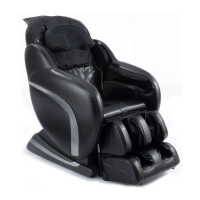
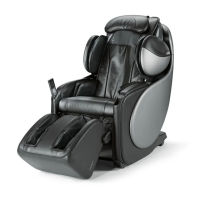
1. Storing the uAstro
• Wipe off dust and dirt from the uAstro with a dry, soft, clean cloth after use.
• Keep the uAstro clean and away from places of high humidity.
• If the uAstro is not to be used for a long period of time, cover the uAstro
with a dust cover and unplug its power plug from the electrical outlet.
2. Cleaning the uAstro
• Before cleaning, ensure that the main power switch is off and the power plug
is disconnected from the electrical outlet.
• Wipe off dust and dirt from the uAstro with a dry, soft, clean cloth after each use.
• The uAstro can be cleaned thoroughly with a slightly damp cloth.
• Do not iron the upholstery.
• Do not wash the upholstery using a home washing machine as this
may result in deterioration of the upholstery’s quality.
Caution
• Do not store the uAstro in direct sunlight or in places of high temperature.
This may cause the color of the upholstery to fade.
• Do not allow the uAstro to remain in contact with vinyl or wallpaper for
extended periods of time as this could lead to discoloration.
Caution
• Do not use abrasive cleaning agents like benzene or thinner to clean
the uAstro. This may cause the upholstery to fade.
23






 To Next Page