16
Automatic Massage Programs
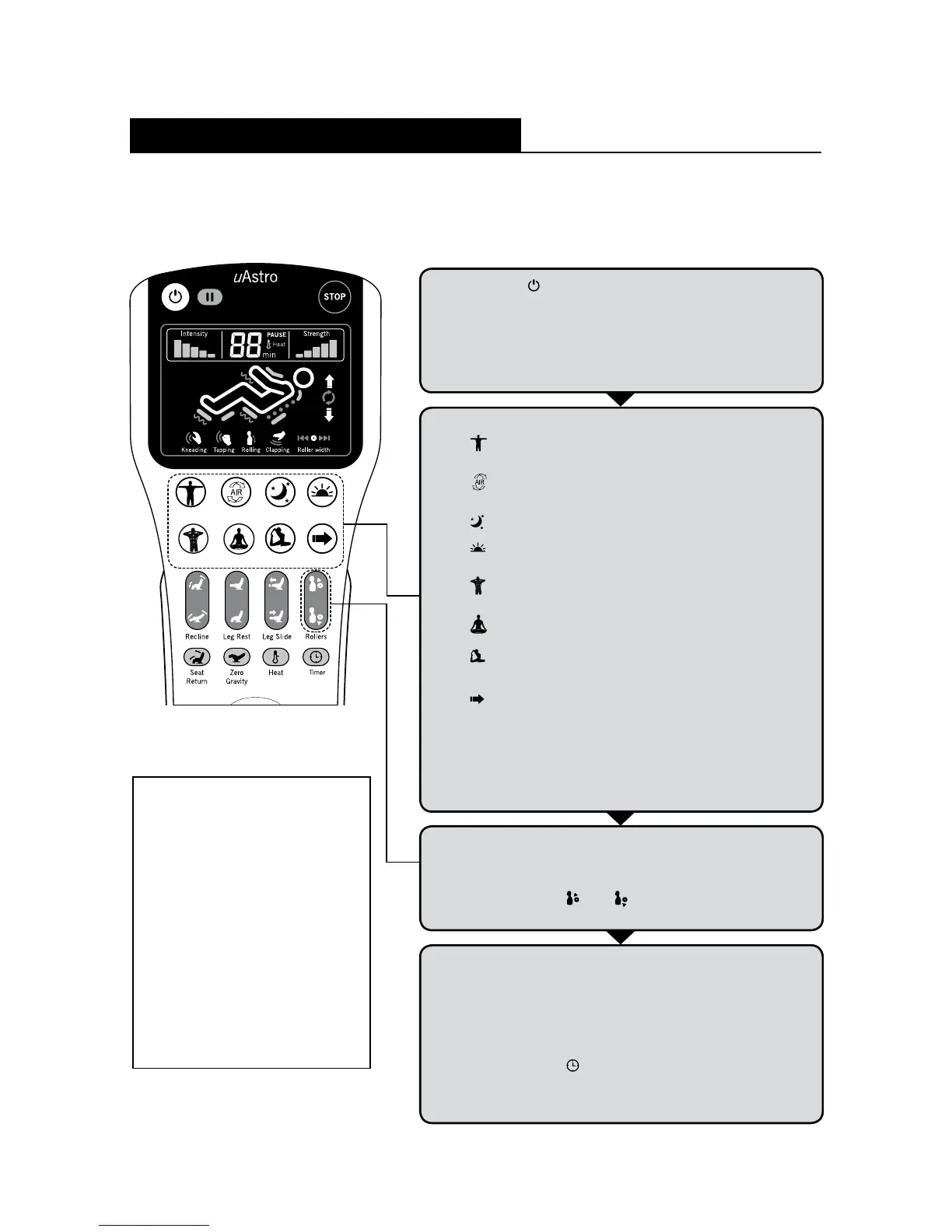
You may select any Automatic Massage Program that best suits your needs by pressing
the respective automatic program buttons on the controller.
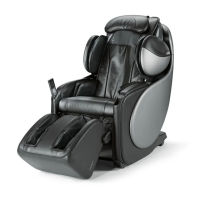
Press the [ ] button to switch on the controller. uAstro will
recline to its ready position and the LCD on the controller
will light up. If no selection is made after 5 minutes, the chair
will go into idle mode and the LCD light will go off.
(Ready position: Leg rest will raise slightly and backrest will
recline slightly).
1
Select any of the 8 automatic programs:
[
] Full Body - A comprehensive full-body massage
with airbags and roller system for deep relaxation.
[
] Full Air - Recommended for those who prefer
a softer full-body massage using airbags.
[
] Relax - Fully relaxes your body for a good rest.
[
] Energize - Awakens your muscles to prepare
them for the day ahead.
[
] Swedish - This program consists of a harder
kneading and tapping massage.
[
] Rejuvenate - This program consists of a gentler
kneading and tapping massage.
[
] Stretch - This program consists primarily of
movement and air pressure to stretch the body.
[
] Quick - This program provides a quick massage
to refresh the entire body.
(Once an automatic program button is pressed, the Back
Auto-Detection function will begin. During the process,
you must remain seated with your head on the headrest)
2
3
The massage program begins when the Back
Auto-Detection is completed.
You can adjust your desired shoulder position further
by pressing the [
] or [
] button within 6 seconds
after the Back Auto-Detection function has ended.
Note
• Keep each massage
session to no longer
than 15 minutes.
• Do not massage any
particular area of the
body for more than
5 minutes.
• Keep massage sessions
to a maximum total of
30 minutes per day.
4
The progress is shown on the LCD. The selected
massage program button will remain lit for 5 minutes
during the program (the default timing for all massages
is 15 minutes).
uAstro will beep twice when there is 1 minute left in
the massage program. You may extend the massage
by pressing the [
] button.
After the massage has completed, the rollers will return
to their storage position.
Massage Programs and Selections
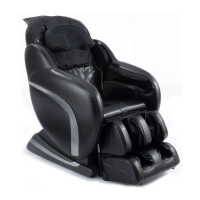
Full Body Full Air Relax Energize






 To Next Page