Preparation Before Use
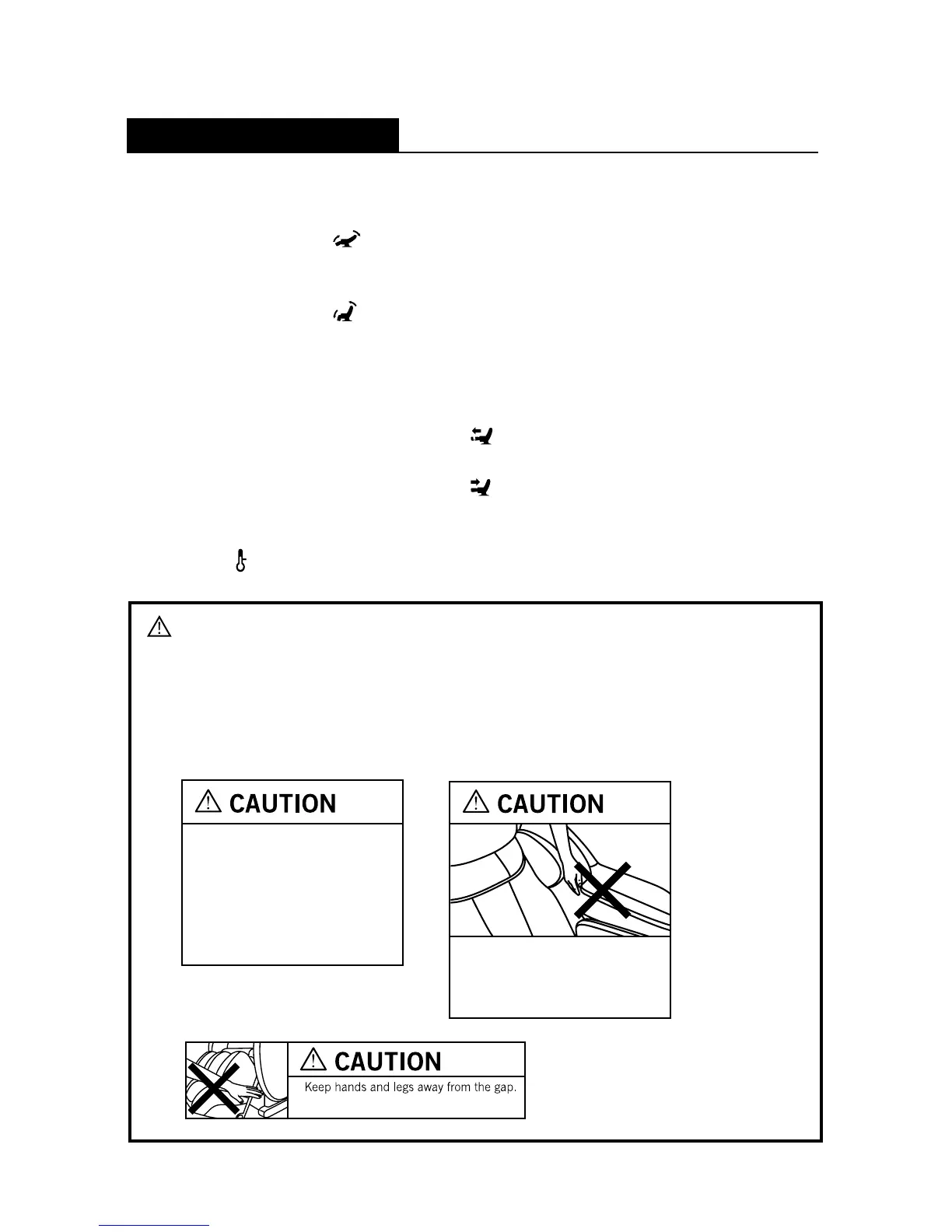
8. How to Use the Backrest Reclining System
• To recline the backrest:
Push and hold the [
] (Recline button) until the backrest is at your
desired angle.
• To raise the backrest:
Push and hold the [
] (Incline button) until the backrest is at your desired angle.
9. Extending the Leg Rest
The leg rest can be extended for usage or retracted for storage.
• To extend the leg rest:
Press and hold the Leg Slide button [
] until the leg rest is at the desired length.
• To retract the leg rest:
Press and hold the Leg Slide button [
] until the leg rest is at the desired length.
10. Using the Heater
• Press [
] button to turn ON/OFF the heater.
Caution
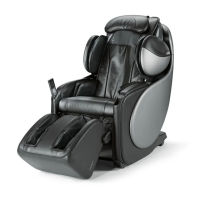
• The uAstro is fitted with a safety function in the backrest and leg rest units
which will stop the backrest or leg rest from descending should there be any
obstruction below it.
• Do not place fingers or objects in the gap between the seat and the
backrest/leg rest.
Please refrain from putting your hands
and arms in between the backrest and
side frame mechanism to prevent injury
when the backrest rises.
• Remove your shoes when using
the chair.
• Do not stand on the leg rest unit
when it is elevated.
• ALWAYS retract the leg rest unit
to its original position after use.
15






 To Next Page