Note
• If the rollers are located at the middle of the backrest when operation is
terminated, they will return to their storage position when the main power
switch is turned on again.
6. Moving the uAstro
There are 2 methods to move the chair.
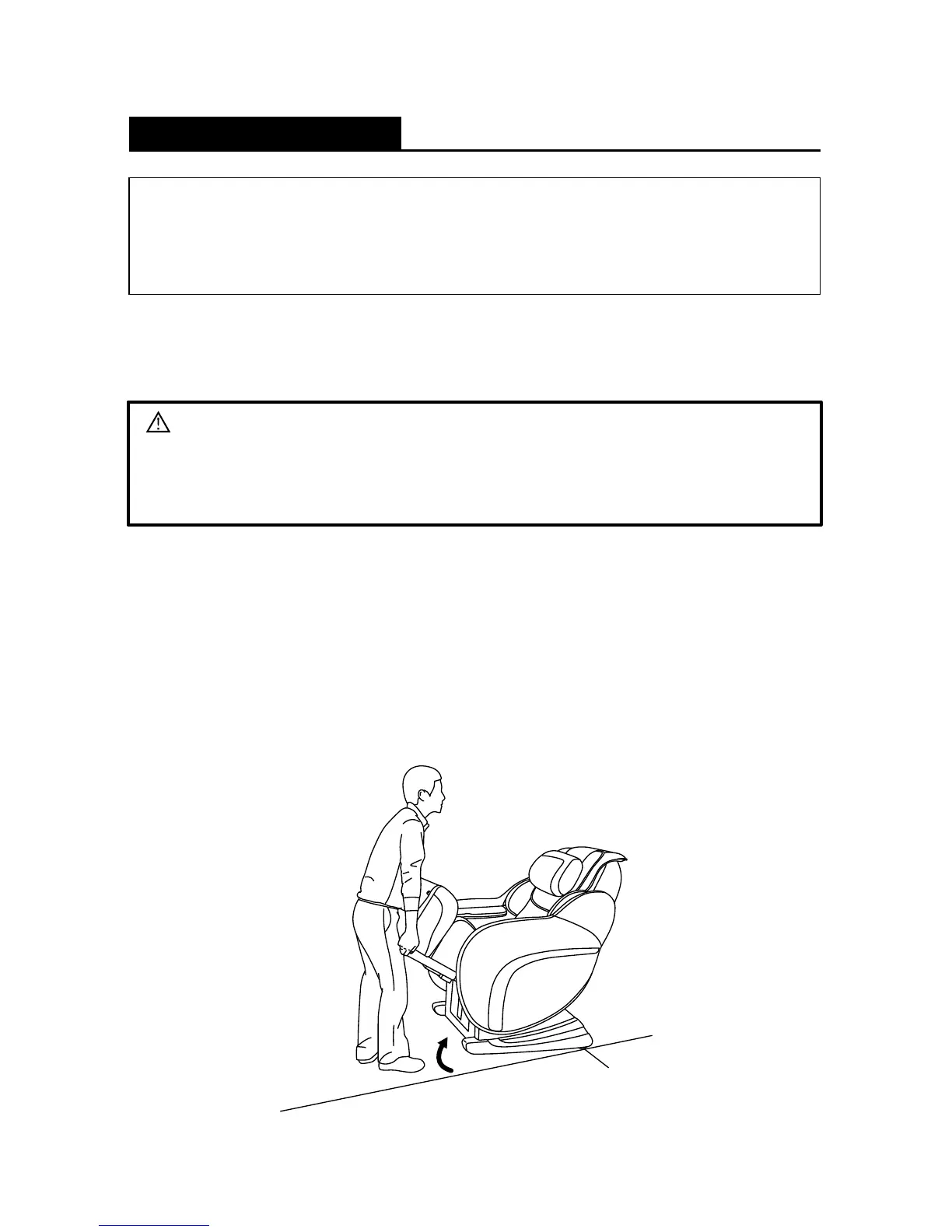
Moving Method (1):
• Raise the backrest and retract the leg rest fully.
• Turn the main power switch OFF and unplug the power plug from the
electrical outlet.
• Lift up the leg rest unit and move the chair as shown in the diagram below.
Preparation Before Use
5. Checking the Backrest Pad
• Lift the backrest upholstery to ensure that there are no holes or tears on the
backrest pad.
Caution
• Always check to ensure that there are no holes or tears on the backrest pad.
Stop using the uAstro immediately if you find even the slightest tear.
Unplug the uAstro and contact Brookstone
®
Customer Service.
Castors
13






 To Next Page