12
Caution
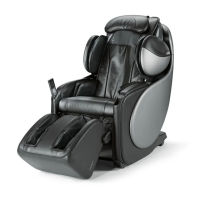
• It is recommended that a carpet be placed under the uAstro to prevent
scratching of the flooring and to reduce noise level during operation.
• As the uAstro is heavy, please exercise extra care not to damage the floor
surfaces when positioning it.
• Maintain a minimum distance of 3 feet from AV devices such as a television
or radio to prevent signal interference.
• Use the uAstro only when it is placed on an even, flat surface.
Preparation Before Use
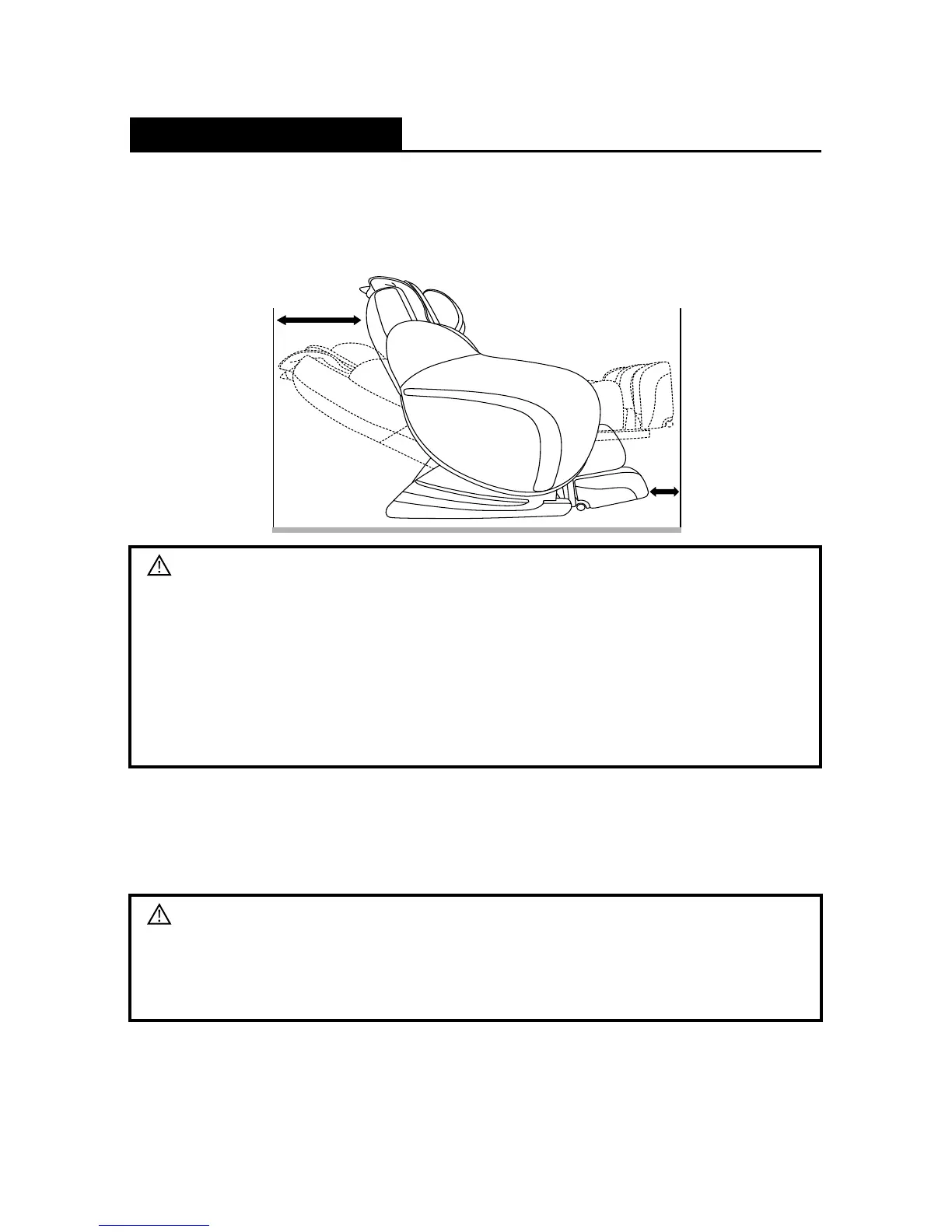
3. Placing the uAstro
• Ensure that there is an allowance of more than 45" behind the uAstro and
more than 20" in front of the uAstro to allow the backrest to recline and the
leg rest to extend without obstruction during operation.
4. Power On/Off
• Connect the power plug to the electrical outlet.
• Turn on/off the switch on the electrical outlet located at the back of the uAstro
to power on/off the uAstro.
Caution
• Ensure that the power cord is not placed under the uAstro.
• Make sure all switches are at the OFF position (including the main power
switch) before the power plug is connected to an electrical outlet.
45"
20"






 To Next Page