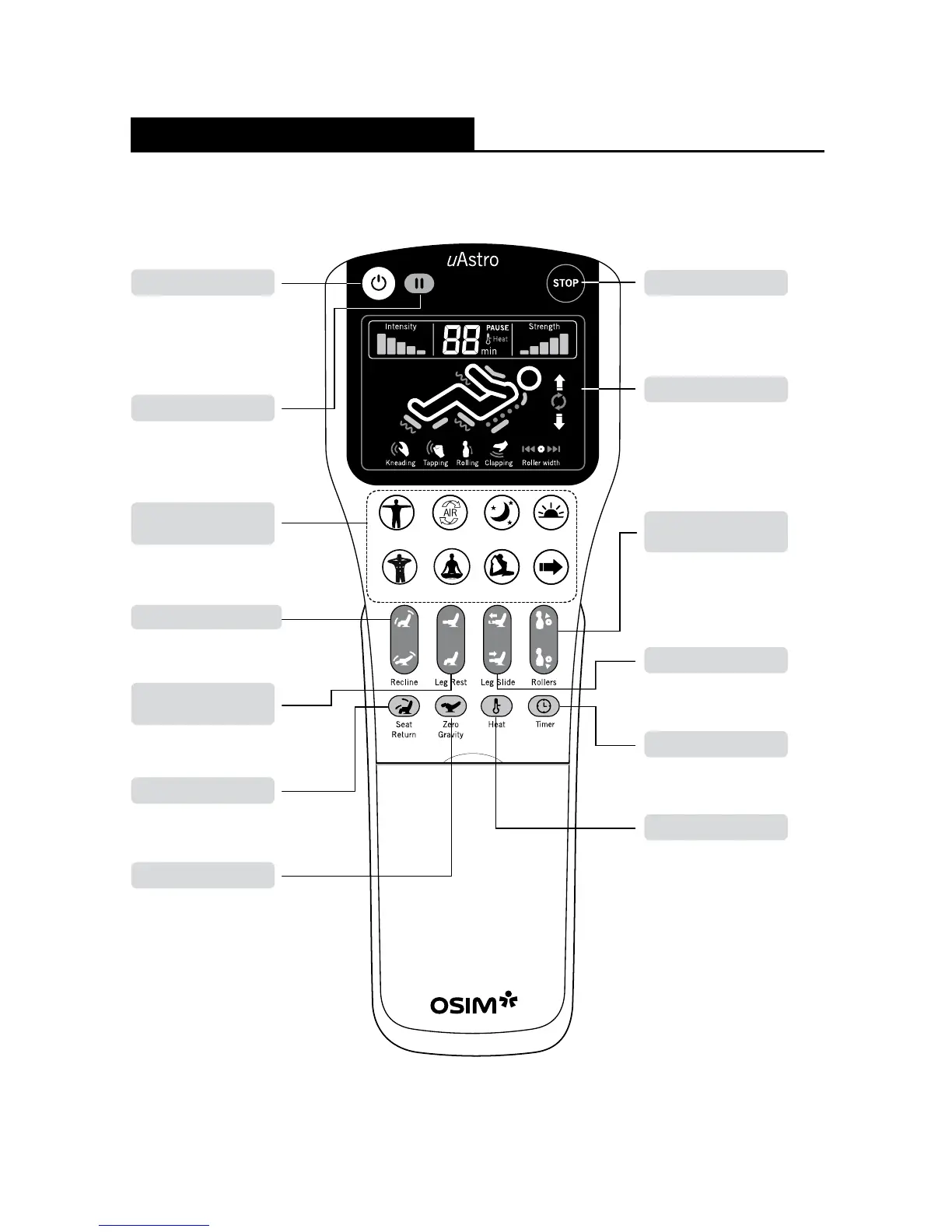
Controller
Names of Parts and Functions
Safety Stop Button
To stop chair operation
immediately. Rollers will not
return to storage position.
To raise or recline the
backrest and leg rest.
Chair Recline Buttons
Refer to page 16 for details.
Automatic Massage
Program Buttons
Roller Adjustment
Button
To adjust the roller position
after Back Auto-Detection
during Automatic, Localized
and Focus Mode programs.
Power ON/OFF. Switching off
the power while in operation
will cause the rollers to return
to their storage position.
Power Button
To pause
massage program.
Pause Button
LCD Display
To display information
on timer, massage
intensity, speed and
roller position, etc.
To raise or lower the
leg rest.
Leg Rest Up/Down
Buttons
To stop all functions. Chair
will return to default position.
Seat Return Button
To recline chair to
Zero-Gravity angle.
Zero-Gravity Button
Leg Slide Button
To extend or retract leg
rest to desired position.
Timer Button
To select variable
countdown selection.
Heat Button
To activate heater
at lumbar area.
Full Body Full Air Relax Energize

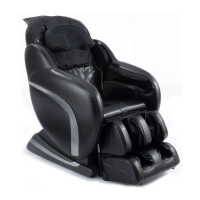
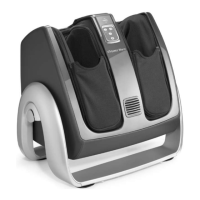

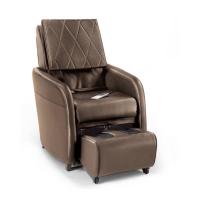




 To Next Page