8
712984_INS0411_Bluetooth Keyboard_Wx4.75”H_Output:100%_Prints:1/1,Blk
TROUBLESHOOTING
ISSUE SOLUTION
The keyboard will not
work with my iPad 2 Tablet.
Make sure that the keyboard is
synced correctly. Power the keyboard
off and then on and try again.
If the iPad 2 Tablet has been upgraded,
or you are using a different iPad 2 Tablet,
resync using the steps on the previous pages.
Check the battery power.
You may need to recharge the
Bluetooth
®
Keyboard Case.
Make sure that both your iPad 2 Tablet
and the Bluetooth
®
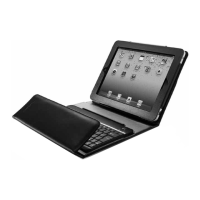
Keyboard Case
are on and in good working order.
iPad is a trademark of Apple Inc., registered in the U.S. and other countries.
Bluetooth is a registered trademark of Bluetooth SIG, Inc.


 To Next Page





