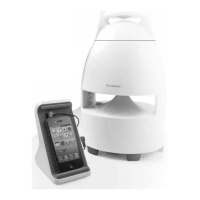
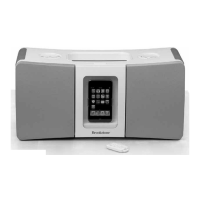
iPod CLIPS INCLUDED ARE AS FOLLOWS:
Clip A: iPod nano (5th gen)
Clip B: iPod nano (3rd gen)
Clip C: iPod nano (4th gen)
Clip D: iPod touch (1st and 2nd gen)
Clip E: Universal 1 (Older iPod models and Phones)
Clip F: Universal 2 (160GB, 5th gen 80GB and older iPod models)
Note: If you have an iPhone
™
, you may use CLIP E provided, however,
you must switch your iPhone into audio only “Airplane Mode” to avoid
phone transmission interference.
PLAYING AND PAUSING YOUR MUSIC
Dock your iPod in the unit, or with your iPod already docked in the unit,
press
to turn the unit on. iPod playback will begin. Press
to pause
and play iPod.
FAST-FORWARDING AND REWINDING YOUR SONGS
Press and hold
or
to rewind or fast forward within a song.
SKIPPING FORWARD AND BACKWARD TO A SONG
Press and release
or
incrementally to skip forward or backward
to a song.
623405_INS_BoomBox for iPod
Size:5”Wx4.75”H_Output:100%_Prints:1/1,Blk
18


 To Next Page