EasyManua.ls Logo

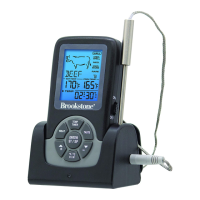
Brookstone BS-201 - MEAT AND TASTE SELECTION; Selecting Meat and Taste Preferences

Brookstone BS-201
8 pages
Print Icon
To Next Page IconTo Next Page
To Previous Page IconTo Previous Page
Loading...
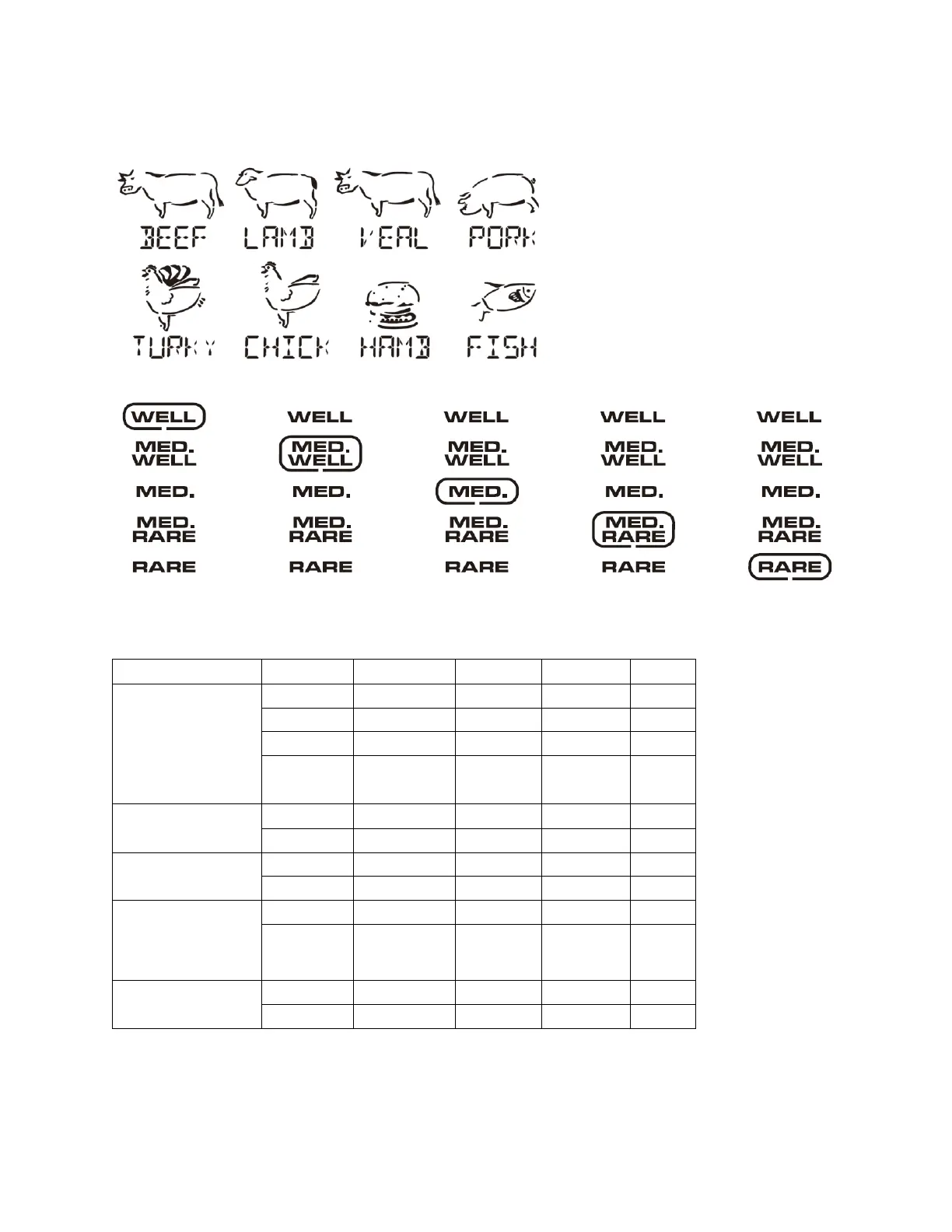
MEAT AND TASTE SELECTION
In TEMP mode, press MEAT button to scroll through meat choices. When selection is flashing, press
ENTER/ST-SP to confirm selection.
Press TASTE button to scroll through taste choices. When selection is flashing, press ENTER/ST-SP to
confirm selection.
If ENTER/ST-SP is not pressed, the setting is invalid and it will auto-exit in 30 seconds.
PROGRAM SETTINGS:
MEAT/TASTE
WELL
M-WELL
MEDIUM
M-RARE
BEEF
CHICK
TURKY
HAMB
LAMB
77°C
74°C
71°C
66°C
170°F
165°F
160°F
150°F
77°C
74°C
71°C
66°C
170°F
165°F
160°F
150°F
VEAL
74°C
71°C
66°C
63°C
165°F
160°F
150°F
145°F
PORK
77°C
74°C
71°C
170°F
165°F
160°F
TURKEY
CHICKEN
(POULTRY)
BURGER
74°C
165°F
FISH
63°C
145°F

Related product manuals