5
connecTinG
1. Connect one end of the included 3.5mm AUDIO CABLE to the 3.5mm
PORT of the Bluetooth
®
Connect.
2. Connect the other end to an audio input (AUX In) on your home stereo
system. Consult your stereo system’s manual for more information.
3. Connect the MICRO USB POWER CABLE (included) to the Bluetooth
®
Connect’s MICRO USB PORT, and then plug the MICRO USB POWER
CABLE into an electrical outlet.
pairinG
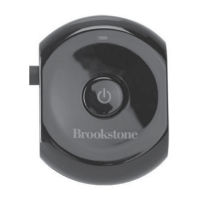
1. Press and hold the MULTI-FUNCTION button. The blue LED light will flash
in approximately 7 seconds, followed by the LED alternating between blue
and red to indicate it is ready to sync with your device.
2. Go to the Bluetooth
®
Manager of your device. Search under Devices and
select “Connect to Brookstone.”
3. If prompted, enter the PIN code “0000.” This will allow your device to pair
with the Bluetooth
®
Connect.
4. Your Bluetooth
®
Connect is now synced and ready to play audio. Just play
the audio on your device as you normally would and the sound will come
out of your stereo speakers!


 To Next Page