Using the 3.5 mm AUX Input
Insert one connector of a 3.5 mm auxiliary cable (not included) into the 3.5 mm aux input port
on the soundbar.
Insert the other connector into the headphone jack or 3.5 mm aux output port on your
media-playing device. The soundbar will automatically switch to AUX mode.
In AUX mode, all playback will be controlled by your connected device.
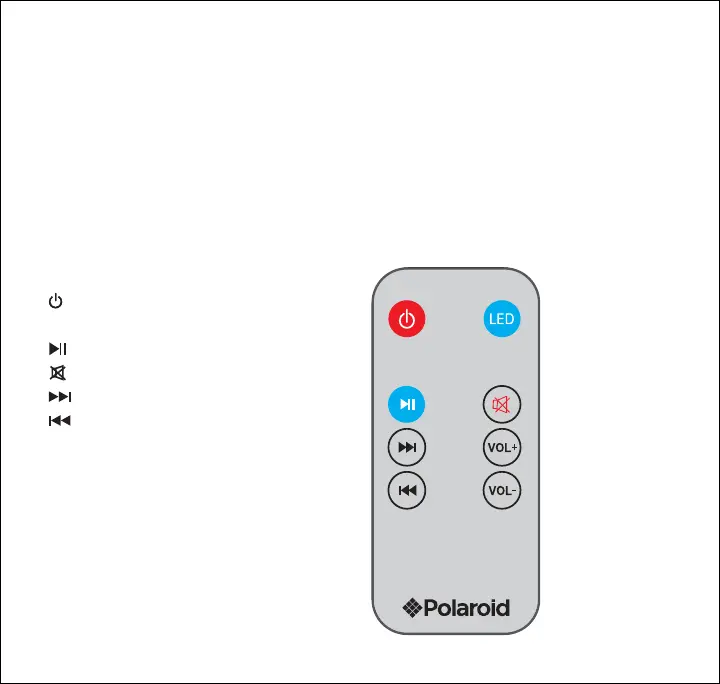
Using the Remote Control
• [ ] Button: Enter/leave standby mode
• [LED] Button: Change LED light mode
• [ ] Button: Pause/resume playback
• [ ] Button: Mute/unmute volume
• [ ] Button: Skip to next track
• [ ] Button: Skip to previous track
• [VOL+] Button: Increase volume
• [VOL-] Button: Decrease volume
7


 To Next Page