INSTALLING AUDACITY SOFTWARE ON A MAC
®
Insert the included CD.
Open the CD icon on your desktop.
Drag the installation folder for Audacity to your hard drive. We recommend
that you move the folder to your “Applications” folder.
A window will appear that shows the files being copied.
Wait until the copying has completed and EJECT the CD.
Open the Audacity Software from the location you chose on your hard drive.
SOFTWARE CONFIGURATION
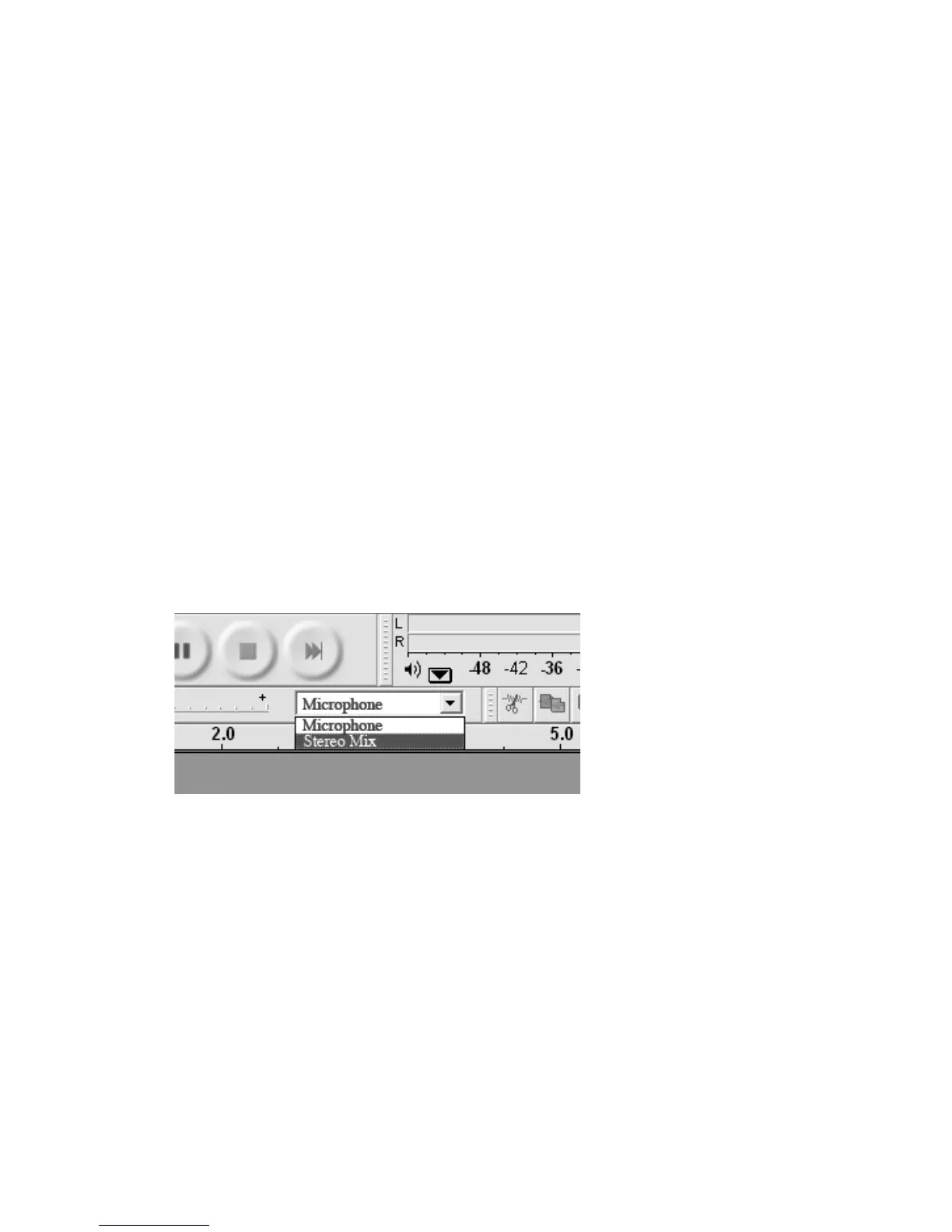
Click “Microphone” in the drop-down menu and select “Stereo Mix” (see below).
Select the “Edit” menu and then “Preferences.”
Select the USB audio device under the “Recording” selection. Select “Software
Playthrough” to hear the audio while recording.
Note: The USB turntable may show up with a different name in a Windows
system. This may depend on your computer model and operating system.
99% of the time it will contain “USB” in the name.
1.
2.
3.
4.
5.
6.
13



 To Next Page