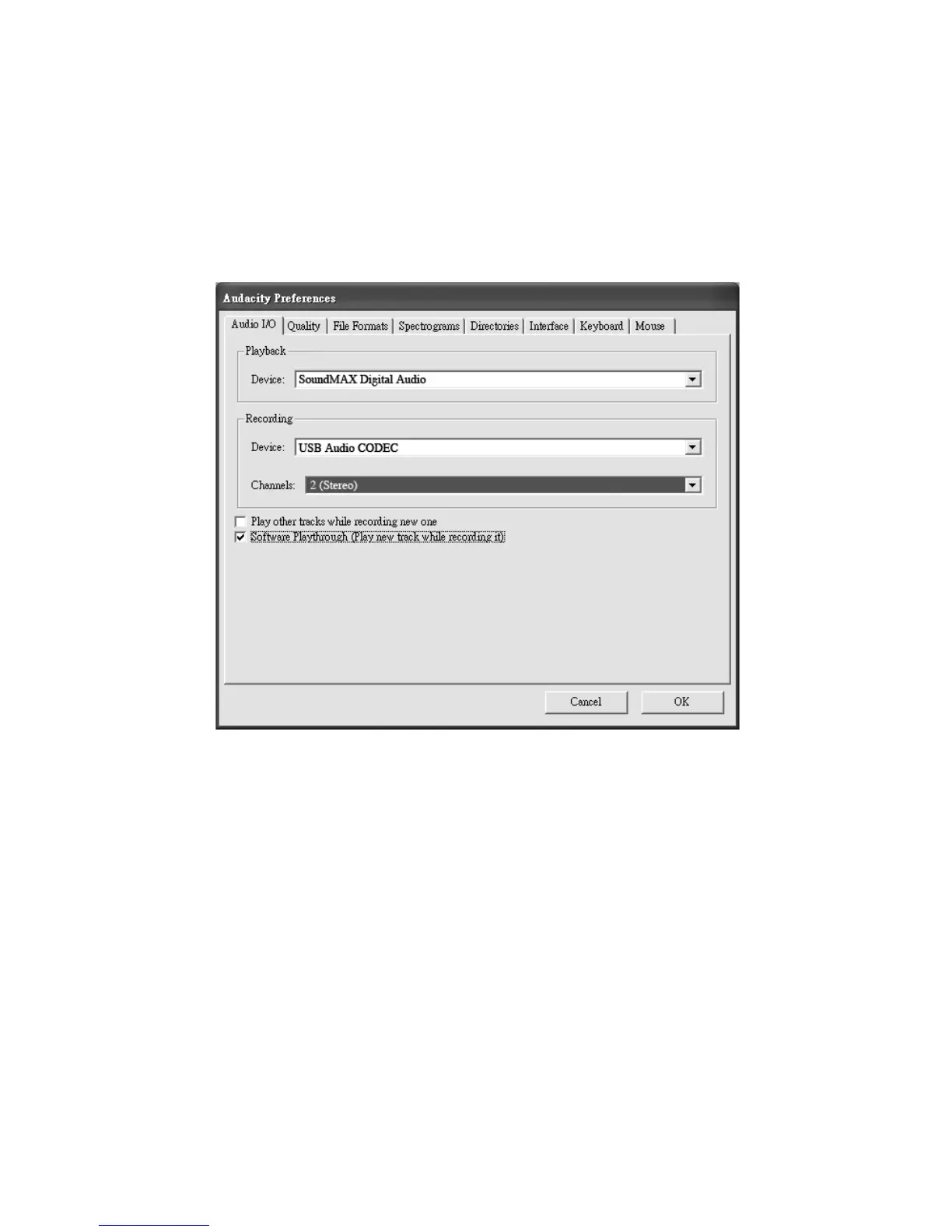
Select “USB Audio Device” from “Audacity Preferences” (see below).
After configuring the settings, you are ready to begin recording.
If you are still having difficulty finding the USB turntable, check your system settings
or control panel to adjust the audio input settings from the sound control panel.
Note: a) You may choose to download the latest version of Audacity from
the following website: http://www.audacity.com. b) You may also check the
following website and download trial versions of more sound editing
software at http://www.bias-inc.com.
14



 To Next Page