Paste - Inserts whatever is on the clipboard at the position of the selection or
cursor in the project, replacing whatever audio data is currently selected, if any.
Trim - Removes everything to the left and right of the selection.
Delete - Removes the audio data that is currently selected without copying
it to the clipboard.
Silence
- Erases the audio data currently selected, replacing it with silence
instead of removing it.
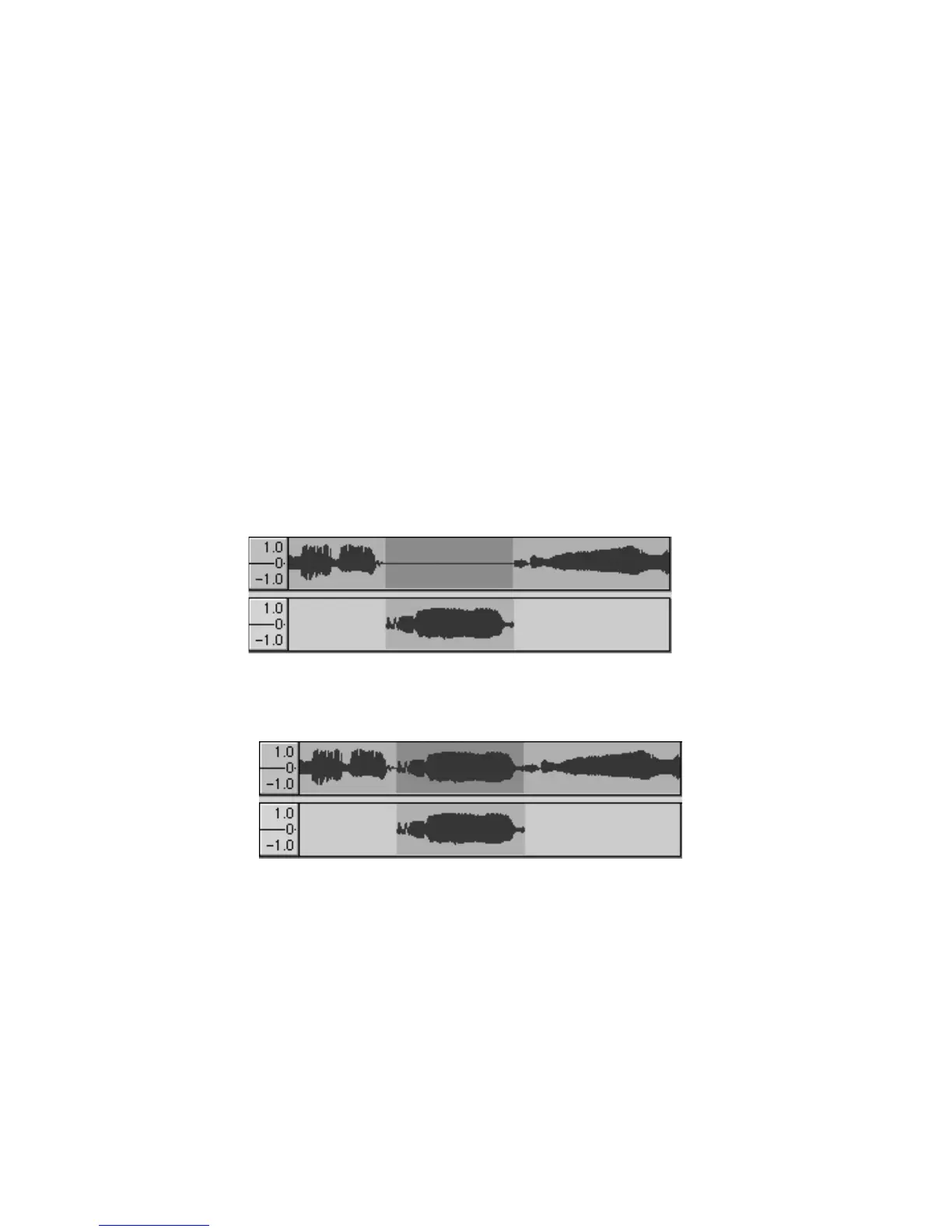
Split
- Moves the selected region into its own track or tracks, replacing the
affected portion of the original track with silence. See the figure below:
Duplicate - Makes a copy of all or part of a track or set of tracks into new tracks.
See the figure below:
Select > All - Selects all of the audio in all of the tracks in the project.
Select > Start to Cursor
- Selects from the beginning of the selected tracks
to the cursor position.
23



 To Next Page